IBenefits


IBenefits Summary
IBenefits is a Android app in the Shopping category, developed by Inspiring Benefits SL. First released 8 years ago(Apr 2017), the app has accumulated 216K+ total installs and 296 ratings with a 2.33★ (poor) average rating.
Recent activity: 1.3K installs this week (4.3K over 4 weeks) showing steady growth , and 1.00 new ratings this week View trends →
Store info: Last updated on Google Play on Mar 7, 2025 .
2.33★
Ratings: 296
Screenshots

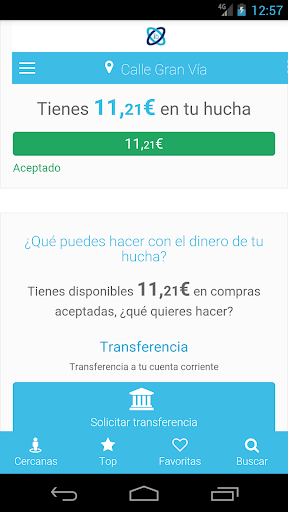
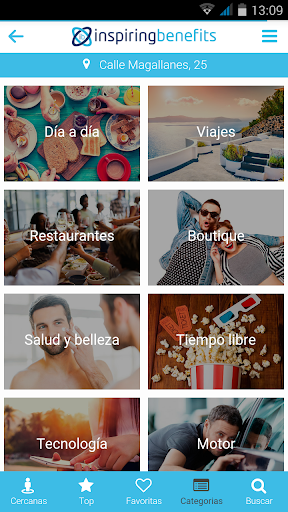
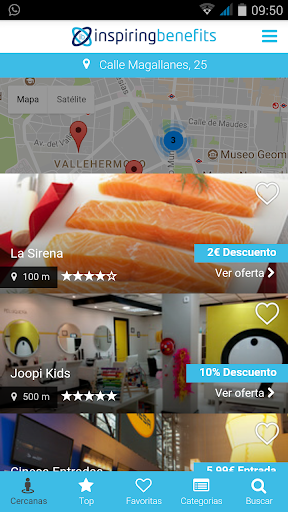
App Description
Enjoy all the advantages offered by your Benefits Club from your device.
Enjoy all the advantages offered by your Benefits Club from your mobile device or tablet.
Discover the new improvements, with a new design to offer you a better visual experience, with more features and with a notification system to be always informed about our news.
It is very easy! Install the application and you can shop from your Benefits Club anywhere and at any time. You can enjoy the advantages whenever you want.
With this application simply and quickly:
* Access all the offers of your club, now from your mobile.
* Share your location to offer you the closest discounts through the offers map.
* Present discount coupons directly from your mobile, without having to print them.
* Search by categories (travel, restaurants, technology, sports, motor, supermarkets, clothing, etc...) or by words in an easy and simple way.
* You also have online offers, so you can make your purchases directly from your mobile.
* Find out about the latest exclusive discounts added to your club day by day.
* Access your favorite offers quickly.
* If you are in a place where you do not have a discount, you can request it through the application and we will try to get it for you.
* Receive notifications with the news to always be up to date.
To access the application, you will have to be registered in your Benefits Club. Once you are registered, access from your computer and in the user menu press the option “Install the app”. There you will find the instructions to access the app.
Enjoy your Benefits Club! Any suggestions are welcome to continue offering you the best benefits. Help us improve!