Photo Editor


Photo Editor Summary
Photo Editor is a ad-supported, with in-app purchases Android app in Photo And Video by dev.macgyver. Released in Nov 2011 (14 years ago). It has about 82.5M+ installs and 505K ratings with a 4.40★ (good) average. Based on AppGoblin estimates, it reaches roughly 679.7K monthly active users and generates around $>100K monthly revenue (32% IAP / 68% ads). Store metadata: updated Feb 12, 2026, version 2026011400.
Recent activity: 20.3K installs this week (88.7K over 4 weeks) showing steady growth , and -30 new ratings this week View trends →
Data tracking: SDKs and third-party integrations were last analyzed on Feb 22, 2026. The app's network data flows (API traffic to/from the app and its SDKs) were last crawled on Aug 8, 2025.
Store info: Last updated on Google Play on Feb 12, 2026 (version 2026011400).
Photo Editor was last scanned for SDKs 2026-02-22. Below is the overview of third party companies detected in the app. The full list of raw SDKs, app permissions and unknown SDKs is available here.
 Kotlin
 Google
 AdMob
AdMob Firebase
4.4★
Ratings: 505K
Screenshots

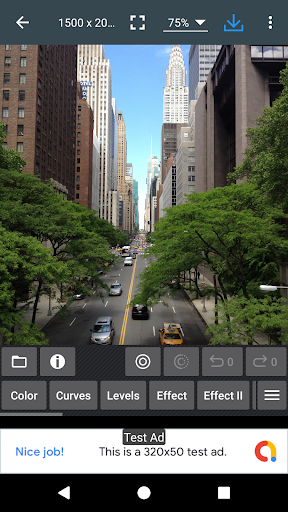
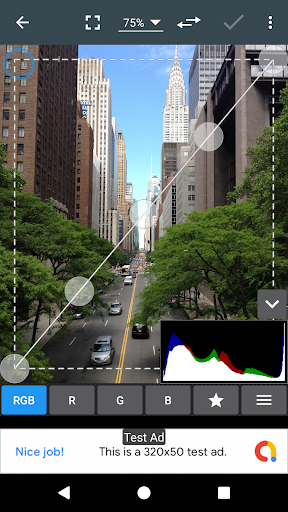
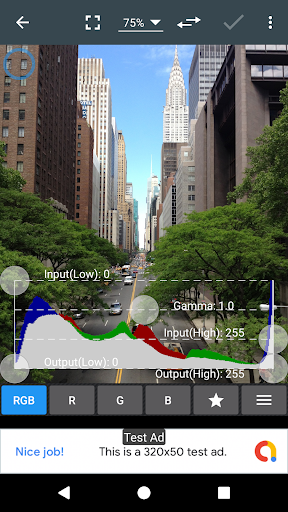
App Description
Photo Editor is a small but powerful photo editing application
If you have some knowledge of photography, you can do a lot with Photo Editor.
Now use Photo Editor to edit photos on your mobile phone just like you would on a PC.
Features
* Color : exposure, brightness, contrast, saturation, temperature, tint and hue
* Curves & Levels : fine-tuning of colors
* Effects : gamma correction, auto contrast, auto tone, vibrance, blur, sharpen, oil paint, sketch, black & white high contrast, sepia, and more
* Adding text, images or shapes
* Frame, Denoise, Drawing, Pixel, Clone, Cut Out
* Rotation, Straighten, Crop, Resize
* Corrections : perspective, lens, red-eye, white balance and backlight
* Easily edit with the touch and pinch-to-zoom interface
* Save images in JPEG, PNG, GIF, WebP and PDF
* View, edit, or delete Metadata (EXIF, IPTC, XMP)
* Save your final result to your gallery, as wallpaper, or on your SD card
* Share photos via email, social media, and more
* Batch, Crop(Puzzle), Compress to ZIP, Create PDF, Animated GIF
* Webpage Capture, Video Capture, PDF Capture
* Compare Photos, GIF Frame Extractor, SVG Rasterizer
* Ad-free option is available (Settings > Purchase Items)
*** Links
Website: https://www.iudesk.com
Tutorials: https://www.iudesk.com/photoeditor/tutorial
*** PHOTO EDITOR IS NOT SPYWARE/VIRUS!!!
Photo Editor does not contain any viruses or malicious code.
https://www.iudesk.com/photoeditor/security