Last Commando II: FPS Pro Game

Last Commando II: FPS Pro Game Summary
Last Commando II: FPS Pro Game is a ad-supported, with in-app purchases Android app in Action by Skippy Games. Released in Jan 2016 (10 years ago). It has about 1.6M+ installs and 11K ratings with a 3.42★ (mixed) average. Based on AppGoblin estimates, it reaches roughly 324 monthly active users and generates around $<10K monthly revenue (71% IAP / 29% ads). Store metadata: updated Oct 22, 2025.
Recent activity: 112 installs this week (718 over 4 weeks) showing steady growth , and -3 new ratings this week View trends →
Store info: Last updated on Google Play on Oct 22, 2025 .
3.42★
Ratings: 11K
Screenshots

App Description
FPS Army Commando Combat Action Shooting Game with modern weapons. Now with VR
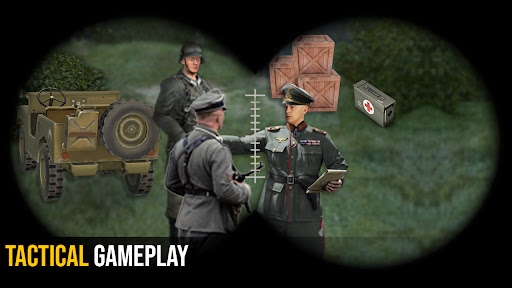
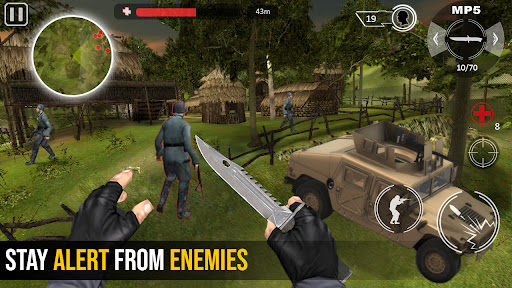
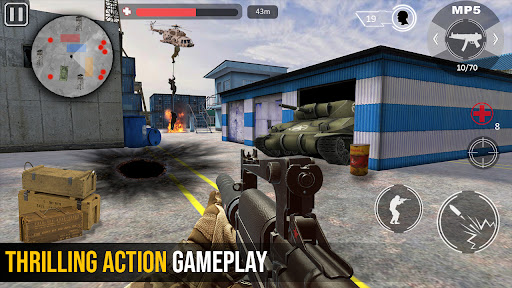
Fast pace action FPS shooting game with both VR and Non-Vr mode and option of bluetooth gamepad or without vr controller. Another vrbox games series. Shooting games war combat missions designed for professional gamers.
In this First Person Commando shooting game survive and fight as last hope. Enjoy vr games by connecting a video game controller (aka Joystick) via Bluetooth to your android device. Use the D-pad (directional pad) on the console controller for the player movement and mobile gamepad keys for the shooting and other actions.
Fighter Jet Shooting Game Features:
- A FPS action commando shooting game.
- Deadly weapons
- Addictive game play
- Thrilling mission’s story
- HD graphics, music and voice performances perfectly adapted for a shooter game.
- Highly customize able controls so you can play the game just the way you want.
- Supported on all android devices.
How to Play Air Force Action Game:
With Gamepad:
• Complete user guide and tutorial for playing game with joy pad is provided within the game.
Without Game Controller:
- Non-VR: Touch the right half of screen for aiming, and left half of screen for movement
- VR: Look and aim at enemy for auto-shooting
- The gun reloads automatically.
- For enemies at far distance, use scope.
- Tap to pick weapons.
- For Completing mission objectives follow navigator.
- Detect enemies by the help of radar.
- Read the mission objective carefully.