Train Go - Railway Simulator

Train Go - Railway Simulator Summary
Train Go - Railway Simulator is a ad-supported, with in-app purchases Android app in the Simulation category, developed by monois Inc.. First released 8 years ago(Aug 2017), the app has accumulated 2.9M+ total installs and 17.5K ratings with a 4.53★ (excellent) average rating.
Recent activity: 848 installs this week (4.7K over 4 weeks) showing steady growth , and 11 new ratings this week (32 over 4 weeks) with stable momentum. View trends →
Data tracking: SDKs and third-party integrations were last analyzed on Apr 23, 2025.
Store info: Last updated on Google Play on Sep 26, 2025 .
Train Go - Railway Simulator was last scanned for SDKs 2025-04-23. Below is the overview of third party companies detected in the app. The full list of raw SDKs, app permissions and unknown SDKs is available here.
 Google
 Unity
Unity Kotlin
 JetBrains
 Firebase
4.53★
Ratings: 17.5K
Screenshots

App Description
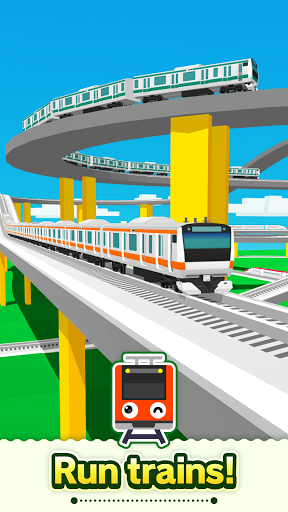
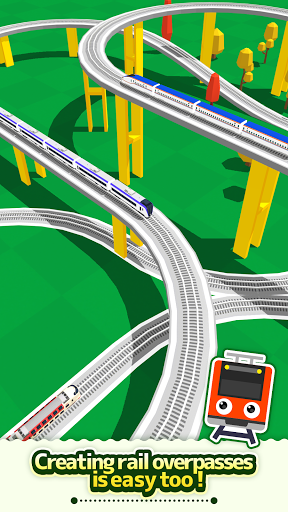
Create a railway with elevated rails, forking rails, etc., as you want.
Select the desired rail and connect it.
Just tap to lay rails.
Create a railway with elevated rails, forking rails, etc., as you want.
Create a railway for your favorite train or bullet train and exercise your imagination and creativity.
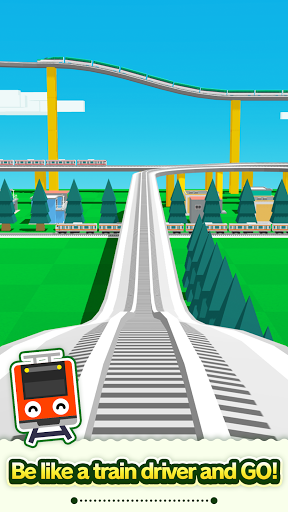
Great fun to run a train on a railway you created, and a great sense of accomplishment!
Add train stations and tunnels to customize it. Then run trains on it!
Instructions
Tap the screen to add the desired rail.
Tap the arrow in the direction you want to lay the rail. Very easy to lay rails.
Tap on a background part to add buildings and trees wherever you want.
After building the railway, tap on the Put Train button and select a train!
You can add and delete trains and change the running direction.
After you are done, tap the Start Train button to start running the train.
When the train approaches a fork, use the following Fork button to switch the train's direction.
Camera Mode
Press "+" to zoom in.
Press "-" to zoom out.
Press the arrow to change the camera angle.
Train tracking: Press ON to track a train.