Lefty: Wear OS on right wrist


Lefty: Wear OS on right wrist Summary
Lefty: Wear OS on right wrist is a ad-supported, with in-app purchases Android app in Tools by mu.co. Released in Aug 2018 (7 years ago). It has about 26.8K+ installs and 335 ratings with a 3.73★ (average) average. Based on AppGoblin estimates, it reaches roughly 95 monthly active users and generates around $<10K monthly revenue (43% IAP / 57% ads). Store metadata: updated Feb 2, 2023.
Recent activity: 11 installs this week (24 over 4 weeks) showing steady growth View trends →
Store info: Last updated on Google Play on Feb 2, 2023 .
3.73★
Ratings: 335
Screenshots
App Description
Use a Wear OS watch on your right wrist and invert the UI 180 degrees
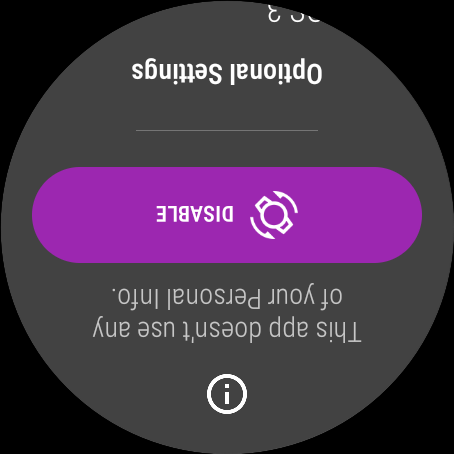
This app provides left handed (lefty) mode to Wear OS. It means inverting your Wear OS watch UI (screen orientation).
<>
In general, apps can reach your personal data by using AccessibilityService API.
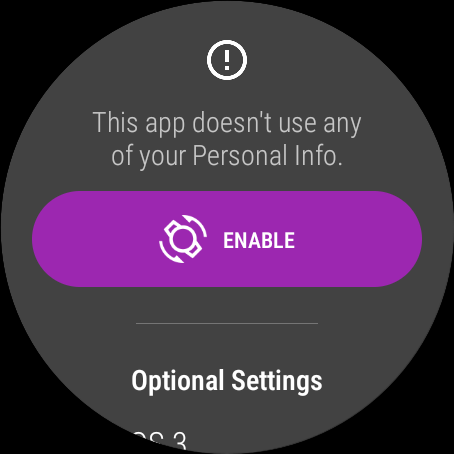
This app uses AccessibilityService API only to invert the screen orientation and doesn't collect/use any of your Personal Info.
- PURPOSE
Some Wear OS watch have side buttons. And some of left handed (lefty) people like wearing watches on right wrist. When this, these buttons are facing toward your body instead of toward your actual wrist. And it's not comfortable.
Even for right handed people, to avoid activating buttons accidentally, some people like to wear it by turning Wear OS watch upside down.
- HOW TO USE
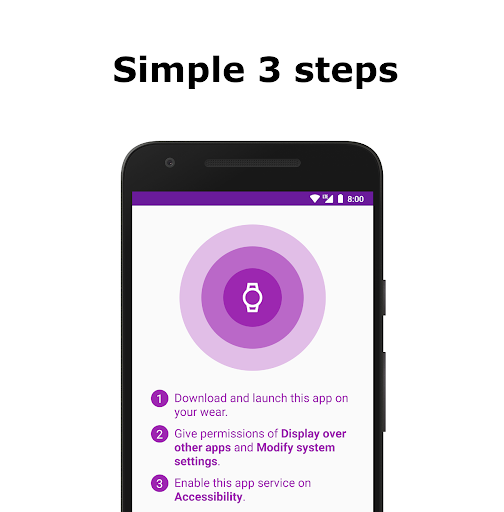
1. Download and launch this app on your wearable device.
2. Give permissions of "Display over other apps" and "Modify system settings".
3. Enable Lefty app service on "Accessibility".
- NOTICE
1) This app doesn't reverse wrist gestures and crown rotation.
2) Sometimes the screen will be Always On.