mysms - Remote Text Messages


mysms - Remote Text Messages Summary
mysms - Remote Text Messages is a with in-app purchases Android app in Communication by mysms - SMS App - SMS Texting from Computer. Released in Oct 2010 (15 years ago). It has about 3.8M+ installs and 42.5K ratings with a 3.80★ (average) average. Based on AppGoblin estimates, it reaches roughly 2.8K monthly active users and generates around $<10K monthly revenue (100% IAP / 0% ads). Store metadata: updated Oct 27, 2022, version 294.
Recent activity: 192 installs this week (767 over 4 weeks) showing below average growth , and -10 new ratings this week View trends →
Data tracking: SDKs and third-party integrations were last analyzed on Mar 8, 2026. The app's network data flows (API traffic to/from the app and its SDKs) were last crawled on Jul 8, 2025.
Store info: Last updated on Google Play on Oct 27, 2022 (version 294).
mysms - Remote Text Messages was last scanned for SDKs 2026-03-08. Below is the overview of third party companies detected in the app. The full list of raw SDKs, app permissions and unknown SDKs is available here.
 Firebase
 Google
3.8★
Ratings: 42.5K
Screenshots


App Description
SMS texting from your PC or tablet without touching your Android phone
★★★Featured on Google Play in 130+ countries.★★★
As seen on by The Times, PCWorld, TheNextWeb, Gizmodo, All Things Digital, Android Central and many more.
SMS & calls on your PC or tablet in perfect sync with your Android phone.
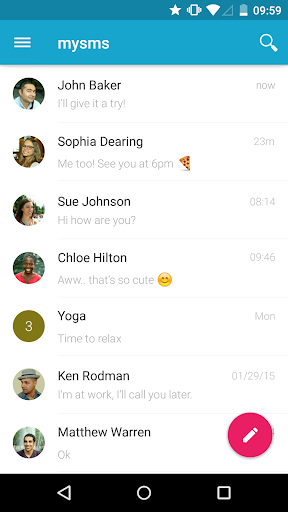
● Text from computer and tablet (real SMS and MMS) using your Android #
● Call notifications on your computer - when you receive a call on your phone
● The only remote texting app with native apps for Android tablet, Windows 7/XP, Windows 8 desktop & tablet and Chrome
● Complete call log history from your Android on your PC & tablet
● MMS Group Chat (group messaging)
● Multimedia messages (picture messages and files)
● Support for any browser (Chrome, Internet Explorer, Firefox, Safari, Opera …)
● Sync your contacts and messages from your phone to the mysms cloud to text from any device
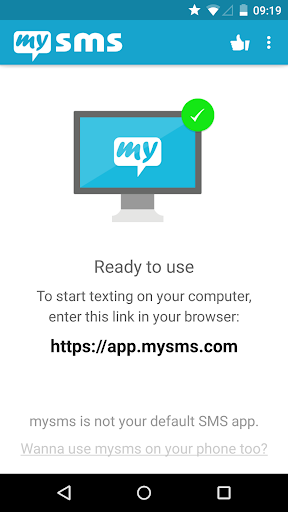
To connect your computer or tablet to your Android phone, download this app on your phone and register for an account. When you then start texting from your computer at https://app.mysms.com or use one of our native apps, you will find all existing SMS messages and contacts synchronized from your Android to your computer/tablet. There is no additional charge from what your carrier charges when you text from your computer.
HOW TO GET STARTED:
1) Install this mysms app on your Android phone
2) Start texting on your computer at https://app.mysms.com or download one of our native desktop and tablet apps at https://www.mysms.com/apps
mysms enables you to manage your Android SMS notifications on your computer and tablet. You also have the choice to use mysms as default SMS app on your Android phone offering you great customization options, expandable notifications and many more features that your preinstalled stock SMS app cannot beat.
When you are in the office, leave your phone in your pocket and send and receive text messages using your full computer keyboard. During meetings you can use mysms as your personal assistant and respond with text to incoming calls from your computer.
If you want even more you can upgrade to Premium for advanced management of your messages. Price: Only USD 9.99 per year. You can also try out mysms Premium free of charge for 14 days.
mysms Premium offer:
● Backup SMS and restore SMS to a new smartphone, or after a reset
● Sync messages an