PS File Viewer


PS File Viewer Summary
PS File Viewer is a ad-supported, with in-app purchases Android app in Art And Design by Vaibhav singhal. Released in Aug 2018 (7 years ago). It has about 146.3K+ installs Based on AppGoblin estimates, it reaches roughly 6.9K monthly active users and generates around $<10K monthly revenue (94% IAP / 6% ads). Store metadata: updated Jun 25, 2024.
Recent activity: 261 installs this week (1K over 4 weeks) showing steady growth View trends →
Store info: Last updated on Google Play on Jun 25, 2024 .
0★
Ratings: 0
Screenshots


App Description
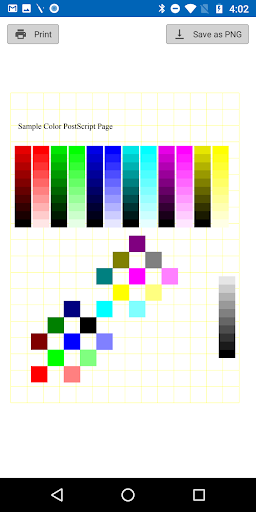
App previews Adobe PostScript .ps files. Convert ps file into PNG.
This app previews .ps files created using adobe software. View Postscript Vector graphics(.ps) file content in your android device without buying costly license.
In this Version:
1. Preview content of Adobe PostScript(.ps) files. Language supported : Korean, English, Spanish, French.
2. Remove full page ads: Full page advertisements can be removed for half day by clicking on banner/full page advertisement.
3. Save .ps file as .png into mobile device.
4. Print PostScript file from Android device or tablet.
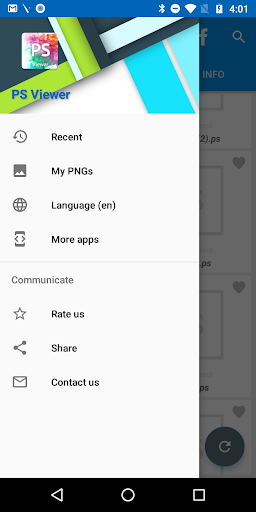
5. List all PostScript(.ps) present in mobile device.
6. Pinch to zoom to show large preview.
7. Deep-link support: Open .ps files from email attachment, .ps files stored in mobile by clicking on file.
8. In-app purchases: to remove full page advertisement permanently during application use, enjoy app features without any restriction.
9. For fast listing of files: Files are searched in alphabetical order of folder i.e Folder name starting with A will be searched first then folder name starting with B & so on tough it depends on OS as well.
10. Contact Us : In case of any query feel free to contact us at mymobappsdev@gmail.com or use contact us button provided in application.