One Sunflower WatchFace SMA 07

One Sunflower WatchFace SMA 07 Summary
One Sunflower WatchFace SMA 07 is a mobile Android app in Personalization by SMA Design Watch Faces. Released in Apr 2024 (1 year ago). It has about 36+ installs Based on AppGoblin estimates, it reaches roughly 1.00 monthly active users . Store metadata: updated Sep 10, 2024.
Recent activity: 1.00 installs this week (2.00 over 4 weeks) showing steady growth View trends →
Store info: Last updated on Google Play on Sep 10, 2024 .
0★
Ratings: 0
Screenshots

App Description
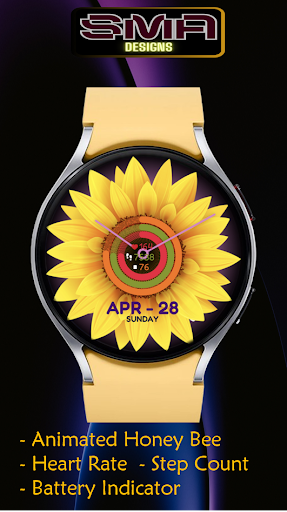
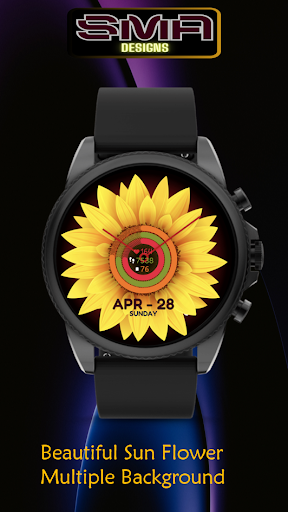
Sunflower watch face that sways with gyroscopic motion,mirroring wrist movements
Introducing the Sunflower Watch Face, a captivating blend of nature-inspired design and cutting-edge technology tailored for your personalized style.
This innovative watch face brings the beauty of a sunflower to your wrist, enhancing your smartwatch experience with gyroscopic effects and a wide range of color choices.
At the heart of this watch face is its gyroscopic functionality, which allows the sunflower to move in perfect harmony with your wrist movements. As you move your wrist, the sunflower petals come alive,
The Sunflower Watch Face is more than just a watch face; it's a statement piece that reflects your individuality and style. Whether you're heading to a casual outing, a formal event, or a workout session, this watch face adds a touch of elegance and personality to your wrist.
Features:
• Display Battery
• Display Heart Rate
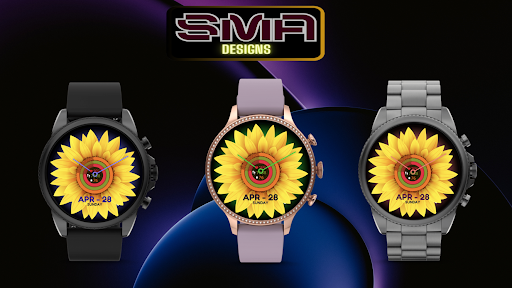
• Different Changeable Colors
• Battery Information
Note:
if you see message "Your devices are not compatible", use Play Store on WEB browser.
INSTALLATION
1. Install app on your phone (only Android OS 11.0 or above)
2. Install app on your smartwatch (only Wear OS by Google)
To show the heart rate, stay still and tap the heart rate area. It will blink and measure your heart rate. The heart rate will be shown after the successful reading. The default usually showing 0 before the reading is complete.
Tap and hold the watch face and go to the "customize" menu (or settings icon under the watch face) to change the styles.
Join our Telegram group for live support and discussion
https://t.me/SMA_WatchFaces
Important notes about heart rate measurement & display:
*Heart rate measurement is independent from the Wear OS heart rate application and is taken by the watch face itself. The watch face shows your heart rate at the time of measurement and does not update the Wear OS heart rate app. The heart rate measurement will be different than the measurement taken by stock Wear OS app. The Wear OS app will not update the watch face heart rate, so in order to display your most current heart rate on the watch face, tap the heart icon to measure again.
★ FAQ
Q: Do your watch faces support Samsung Active 4 and Samsung Active 4 Classic?
A: Yes, our watch faces support WearOS smartwatches.
Q: How to install the watch face?
A: Follow these steps:
1. Open the Google Play Stor