Dark: Screen Saver for Videos


Dark: Screen Saver for Videos Summary
Dark: Screen Saver for Videos is a mobile Android app in Tools by ByteRipple. Released in Aug 2024 (1 year ago). It has about 138+ installs Based on AppGoblin estimates, it reaches roughly 13 monthly active users . Store metadata: updated Sep 8, 2024.
Recent activity: 1.00 installs this week (16 over 4 weeks) showing steady growth View trends →
Store info: Last updated on Google Play on Sep 8, 2024 .
0★
Ratings: 0
Screenshots

App Description
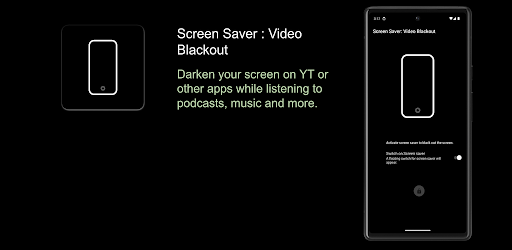
Black screen for videos while listening to podcasts etc. OLED Always On Display.
Darken Screen for Audio Playback on Video/Streaming Apps, record videos, take selfies, etc with your screen blackened off.
Tired of keeping your screen on while just listening to the audio on Video apps? Our app is here to help! Whether you're enjoying podcasts, music, or any audio content on video or streaming apps, you can now darken your screen and conserve battery life at the same time on AMOLED devices.
Key Features:
• Audio-Only Mode: Listen to the audio of your favourite videos while your screen stays darkened. Play videos, listen to podcasts, record videos, play streams with screen off
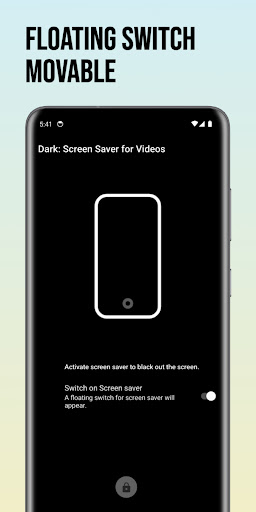
• Easy to Use: The app provides a floating switch. Just activate the black screen saver by switching it on from anywhere.
• Battery Saver: Extend your battery backup by reducing screen usage when you only need to hear, not see. AMOLED screens usually consume less battery if screen is black.
• Always-on display: Minimalistic and easy to use.
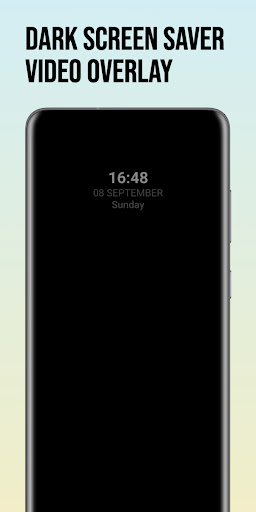
🕒 Display Clock on Dark Screen! 🕒
Perfect for those who love audio content but don't need the visuals. Save your battery, reduce eye strain, and keep enjoying your favourite shows, songs, and podcasts.
Note: This is not a lock-screen app; it simply places a black screen overlay on top of the app you're using. This feature is designed to help conserve battery on AMOLED devices.