CieID


CieID Summary
CieID is a mobile Android app in Tools by Istituto Poligrafico e Zecca dello Stato S.p.A.. Released in Jan 2019 (7 years ago). It has about 12.9M+ installs and 448.7K ratings with a 4.61★ (excellent) average. Based on AppGoblin estimates, it reaches roughly 813K monthly active users . Store metadata: updated Feb 13, 2026.
Recent activity: 137.2K installs this week (503.4K over 4 weeks) showing steady growth , and 5.6K new ratings this week View trends →
Data tracking: SDKs and third-party integrations were last analyzed on Feb 14, 2025.
Store info: Last updated on Google Play on Feb 13, 2026 .
CieID was last scanned for SDKs 2025-02-14. Below is the overview of third party companies detected in the app. The full list of raw SDKs, app permissions and unknown SDKs is available here.
 Google
 BouncyCastle
 Square
 Kotlin
 JourneyApps
 Firebase
4.61★
Ratings: 448.7K
Screenshots

App Description
App to access the services of the PP.AA with the electronic identity card
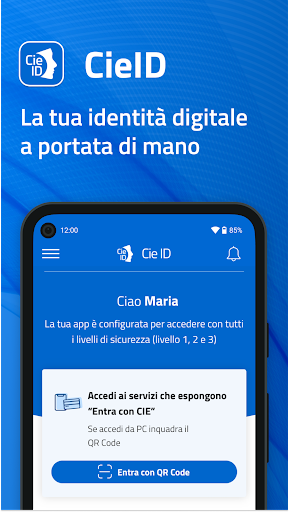
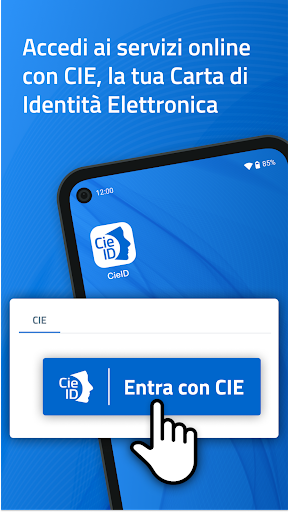
With the CieID app, you can access the online services of public administrations and private individuals participating in the "Enter with CIE" program.
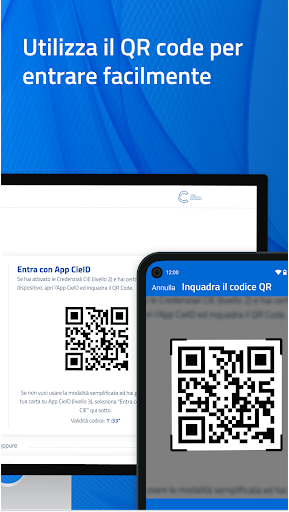
Activate your CIE credentials (level 1 and 2) at www.cartaidentita.it, open the app, and set up simplified access. You can authorize access from your PC simply by:
- scanning the QR code on the access request page from the app and entering the CieID app code you created during device certification; if biometrics are enabled, access is even easier because you can use it instead of the CieID app code.
Or
- entering your CieID credentials (username and password) on the access request page will receive a push notification in the app that you must accept using your CieID app code or biometrics.
If you access the online service from a smartphone, authenticate with your CieID credentials or open the app and enter your CieID app code. Use biometric recognition if enabled.
If you have a smartphone with Android 6.0 or later, equipped with NFC technology, you can choose to log in with the highest level of security (level 3). After receiving your Electronic Identity Card, open the app and register your card by entering the eight-digit PIN and tapping the card against the back of your smartphone when prompted.
The CieID app also offers a PUK recovery feature for citizens with an Electronic Identity Card who have associated an email address or mobile number with their digital identity.
Accessibility statement: https://form.agid.gov.it/view/66413cb0-88cd-11f0-beb7-df733bfc235a