Wi-Fiスポット設定

Wi-Fiスポット設定 Summary
Wi-Fiスポット設定 is a Android app in the Libraries And Demo category, developed by SoftBank Corp.. the app has accumulated 27.6M+ total installs and 10.6K ratings with a 3.40★ (mixed) average rating.
Data tracking: SDKs and third-party integrations were last analyzed on Jan 26, 2026. The app's network data flows (API traffic to/from the app and its SDKs) were last crawled on Jan 26, 2026.
Store info: Currentversion 1400410.
Wi-Fiスポット設定 was last scanned for SDKs 2026-01-26. Below is the overview of third party companies detected in the app. The full list of raw SDKs, app permissions and unknown SDKs is available here.
 JetBrains
 Google
 Kotlin
 Firebase
3.4★
Ratings: 10.6K
Screenshots

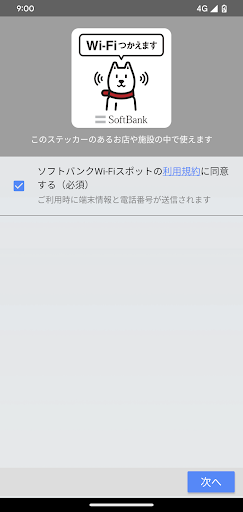
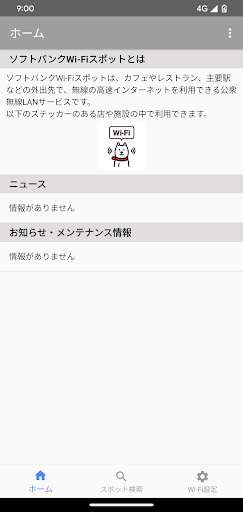

App Description
2023/10/5 Updated version released
【Service contents】
This is an application that automatically connects to SoftBank Wi-Fi spots.
(Depending on your data plan, you may need to apply for the SoftBank Wi-Fi Spot service separately.)
【please note】
-This app requires permission to "make and manage calls" and "access to this device's location information." (We do not make calls or identify location information from the app)
・If you are using Android 10 or higher, select "Yes (permit)" in the notification from the Android system "Do you want to connect to a Wi-Fi network?" under the SoftBank Wi-Fi Spot Area. You can use SoftBank Wi-Fi Spot.
・If you are using Android 11 or higher, please set "Settings app" → [Location information] > [App permissions] > [Wi-Fi spot settings] to [Always allow].
- If it does not connect automatically, please tap the app icon. Even if you select a Wi-Fi access point from the settings app, you will not be able to use it.
・If you connect to the Internet via Wi-Fi, the Web Anshin Service will not apply.
[About app notifications]
- When using 0000softbank with this app, Wi-Fi is detected in the background and user authentication is performed. Therefore, when 0000softbank is set to ON, a notification indicating that the application is running will continue to be displayed.
・For devices that support Wi-Fi frequency 5GHz, app notifications can be reduced by turning on only "SoftBank Wi-Fi Spot (High Security)" from the Wi-Fi spot settings in the app.
・For apps other than "SoftBank Wi-Fi Spot (High Security)", app notifications can be reduced by turning off the settings after use.
【others】
・SoftBank Wi-Fi Spot cannot be used with X06HT.