Neumorphic KLWP theme Vol 2

Neumorphic KLWP theme Vol 2 Summary
Neumorphic KLWP theme Vol 2 is a Android app in the Personalization category, developed by DSHDinh. First released 5 years ago(Jun 2020), the app has accumulated 1.7K+ total installs and 71 ratings with a 4.75★ (excellent) average rating.
Recent activity: 4.00 installs this week (23 over 4 weeks) showing steady growth View trends →
Store info: Last updated on Google Play on Jan 23, 2026 .
4.75★
Ratings: 71
Screenshots
App Description
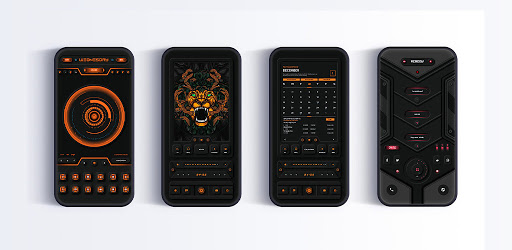
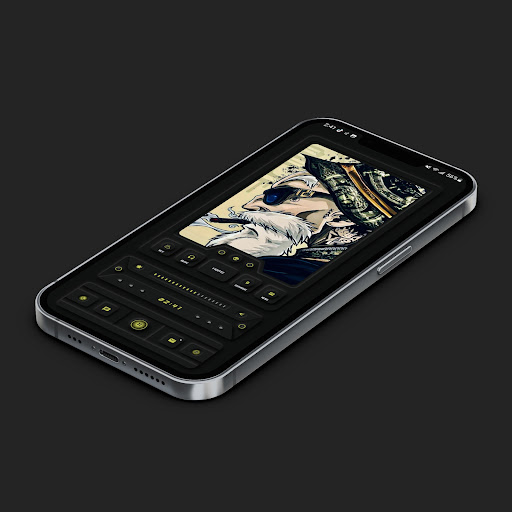
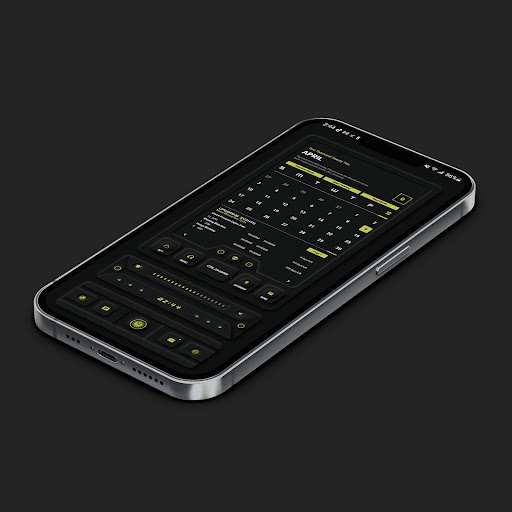
A package of different KLWP themes with Neumorphic design Vol 2
**** Klwp Pro and any standard android launcher are required.****
Please set the Transition Effect of Nova Launcher (if you are using Nova) to None. This will make the theme run smoother.
+ Supported different aspect ratios.
+ Themes are designed with Neumorphic style.
+ Each theme has unique design and cool animation. Moreover, they are also very functional.
+ Easily customize with globals.
+ Totally 3 themes. Please read the description of Theme's Specifications that is placed inside each theme to know more details.
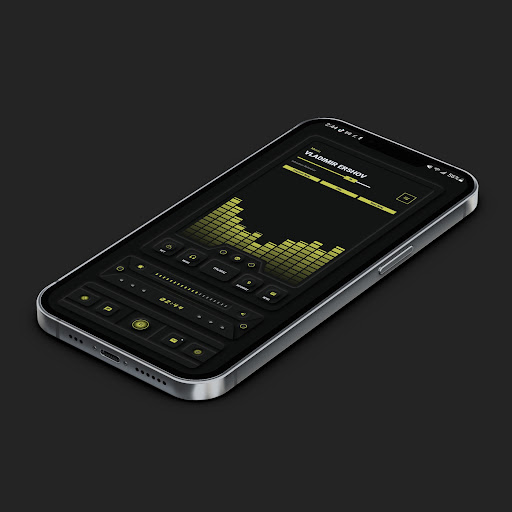
+ Each theme has 4 main sections: Music Player ( with animated music visualization), Calendar with detail events, Weather, News feeds.
+ Switching easily between Dark mode, Light mode, and colors. Please look at the video to see how themes work.
https://m.youtube.com/watch?v=nuvI-zEEols
+ Please note that: some widgets will not be shown up if this app is uninstalled.
Notes:
1. This is not a standalone app. You need: Nova Launcher Prime, KLWP pro to run it.
2. In Nova Settings, you need to do:
A. Homescreen -> Dock -> Disable it
B. Homescreen -> Page Indicator -> None
C. Homescreen -> Advanced -> Show Shadow, off
D. App Drawer -> Swipe Indicator -> off
E. Look and Feel -> Show Notification Bar -> off
E. Look and Feel -> Hide Navigation Bar -> checked
You can check out some tutorial materials about how to config Nova Settings, enable wallpaper scrolling, replace default apps with your own apps, change news source...in the folder below:
https://drive.google.com/folderview?id=14Bh4q7ejEXeOnCg4FcDHDoQeEfCOdTXe
Credits to authors of templates:
+ @vhthinh_at
+ http://istore.graphics
+ Kreativa
+ InstaMocks
If you have any troubles in using the theme, please email me. My email: dshdinh.klwpthemes@gmail.com
Thank you very much.