AR Ruler Cam: Photo Mesure


AR Ruler Cam: Photo Mesure Summary
AR Ruler Cam: Photo Mesure is a ad-supported, with in-app purchases Android app in the Tools category, developed by SuperApps Global. the app has accumulated 805.7K+ total installs
Store info: Last updated on Google Play on Aug 6, 2025 .
0★
Ratings:
Screenshots

App Description
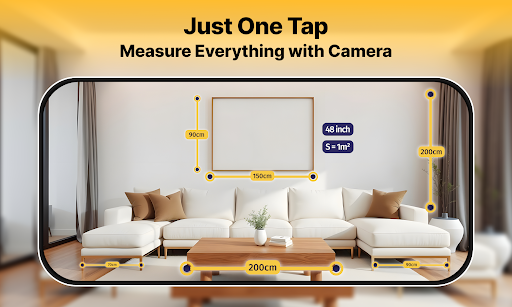
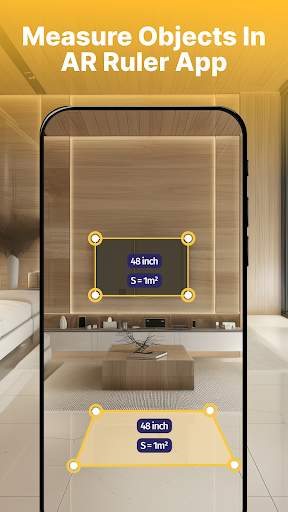
Easily and quickly measure rooms, homes, and spaces with your phone's camera
🌈 AR Ruler App: Measuring Tape – Your go-to tool for precise measurements! This user-friendly measurement tape app lets you effortlessly measure anything using just your phone.
Need to check if that new furniture fits in your living room? Want to know the dimensions before making a purchase? Looking for a reliable measurement app that’s always at hand? Look no further! This measurement tape app has everything you need, designed for everyone from casual users to professionals!
Key Features of AR Ruler App: Measuring Tape
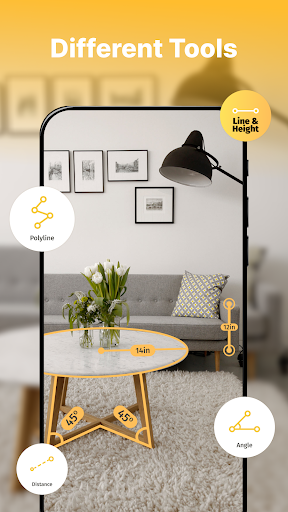
📏 Inclinometer app: With our innovative inclinometer app feature, you can easily ensure that your surfaces are perfectly horizontal or vertical. This tool is essential for all your DIY projects, whether you’re hanging a picture frame, installing shelves, or assembling furniture. Say goodbye to guesswork and achieve flawless results every time!
📏 Protractor angle measurement: Our precise protractor angle measurement tool allows you to measure angles accurately. This feature is ideal for construction projects, arts and crafts, and any task that requires meticulous attention to detail. Whether you’re cutting wood at specific angles or crafting intricate designs, this tool ensures professional-level accuracy.
📏 Measurement tape (measurement tool): Transform your phone into a convenient measurement tape! This feature lets you quickly measure lengths in both inches and centimeters, making it easy to assess spaces on the go. Plus, our height measuring app is integrated, allowing you to switch effortlessly between units. It’s user-friendly and perfect for anyone who needs to measure various objects.
📏 Unit converter: Our app also includes a robust unit converter that helps you convert between different measurement units, including meters. Whether you’re converting inches to centimeters or vice versa, the intuitive unit converter simplifies the process, ensuring you get accurate measurements every time.
How to Use the measurement app
🔎 Install the measurement app: measurement tape: Download the app from your app store for free.
🔎 Open It and Select ""Start"": Launch the app to access its features.
🔎 Choose ""Make Measurement"" and Tap the ""+"" Button: Begin your measurement by selecting the option.
🔎 Point Your Camera at a Surface: Use your device’s camera to focus on the surface or object you want to measure, then select the measurement tool you need.
🔎 Share Your Projects: Don’t forget to share your measurements and projects with friends via Bluetooth, email, or various