Touch Bar for Android


Touch Bar for Android Summary
Touch Bar for Android is a ad-supported Android app in Personalization by Mini Mobile Tools. Released in Sep 2024 (1 year ago). Store metadata: updated Sep 3, 2024.
Store info: Last updated on Google Play on Sep 3, 2024 .
0★
Ratings:
Screenshots


App Description
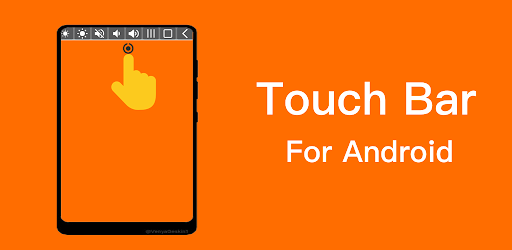
Tap camera notch to show a sliding toolbar, Touch Bar for Android
Touch Bar for Android is a very simple app that sets a small collapsible toolbar at the top of your screen.
With Touch Bar App, you can conveniently control your media volume, screen brightness. You can also quickly take screenshots, open flashlight, access your physical buttons(home,recent,back button) etc. You can customize your functions on Touch Bar.
Just tap camera notch to show Touch Bar, click anywhere to disappear, it is easily to use.
Touch Bar for Android App Key Features :
Volume & Brightness
- Media sound control: mute, volume up, volume down
- Brightness control: increase or decrease brightness
System Control
- Recent Apps Menu: Switch between apps Easily.
- Home Button: Go to Home Desktop
- Back Button
Shortcuts
- Lock Screen: lock the screen (Screen off)
- Screenshot capture: capture a screenshot easily
- Toggle Camera Flashlight: Turn your phone into a flashlight
Quick Access
- Quickly Open the Any Selected app
Accessibility Service API Disclosure:
Touch Notch app uses Android Accessibility Service API to place an invisible button around the camera cutout as a shortcut for user-selected tasks. No data is collected by the service.