Wave Live Wallpaper


Wave Live Wallpaper Summary
Wave Live Wallpaper is a mobile Android app in Personalization by Paper World Creation. Released in Apr 2012 (13 years ago). It has about 118.9K+ installs and 4.9K ratings with a 4.55★ (excellent) average. Based on AppGoblin estimates, it reaches roughly 160 monthly active users . Store metadata: updated Jul 2, 2024.
Recent activity: 72 installs this week (192 over 4 weeks) showing steady growth , and -2 new ratings this week View trends →
Store info: Last updated on Google Play on Jul 2, 2024 .
4.55★
Ratings: 4.9K
Screenshots


App Description
Wave, where live wallpapers meet limitless customization
Wave is one of the best live wallpapers for Android. With the latest update to version 4 the bar has again been raised for android backgrounds and also brings full Android TV support. Now you can set Wave as your screensaver, Android TV backdrop and live wallpaper!
The core features of the live wallpaper are:
✔ smooth animations
✔ support for high refresh rates
✔ realtime 3D graphics
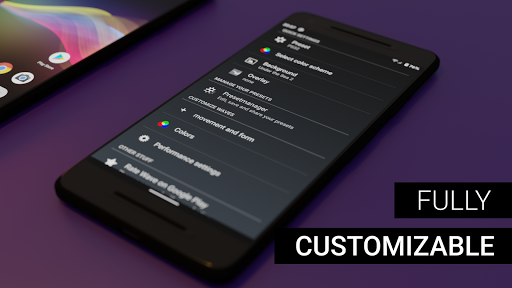
✔ full control over customization in the powerful theme editor (background, animation, colors etc.)
✔ you can save your own presets and share them with other people
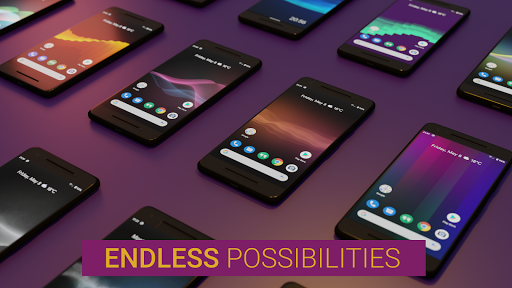
✔ beautiful factory presets enable you to quickly change the looks
✔ simple import of presets with QR-codes or hyperlinks for sharing your own wallpaper
✔ low battery usage
✔ online repository for more user presets.
✔ Android TV support. (Android TV backdrop / screensaver)
✔ Android screensaver support (phone/tablet)
Please note: Screensaver are not supported on Google TV
Wave is not a simple photo background or video background live wallpaper. It is not limited to a specific resolution (i.e. FullHD or 4K) instead it uses the devices default screen resolution for rendering this in realtime.
To set Wave as your wallpaper long press your homescreen and select Wave from the list of backgrounds or launch Wave via the app icon from the launcher.
Help & troubleshooting
If you experience any problems or if you have questions feel free to send us an email.