Video Maker with Music Editor

Video Maker with Music Editor Summary
Video Maker with Music Editor is a free, with in-app purchases iOS app in Photo And Video by Mosaic S.r.l.. Released in Jun 2015 (11 years ago). It has 35K ratings with a 4.05★ (good) average. Based on AppGoblin estimates, it reaches roughly 15K monthly active users and generates around $<10K monthly revenue (100% IAP / 0% ads). Store last updated May 8, 2026
Recent activity: -1 new ratings this week View trends →
SDK intelligence: AppGoblin detected 4 development tools(e.g. Google),and 1 analytics: product integrated into Video Maker with Music Editor. View full SDK list →
Video Maker with Music Editor SDKs Summary
Video Maker with Music Editor was last scanned for SDKs on 2026-08-14. Below is the overview of third-party companies detected in the app. The full list of SDKs, permissions and unknowns is available here.
 Google
 Airbnb Engineering
 nanopb
 Alamofire
 Firebase
4.05★
Ratings: 35K
Screenshots



App Description
Best App To Add Music on Video!
Make Music Video Easily!
Best Video Editing App!
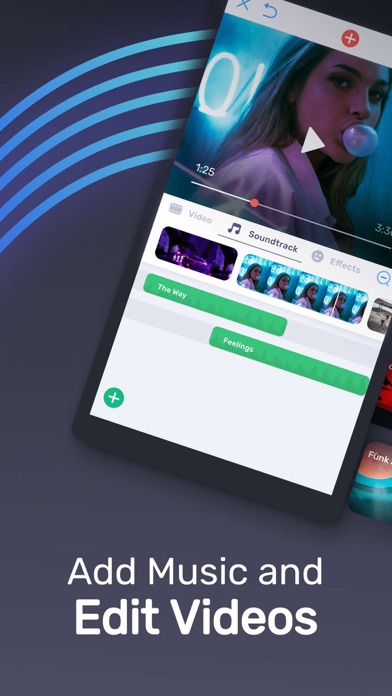
• Add Unlimited background music to videos!
• Make your own music videos!
• Record your own voice over video!
• Make funny Dubsmush videos!
• Give life to your videos!
• Get more likes & views on Youtube, Instagram, Facebook or Vine!
Key Features:
==========
• Add Unlimited Music Tracks on Videos.
• Record Your Own Voice Over Video.
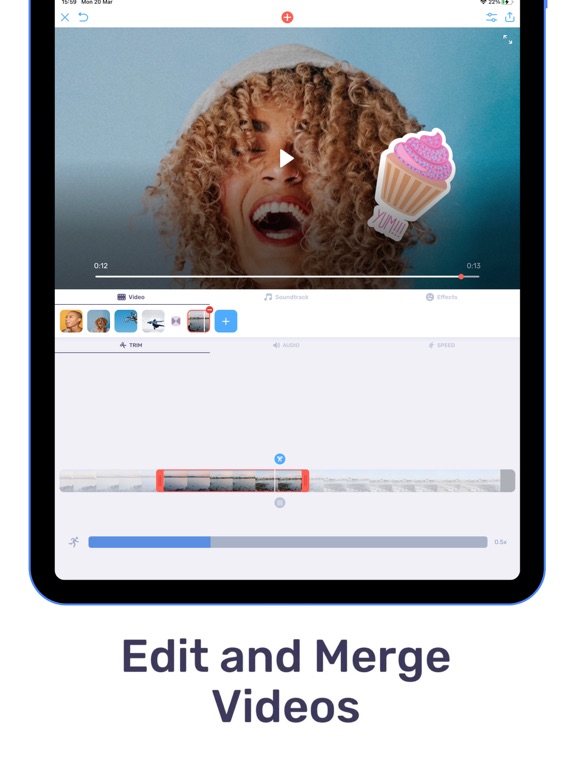
• Edit Video: Trim & Cut frame by frame. Remove any unwanted part of your video.
• Edit Audio: Trim, Fade-in, Fade-out.
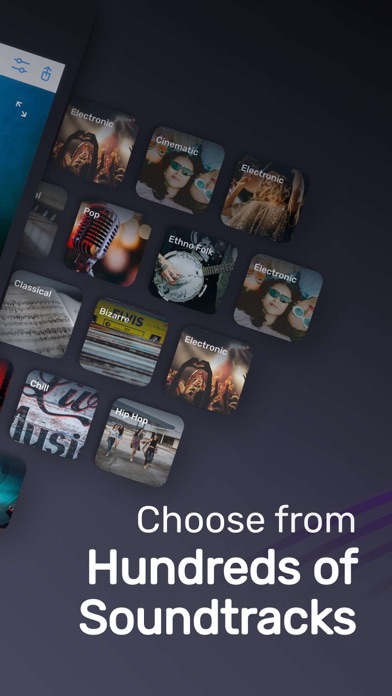
• Huge Collection of Awesome Music Tracks.
• Volume Control For Audios.
• Video Mute/UnMute.
• Minimum Processing Time.
• Beautiful UI With Stunning Design.
• Very Easy to use.
Instructions:
=========
• Select your video to edit from gallery. (From 1st page of the App)
• Trim or Cut your videos to remove any unwanted frame. (Single Tap on Video Frame)
• Add music from your iPhone, from app’s track list or by recording. (Press on ‘+ Add Music’ Button)
• Edit & Trim audio. (Single Tap on Audio)
• Change the position of the music tracks. (Tap & Hold Tracks then Slide Left or Right)
• Save or Share your edited videos.
Fade-in Means: Gradually increase the level of audio volume at the beginning.
Fade-out Means: Gradually decrease the level of audio volume at its end.
Music Track Categories:
==================
• Free
• Club/Party
• Cinematic
• Rock
• Romantic
• Sad/Emotional
• Acoustic
• Pop
• Ambient
• Relaxing
SUBSCRIPTION INFO:
Subscribe to take advantage of the features described above.
•Subscription length: Weekly
•Your payment will be charged to your iTunes Account as soon as you confirm your purchase.
•You can manage your subscriptions and turn off auto-renewal from your Account Settings after the purchase.
•Your subscription will renew automatically, unless you turn off auto-renew at least 24 hours before the end of the current period.
•The cost of renewal will be charged to your account in the 24 hours prior to the end of the current period.
•When canceling a subscription, your subscription will stay active until the end of the period. Auto-renewal will be disabled, but the current subscription will not be refunded.
•Any unused portion of a free trial period, if offered, will be forfeited when purchasing a subscription.
Terms of serv