Read To Me Keyboard Free - Create cool color themes, use text to speech tts with voice speak rate and gif emoji

Read To Me Keyboard Free - Create cool color themes, use text to speech tts with voice speak rate and gif emoji Summary
Read To Me Keyboard Free - Create cool color themes, use text to speech tts with voice speak rate and gif emoji is a free, with in-app purchases iOS app in Tools by Vyasa. Released in Jul 2015 (11 years ago). It has 18 ratings with a 1.67★ (poor) average. Based on AppGoblin estimates, it reaches roughly 52 monthly active users and generates around $<10K monthly revenue (100% IAP / 0% ads). Store last updated May 25, 2016
Read To Me Keyboard Free - Create cool color themes, use text to speech tts with voice speak rate and gif emoji SDKs Summary
App not yet scanned for SDKs.
1.67★
Ratings: 18
Screenshots

App Description
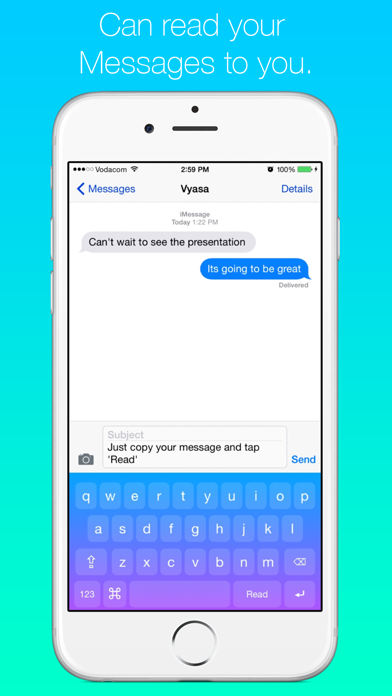
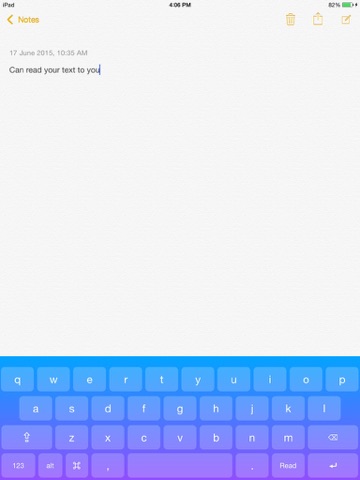
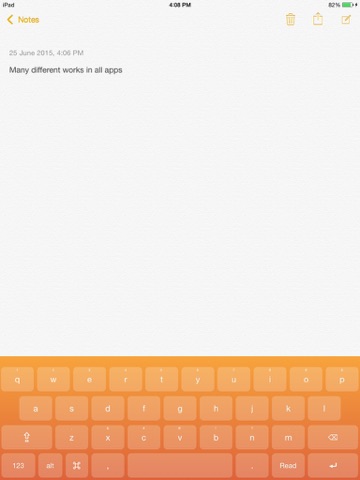
Read To Me keyboard is brilliant. It makes reading message, emails, articles or anything else very quick, easy and effortless. If you receive a long message and you lazy to read it let Read To Me Keyboard read it for you all you have to do is sit back, relax and listen.
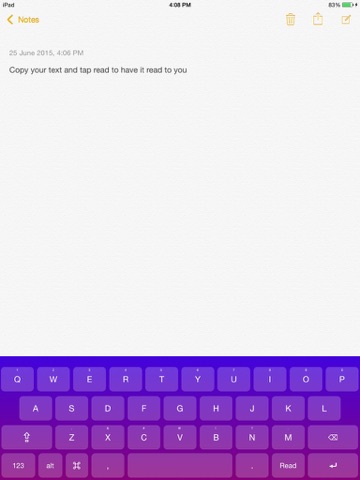
Need to read an important email but you got urgent messages to reply to? No problem let Read To Me Keyboard handle it for you. Just copy your email, go reply to your important messages and tap 'Read' and read to me keyboard will Read your email to you while you reply to your important messages.
Reading an interesting article on the internet then receive a message that you have to respond to? No problem Let Read To Me Keyboard handle this to. Simply copy the article and reply to your message, tap 'Read' once again on the keyboard and the keyboard will read the article to you while you replying to your messages.
These are just a few concepts that you can use Read To Me Keyboard in but there are many more for you to explore. Have Fun!
Read To Me Keyboard Works in all apps. Its really amazing. Experience it Now. The 'Read' feature has to be unlocked through an In-App Purchase.