My CenturyLink

My CenturyLink Summary
My CenturyLink is a free iOS app in Productivity by CenturyLink, Inc. Released in Feb 2016 (10 years ago). It has 138K ratings with a 4.40★ (good) average. Based on AppGoblin estimates, it reaches roughly 489K monthly active users . Store last updated Oct 2, 2026
Recent activity: 53 new ratings this week View trends →
SDK intelligence: AppGoblin detected 2 development tools(e.g. Google), 1 ad networks, 1 business tools,and 1 analytics: product integrated into My CenturyLink. View full SDK list →
My CenturyLink SDKs Summary
My CenturyLink was last scanned for SDKs on 2026-08-07. Below is the overview of third-party companies detected in the app. The full list of SDKs, permissions and unknowns is available here.
 Google
 Airbnb Engineering
 Salesforce
 Firebase
4.4★
Ratings: 138K
Screenshots


App Description
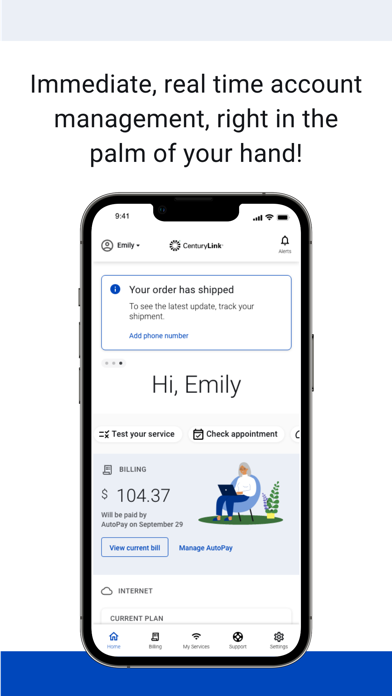
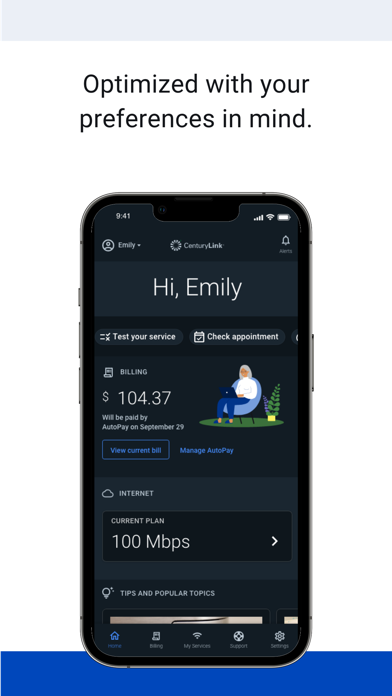
The My CenturyLink app brings management of your account and services into one easy place.
You can use the app to:
• Connect your new service quickly with modem self-install.
• View and manage your bill payment with convenience and ease.
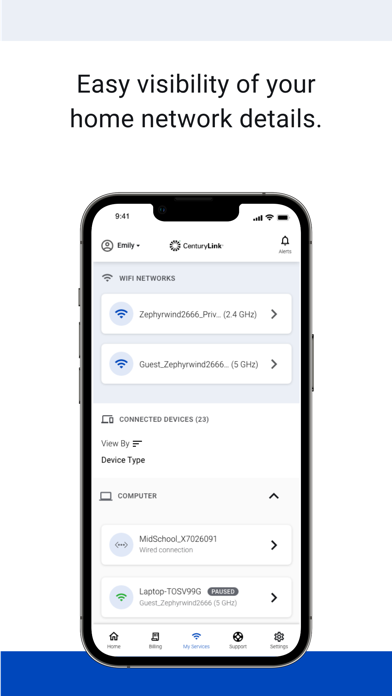
• Check your services, upgrade your Internet speed (if available in your area).
• Manage your settings.
• Visit Support to troubleshoot or optimize your service through self-help tools and videos.
• Get personalized alerts, so you can see the status of your order, or find out if there is an interruption to your Internet service.
• Plus, so much more.
Additional features for our Secure WiFi customers (Secure WiFi is available on compatible modems leased from CenturyLink):
• Parental controls to guard against inappropriate web content.
• Pause and resume internet access of devices on our WiFi.
• Schedule online and offline times for devices and users.
Learn more about Secure WiFi by visiting https://centurylink.com/home/help/internet/secure-wifi
We're here to help! You can get in touch via http://www.centurylink.com/contact