Avid Control

Avid Control Summary
Avid Control is a free iOS app in Music And Audio by Avid®. Released in Aug 2015 (11 years ago). It has 139 ratings with a 2.74★ (poor) average. Based on AppGoblin estimates, it reaches roughly 294 monthly active users . Store last updated Apr 22, 2026
Avid Control SDKs Summary
App not yet scanned for SDKs.
2.74★
Ratings: 139
Screenshots
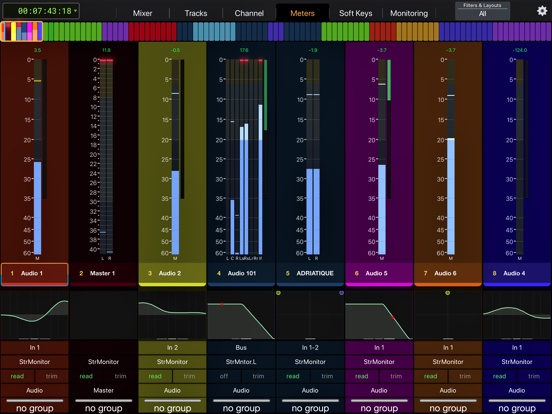
App Description
For full instructions please see: http://avid.force.com/pkb/articles/faq/Avid-Control-Support
SYSTEM REQUIREMENTS
• Qualified Mac or Windows-based computer running any supported EUCON-enabled application and EuControl 2026.4 (NOTE: The free EUCON 2026.4 software must be downloaded from Avid and installed before using Avid Control)
• One of the following connections:
- Accessible wireless network (5 Ghz Wi-Fi network recommended), or
- Lightning-to-USB 3 Camera Adapter + USB 2-to-Ethernet Adapter to connect an Ethernet cable directly to iPad (be sure to disable Wi-Fi on your iPad when using this connection type)
ABOUT AVID CONTROL
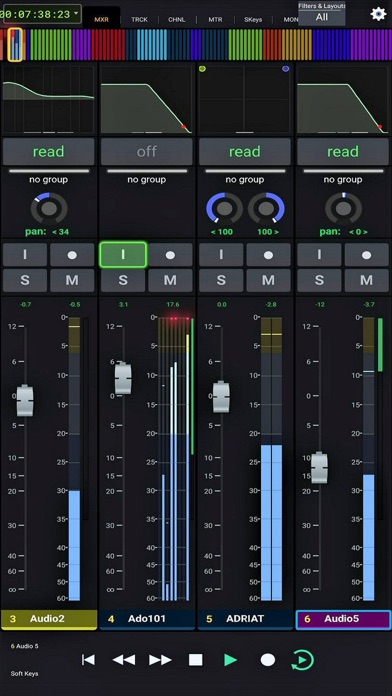
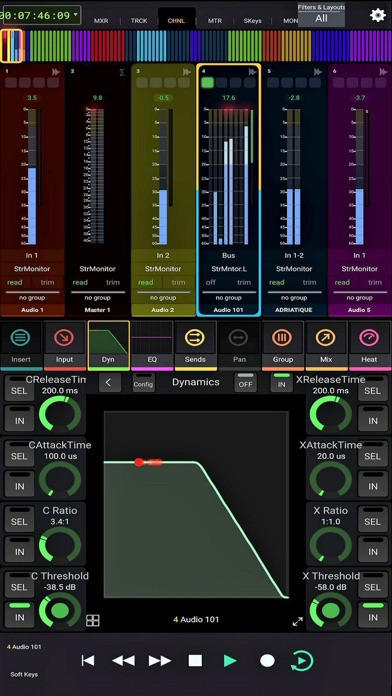
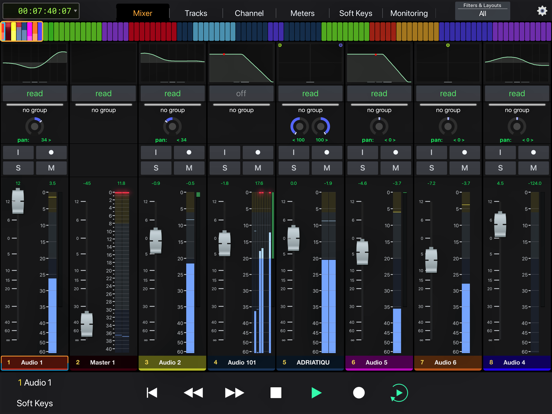
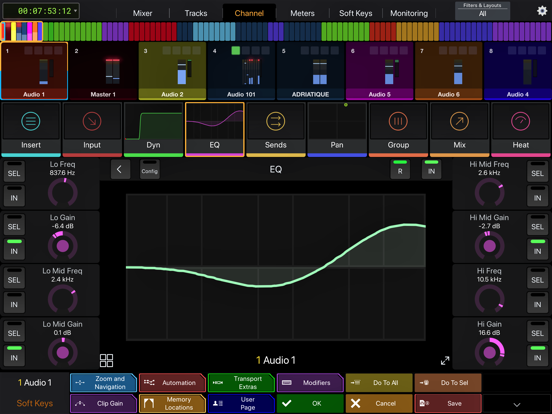
Take wireless control of your favorite audio and video software—right from your iPad. With Avid Control, you can record and mix audio in Pro Tools, Media Composer, Logic, Cubase, Nuendo, Digital Performer, Premiere and other media software, faster and more easily than working with a mouse and keyboard alone. The app combines the tight hardware/software integration and high-speed communication power of EUCON technology with the multi-touch advancements of iOS, so you get deep control, with great mixing flexibility. And when used with an Avid control surface (including the new Avid S1), you gain new touch workflows and custom control. Best of all… it’s free!
Track and mix with just a touch
• Speed up your efficiency using a host of controls
• Record, mute, and solo tracks with a tap
• Ride multiple faders to bring more life to your mix
• Get insight into your mix with extensive visual feedback
Get unrivaled audio and video control
• Access and control hundreds of software commands
• Punch in audio and toggle automation modes
• Trigger complex macros that will save you tons of time
• Switch control to different applications using a single app
Mix faster with intelligent design
• Gain multitouch control to speed up your efficiency
• Interact with and control your mix in whole new ways
• Perform keystroke shortcuts and more with a single tap
• Bring tactile control with you, anywhere you go
Navigate huge mixes easily
• Get fast access to any channel with Tracks view
• Quickly scroll through large mixes
• Select, record-enable, solo, and mute multiple tracks
• Keep an eye on levels with S6-style metering
Free yourself from the cables that bind
• Work in ways not possible with a wired mous