Vault - Hide Photos and Videos

Vault - Hide Photos and Videos Summary
Vault - Hide Photos and Videos is a free, ad-supported, with in-app purchases iOS app in Tools by NewSoftwares.net. Released in Aug 2015 (11 years ago). It has 473 ratings with a 4.22★ (good) average. Based on AppGoblin estimates, it reaches roughly 817 monthly active users and generates around $<10K monthly revenue (27% IAP / 73% ads). Store last updated May 31, 2021
Vault - Hide Photos and Videos SDKs Summary
App not yet scanned for SDKs.
4.22★
Ratings: 473
Screenshots
App Description
Vault - Hide Photos and Videos is a more sophisticated version of Folder Lock for iPhone, boasting better graphics, new features and overall performance. This app locks your photos, videos, audios, documents, wallet cards, notes and other types of data on your iPhone. The app offers different security features and cloud backup option for the user. In all, the app has all the features that are necessary for data privacy.
Vault - Hide Photos and Videos is the most comprehensive data privacy app that is available for the iPhone.
* Award Winning Concept:
**From the developers of the award winning Folder Lock 7**.
“Editor’s choice on PC Magazine”.
“5 stars on CNET.com”.
“Ranked #1 encryption software on TopTenReviews.com”.
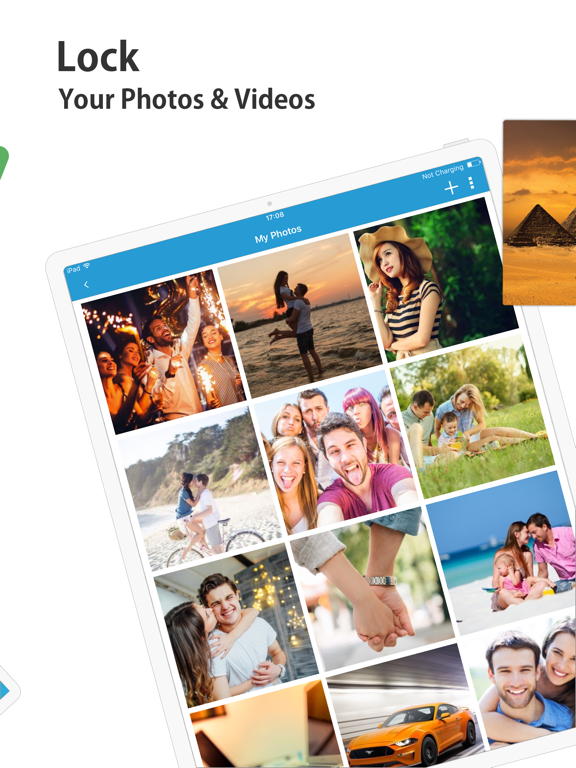
*Protects your photos and videos
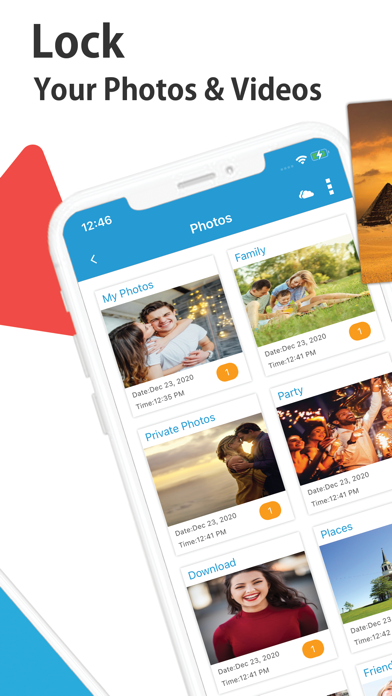
Create new albums and organize your personal photos and videos at your convenience. You can import photos and videos from the camera roll. Alternatively, you can shoot pictures or make videos directly within the app. Moreover, you can download images and videos from the built-in browser.
*Lock audio files
You can easily import audio files from music or download them directly from the browser within the app. Finally, you can create customized albums for your audio files and sort them out accordingly.
*Safeguard confidential documents
Vault - Hide Photos and Videos protects the confidentiality of your secret documents. You can download documents from the Private Browser or transfer them using the PC/Mac feature.
*Secure wallet cards
With this application, you can easily secure all your sensitive cards such as credit cards, ATM cards, driving license, ID cards and other types of card details.
*Secret Notes
Write secret notes with the option to attach photos and audio recordings, categorize them for easy management.
*Cloud Backup
Easily and conveniently backup all your locked data to your Dropbox account.
*Private browser
Using the private browser feature, your browsing history will always remain a secret, leaves no footprint of visited websites.
*Three login types
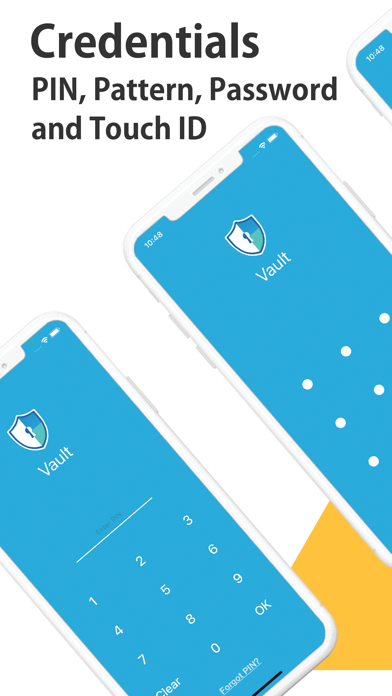
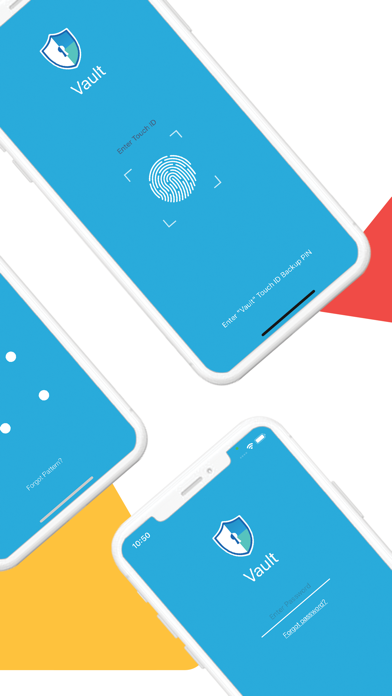
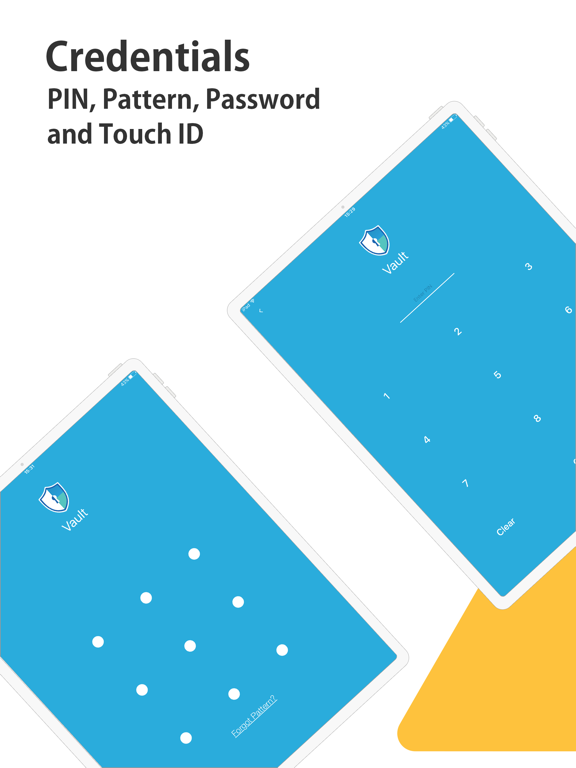
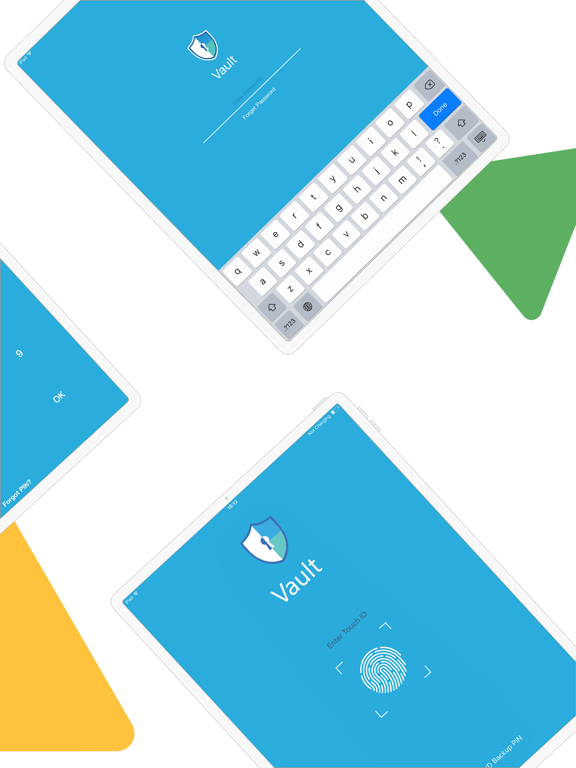
Conveniently lock and access Folder Lock. You can either set up a strong password, a unique PIN or a complex pattern as your primary security lock.
*PC/Mac
Using PC/Mac feature, you can connect your iPhone to your computer using a WIFI connection. You can easily transfer files from your computer to your iPhone and vice versa.