FileCentral for iPhone

FileCentral for iPhone Summary
FileCentral for iPhone is a mobile iOS app in Productivity by EuroSmartz Ltd. Released in Aug 2015 (10 years ago). It has 200 ratings with a 4.80★ (excellent) average. Based on AppGoblin estimates, it reaches roughly 386 monthly active users . Store metadata: updated Apr 9, 2026.
Recent activity: -1 new ratings this week View trends →
Store info: Last updated on App Store on Apr 9, 2026 .
4.8★
Ratings: 200
Screenshots
App Description
The ONE Place to Manage Files - Access, Print, Email and Transfer files from Cloud Servers, Other Apps & Devices and your Mac or PC. Transfer your clipboard, images, copied text and files to another iPad, iPhone, Mac or PC with one tap - even without a network. Via WiFi or Bluetooth
Manage ALL of your Files in One Place
• Combine all of your Cloud Servers together to Transfer Files between them and other devices
• iCloud & iCloud Drive, DropBox, Evernote, FTP, Google Drive, OneDrive, ShareFile, SugarSync, WebDAV & More
• Share and fetch files from your Mac or PC
• Send or fetch files from Other Apps to store centrally
• Move files into folders and use the powerful search function to find them again
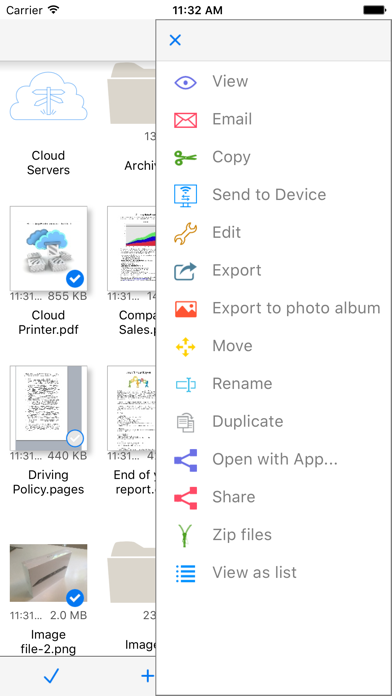
• View, Print, Email and Zip Files
• Rename, duplicate and change the file type
• Play Video and Audio files
• Secure your files with an App Password or Finger Touch ID
• Password protect folders
• Create and edit text files to store notes and ideas, then share with others, print or copy/paste
• Sync your local files with another device via iCloud - seamlessly and automatically
Transfer Files and Content to other devices
• Add a new printer to your Mac from the available list ("Send to Device @ WePrint") and print any document to your iPhone or iPad as a PDF file
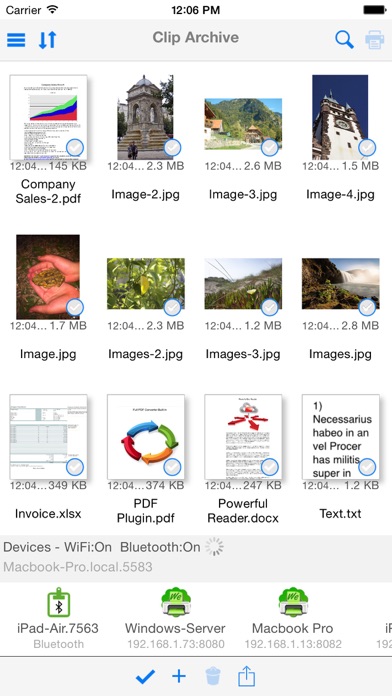
• Use the built in Bluetooth or WiFi transfer features to quickly and simply send files to another iPad, iPhone, Mac or PC
• Bluetooth transfer is as simple as opening FileCentral - no pairing required
• Copy text or an image from a Web Page and send to another device with a single tap
• Send a phone number, address, photo or other content quickly to a friend
• Copy a web page address and with just one tap, send it to your colleague
Share and Transfer your Photos and Image Files
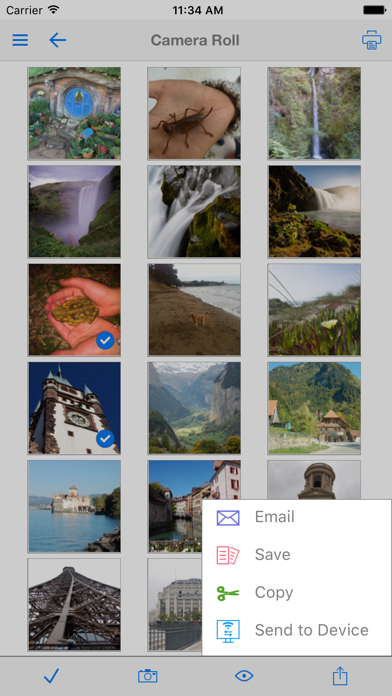
• Save your Album Photos as files
• Move Image Files to your Photo Album
• Move Photos & Image Files to and from your Cloud server, Mac/PC or another iPad/iPhone
• Print Photos
• Select multiple photos to send via email
Add even More Power - Expand to Convert and Edit PDFs and Print to ALL Printers, not just AirPrint