Evaluate Account Book

Evaluate Account Book Summary
Evaluate Account Book is a free, with in-app purchases iOS app in Lifestyle by Wataru Maeda. Released in Aug 2015 (11 years ago). Store last updated Aug 15, 2015
Evaluate Account Book SDKs Summary
App not yet scanned for SDKs.
0★
Ratings: 0
Screenshots

App Description
The app is simple and useful household account book for looking back your past spendings and analyzing these for prevent unwilling expenditure in the future.
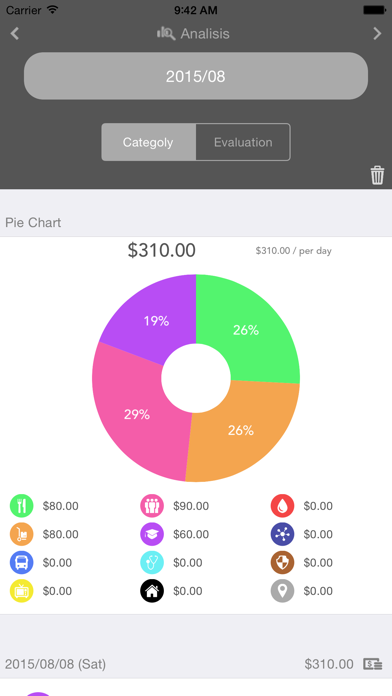
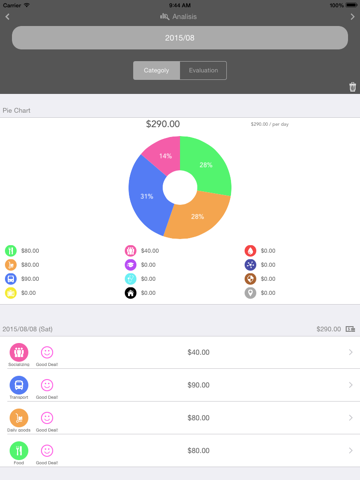
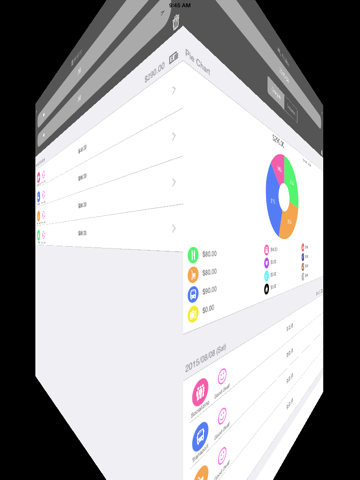
Monthly spending is described with colorful pie chart or table records.
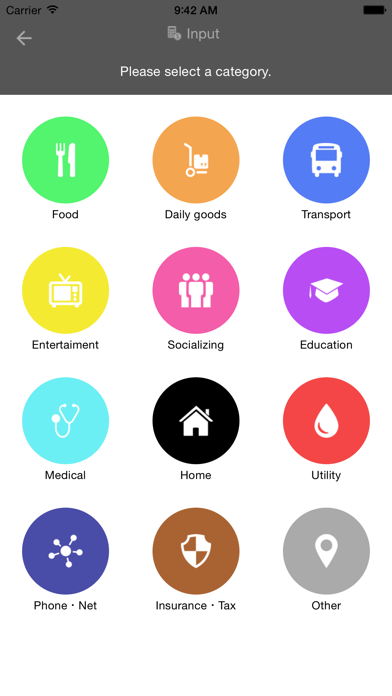
You will know how much you spend in each categories and how you feel about it.
It helps you to analyze the expenditures for better shopping.
I will recommend the app to a person having following minds.
- Want to understand own expenditures without any troublesome operations.
- Want to put a habit saving money or preventing waste spending.
- Want to buy high quality products with less price.
■□ Function □■
● Analysis
・Comprehend own spendings easily with colorful pie chart or table records.
・Monthly expenditure lists.
・Showing daily average spending in each months.
・Editable memo records in each spendings.
● History
・Able to see all expenditure list in the past spending.
・Searching particular spendings.
・Editable memo records in each spendings.
● Input
・4 Input steps Spending, Category, Evaluation, Memo.
・Able to input the past spending.
● Memo
・Variety of usage like Shopping list, Article URL, Contact information and so on.
■□ User Guide □■
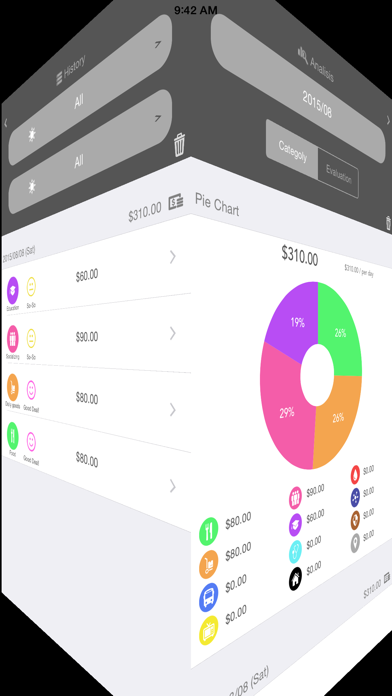
● Screen Transition
- Swipe right or left on the screen.
● Reload Records
- Input view/Analysis view->Pull table to reload data
● Delete Records
・Delete all records
- Memo view->Setting view->Delete all data
・Delete a record
- History view/Analysis view->Push trash icon->Push - button ->Push Delete button
● Change in the date
- Input view->Input view(memo) ->push ▼ button->Select date
● Edit Memo
- History view/Analysis view->Select table cell->Touch memo field->Edit->Push Save button