iSpicker - fade in and out your notes (LIGHT)

iSpicker - fade in and out your notes (LIGHT) Summary
iSpicker - fade in and out your notes (LIGHT) is a mobile iOS app in Tools by best-ios-apps. Released in Aug 2015 (10 years ago). Store metadata: updated Oct 25, 2016.
Store info: Last updated on App Store on Oct 25, 2016 .
0★
Ratings: 0
Screenshots
App Description
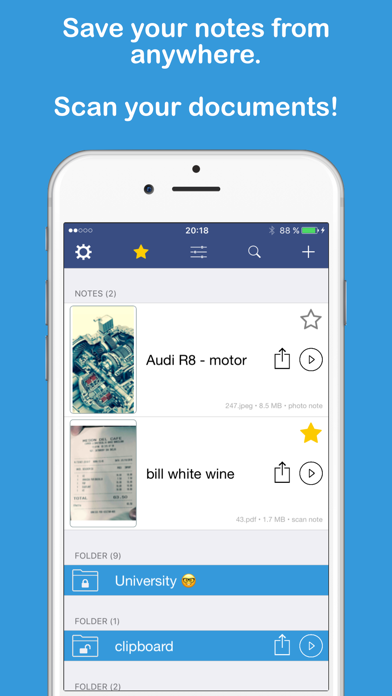
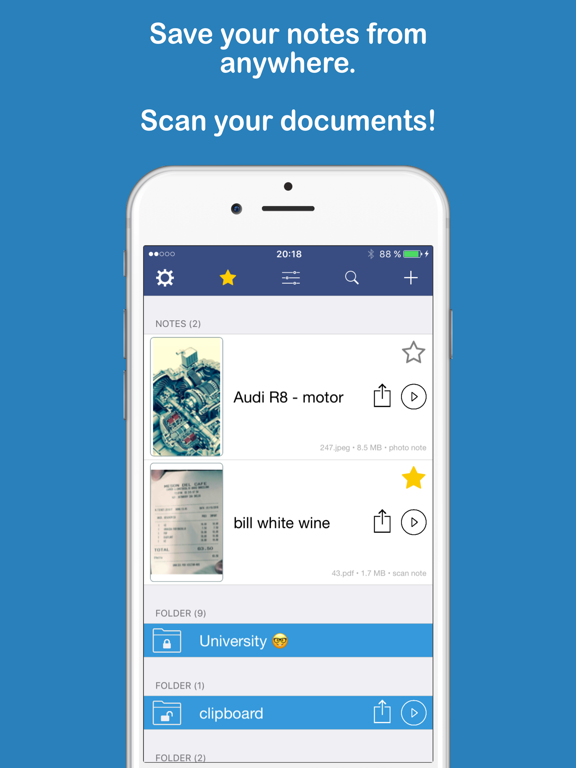
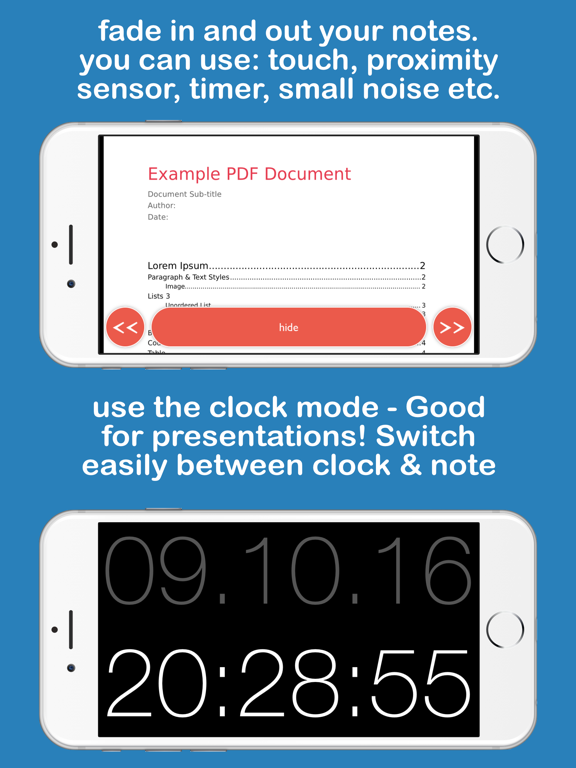
With iSpicker your can fade in and out notes (singly or complete folders) to fullscreen by many types of options. Supported notes are plain texts + GPS tracking, formatted texts (documents), pictures (drawings), photos from the camera, .pdf and scan - files. All notes can be exported, imported and converted to other formats.
Work seriously with iSpicker. You have a meeting / presentation and you want to look briefly on your notes or bulleted list? You disturb the annoying unlock and the long light up from display? The clock of the display is too small? You're so excited that you have forgot your PIN to unlock your device and you lost all your presentation details?
iSpicker is the answer. :-)
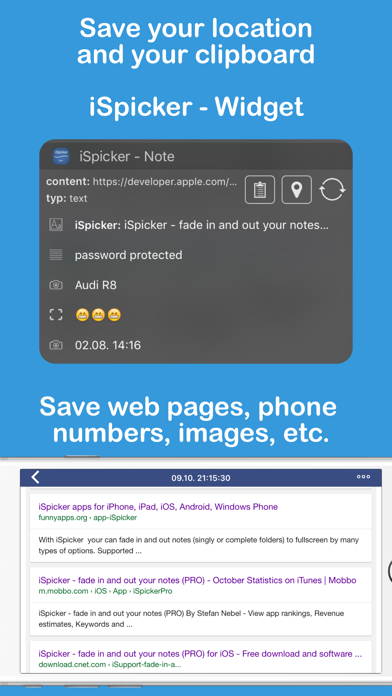
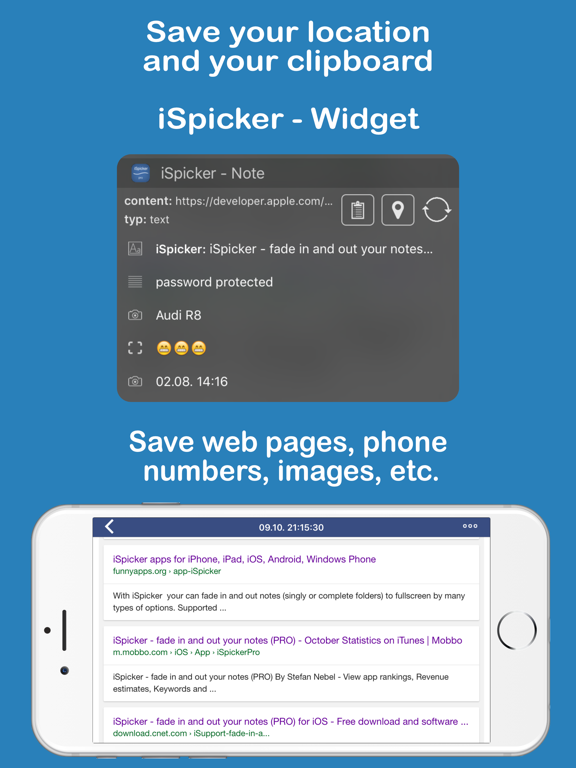
Use the widget to save your location or notes from the clipboard.
# General information
• no advertising
• quick access available
• add unlimited notes
• folder structure
• password protection for App & folder available
• text recognition OCR
• message reader
• color-tags for notes - similar to iOS
• use demo files for testing PRO features
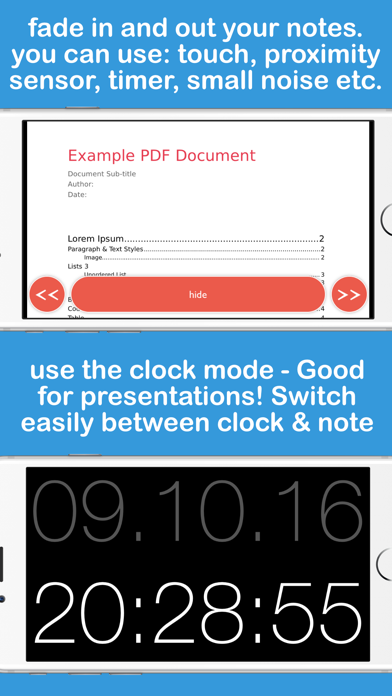
# presentation mode - (fade in and out)
• (PRO) via swipe
• (PRO) via proximity sensor: (near the camera)
• (PRO) via sound
• (PRO) via countdown - up to 60s is possible
• via touch - single or double tap
• fullscreen - tap 2 sec. to activate
# Search - function
• search for type: „text", „photo", „scan", ...
• search for content / filename
• search for notes with status "new"
• recognizes math. calculations and links
• recognizes email addresses and phone numbers
# Widget (Notification Center)
• save your location
• view the contents of the clipboard
• copy notes from the app to the clipboard
• add content from your clipboard to the app
• save for example, a complete website
++ [ types of notes ] ++
# text - notes
• seperate font im PM & edit mode
• use up to 248 fonts
• use tabs to create tables
• message reader
• write in dark mode - enjoyable in darkness
• (PM) text alignment - left / center / right
• (PM) brightness - up to 100 %
• (PM) font size - up to 35 pt
• (PM) up to 13 text colors
• (PM) line break - by word / character
• (PM) = presentation mode
# drawing - notes
• draw in 9 different colors
• use various tools
• fit the width of your tools
• draw transparent
• zoom through draw - notes
• Something went wrong? You can undo y