Money Forecast: CashFlow

Money Forecast: CashFlow Summary
Money Forecast: CashFlow is a with in-app purchases iOS app in Finance by Klaus Schöffmann. Released in Aug 2015 (10 years ago). It has 101 ratings with a 4.35★ (good) average. Based on AppGoblin estimates, it reaches roughly 1.1K monthly active users and generates around $<10K monthly revenue (100% IAP / 0% ads). Store metadata: updated Aug 13, 2020, version 20200813.
Data tracking: SDKs and third-party integrations were last analyzed on Mar 30, 2026.
Store info: Last updated on App Store on Aug 13, 2020 (version 20200813).
4.35★
Ratings: 101
Screenshots
App Description
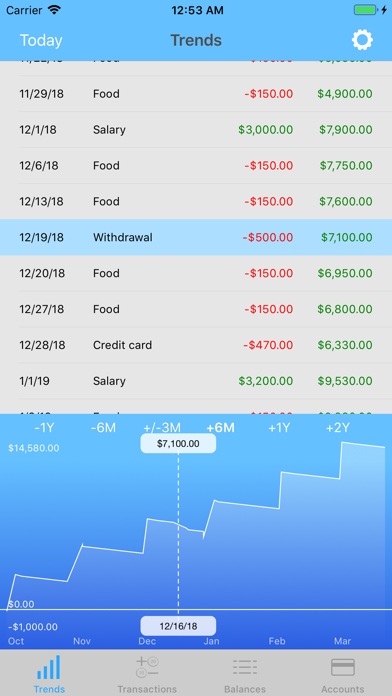
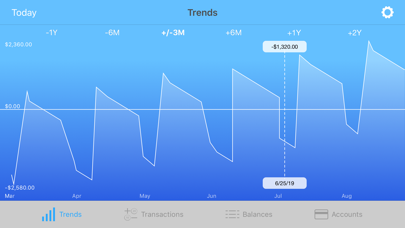
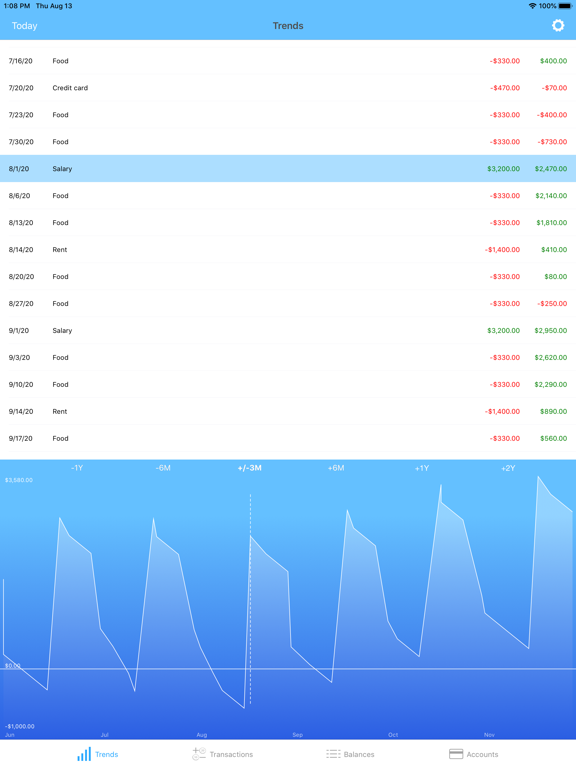
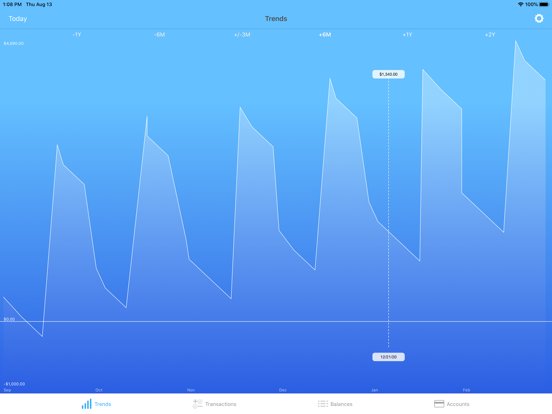
Money Forecast allows you to track your finances with litte data input only! Simply enter your current account balance as well as (recurrent) transactions (e.g., salary and expenses) and see how your balance will develop over the next few weeks and months. If the prediction was wrong, simply correct it by specifying the actual balance at a specific date, which is used as new basis for further predictions then.
This way it helps you to plan your financial situation, and also to decide if an investment should be made now or better later, for example. Also, this app allows you to avoid situations where you forgot about some outgoing transactions and end up with an overdrawn account balance.
The best thing about Money Forecast, however, is that you do not need to constantly add new micro transactions - just enter the balance on a particular date, create estimated recurring income/expenses and correct either the balance or actual payments later (for a particular date).
First use instructions:
1) Enter the current balance.
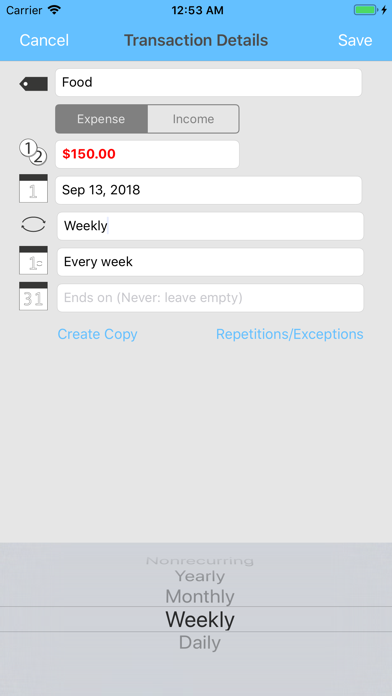
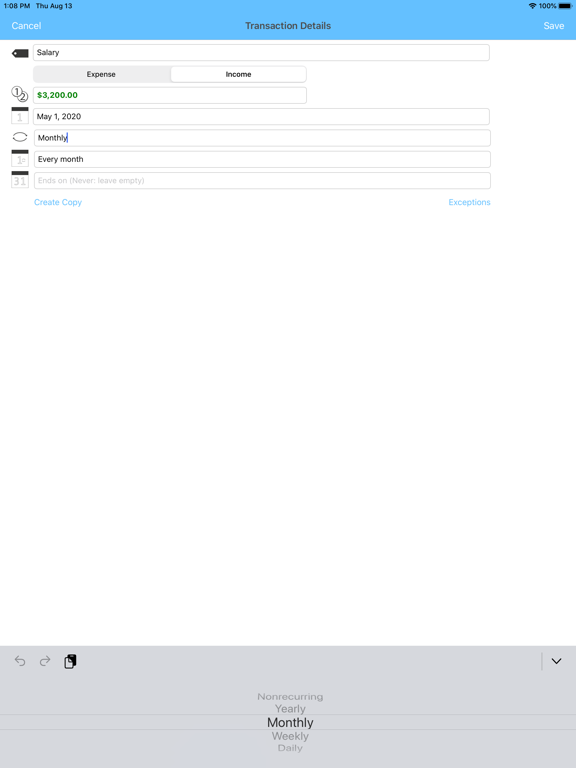
2) Add recurrent or one-time transactions (i.e., income and expenses).
3) See how your finances will develop over the next few weeks, months, and years!
4) Adjust the actual account balance for specific (future) dates. This will correct wrong estimations.
5) Adjust the actual value of a recurrent transaction for specific dates only. Simply double-tap the recurring entry in the trends view to adjust (by creating a 'Transaction Exception')!
You can manage several accounts with this app (e.g., for several people in your family) and you can also use a PIN (or Touch ID / Face ID) to protect your data! Since the app synchronizes via iCloud, you can also see/edit the data from several devices and restore your data after a complete re-install.