Grid # - Add grid on image

Grid # - Add grid on image Summary
Grid # - Add grid on image is a free, ad-supported, with in-app purchases iOS app in Photo And Video by 金鹏 王. Released in Sep 2015 (10 years ago). It has 25K ratings with a 4.61★ (excellent) average. Based on AppGoblin estimates, it reaches roughly 13K monthly active users and generates around $<10K monthly revenue (38% IAP / 62% ads). Store last updated Apr 9, 2024
Recent activity: 18 new ratings this week View trends →
Grid # - Add grid on image SDKs Summary
App not yet scanned for SDKs.
4.61★
Ratings: 25K
Screenshots
App Description
I believe there are always some people in this world who want to add grids to images, just like me. That's why I developed Grid#. Hope it helps.
Features:
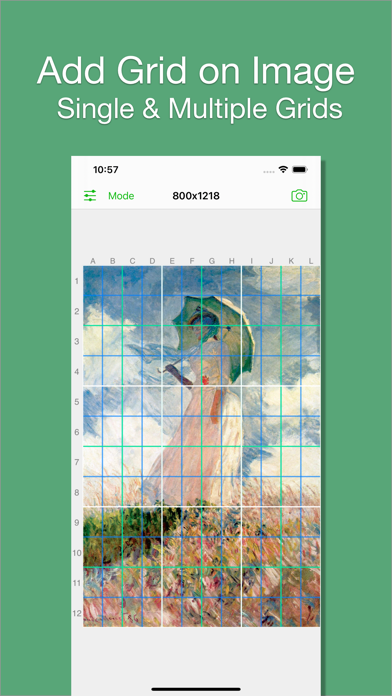
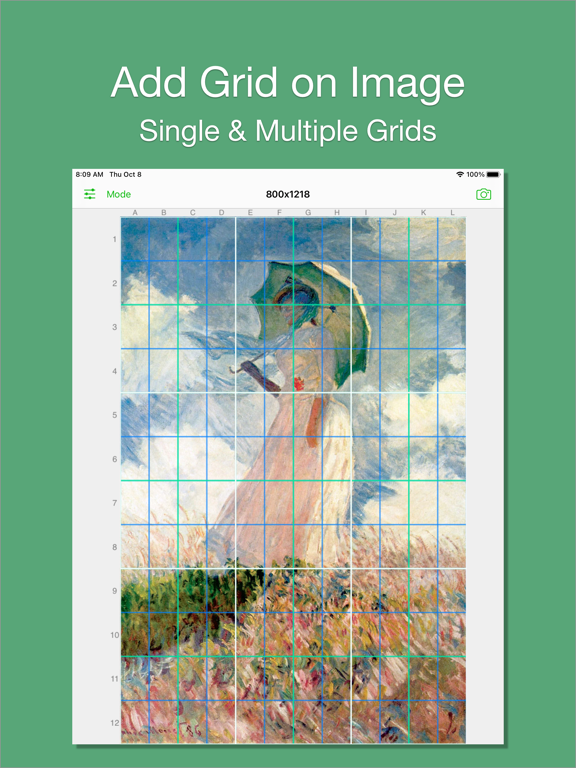
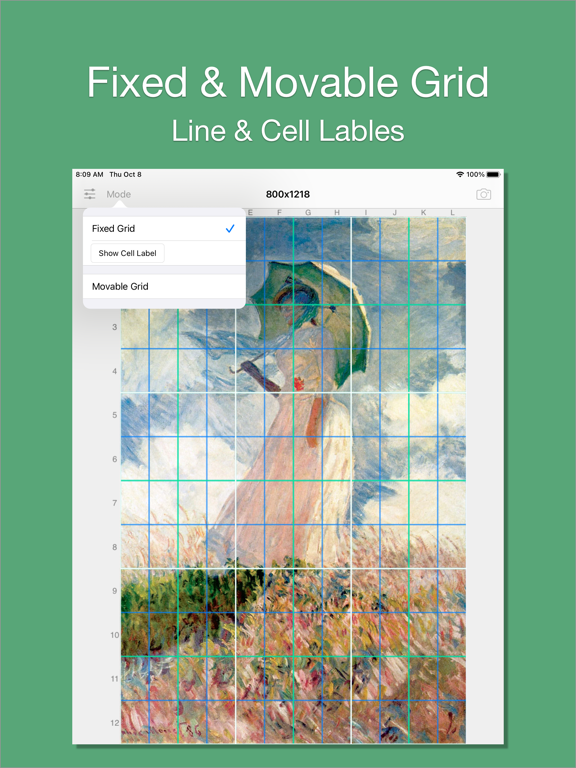
1. Add grid on image.
2. There are 5 types of grids you can choose:
- a. Rectangle(Set rows & cols)
- b. Square(Set rows only)
- c. Square(Set cols only)
- d. Rectangle(Set row height & col width)
- e. Square(Set row height only)[pro feature]
3. The lines can be colourful. Use whatever RGB color you like. You can change lines' transparency.
4. You can change line width (from 1 to 20).
5. You can add multiple grids(at most 3) on the image.
[grid 3 is pro feature]
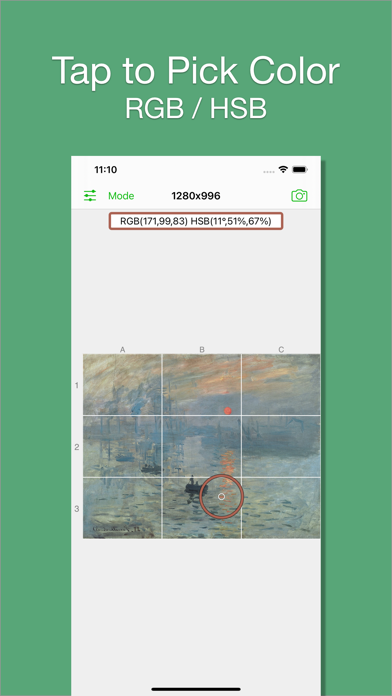
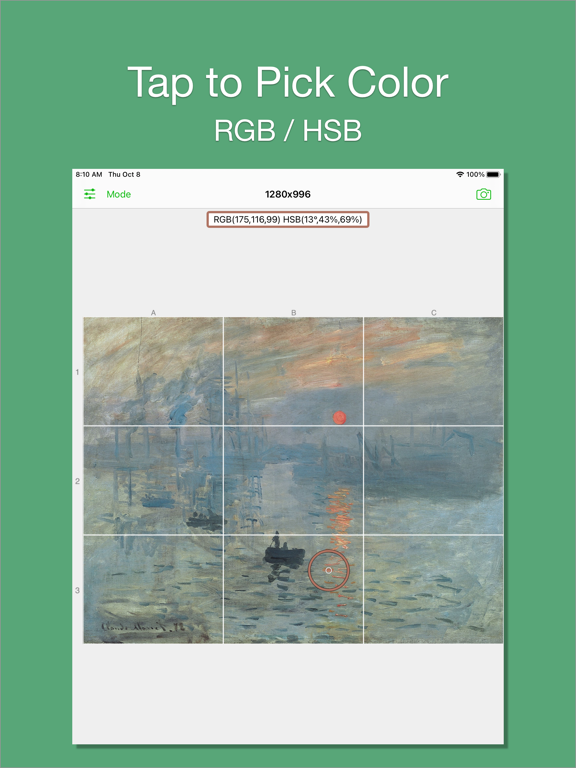
6. You can pick colors from image.
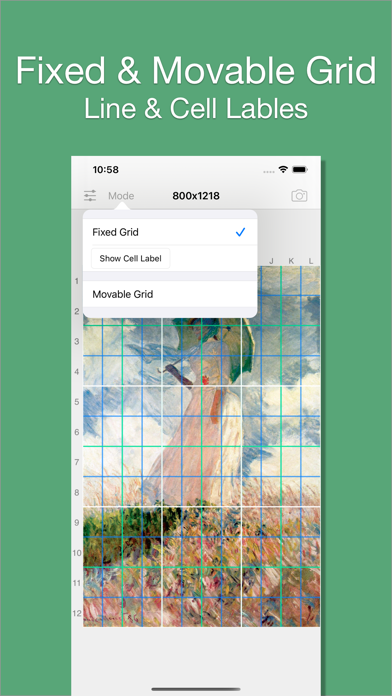
7. There are 2 modes:
- a. Fixed Grid: Grid cannot be moved nor be rotated.
- b. Movable Grid[pro feature]: Grid can be move, or be rotated (Move two fingers around each other to rotate the grid)