Topo Maps US

Topo Maps US Summary
Topo Maps US is a free iOS app in Maps And Navigation by DC Cloud Apps, LLC. Released in Oct 2015 (10 years ago). It has 218 ratings with a 4.43★ (good) average. Based on AppGoblin estimates, it reaches roughly 608 monthly active users . Store last updated Sep 24, 2026
Recent activity: 1.00 new ratings this week View trends →
Topo Maps US SDKs Summary
App not yet scanned for SDKs.
4.43★
Ratings: 218
Screenshots
App Description
Download and view topographic maps covering the United States.
Topographic maps are useful for recreational activities such as hiking, canoeing, camping, fishing, mountain biking, geocaching, and exploring.
MAPS
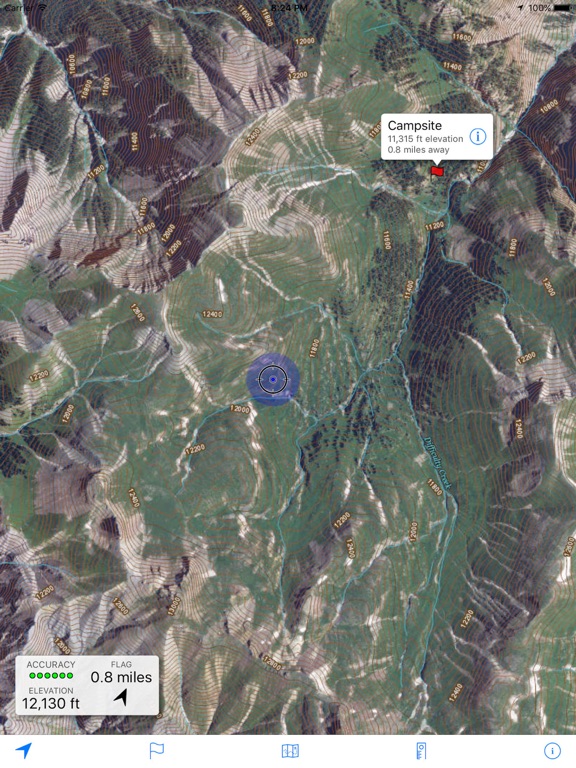
Choose from 2 map sources: USGS standard topographic or USGS hybrid topographic.
OFFLINE
Download maps for areas of interest to view them later when you don't have Internet access or you don't want to use cell data.
TRACKING
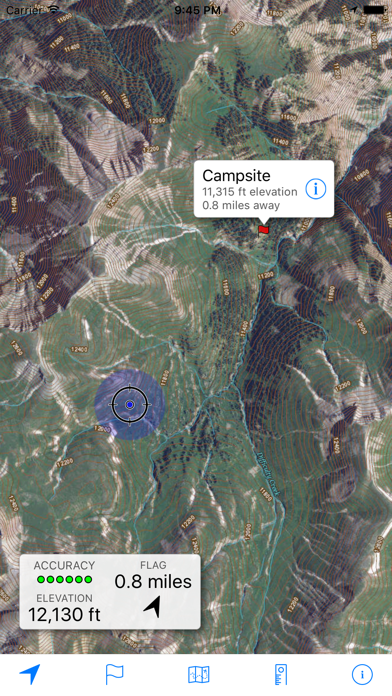
Use location tracking to show where you are on the map, your elevation, and the accuracy of the GPS signal.
FLAGS
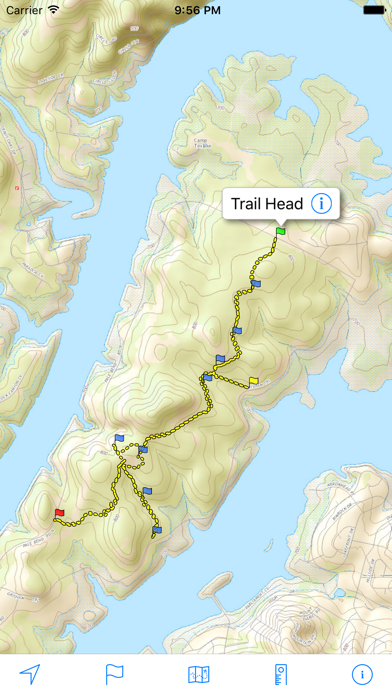
Flags are included with map downloads. Add flags (waypoints) to the map to mark your current location or other locations. Import flags from other sources using GPX files and geocache LOC files. Share flags with others using email or AirDrop. Organize your flag types by color, for example, geocaches, trailheads, and summits.
TRAILS
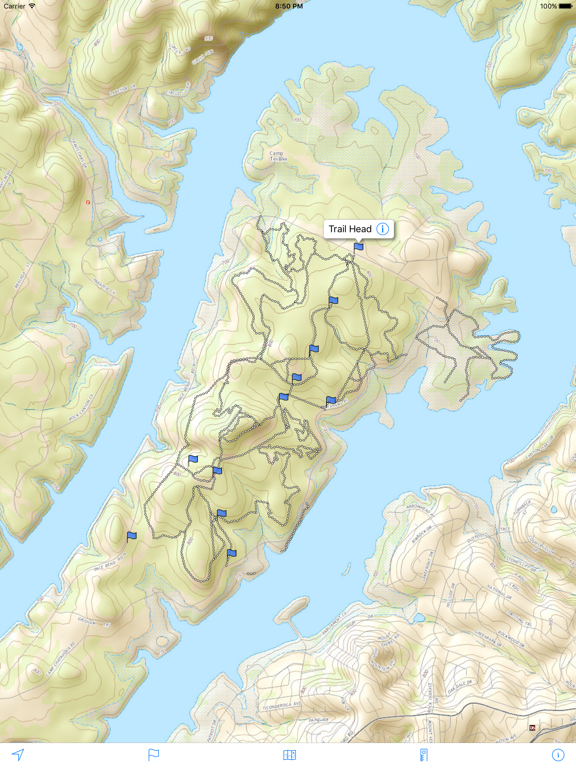
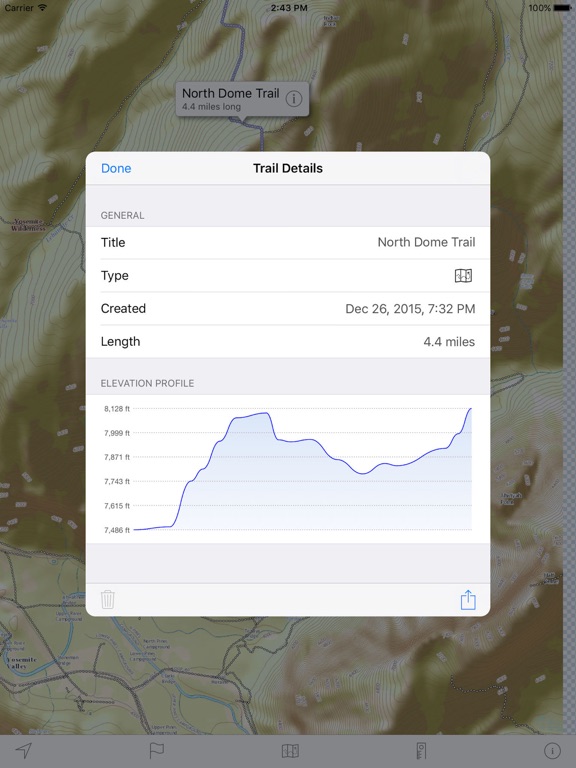
Trails are included with map downloads. Import trails (tracks) using GPX files you find on the Internet or from your personal GPS track collection. Share trails with others using email or AirDrop. Organize your trail types by color, for example, mountain bike trails, hiking trails, and OHV trails.
TRAIL RECORDING
Record your own trails to show where you've been on the map, follow them later, and share with others.
ELEVATION PROFILE
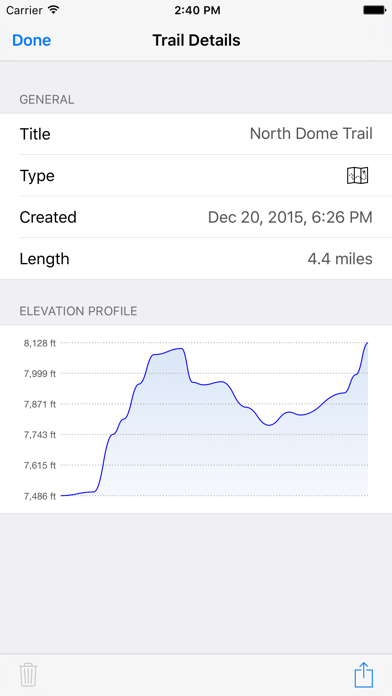
Recorded trails include an elevation profile (distance/elevation chart).
NAVIGATION
Navigate to a flag by following the direction arrow that uses your compass heading. Useful for geocaching.
MEASURE
Measure the distance between points on the map.
Note: Continued use of GPS running in the background can dramatically decrease battery life.