B&W Retro Photo Editor

B&W Retro Photo Editor Summary
B&W Retro Photo Editor is a free, ad-supported, with in-app purchases iOS app in Photo And Video by AppExtreme,Inc.. Released in Oct 2015 (10 years ago). It has 1.6K ratings with a 4.54★ (excellent) average. Based on AppGoblin estimates, it reaches roughly 797 monthly active users and generates around $<10K monthly revenue (24% IAP / 76% ads). Store last updated May 21, 2026
B&W Retro Photo Editor SDKs Summary
App not yet scanned for SDKs.
4.54★
Ratings: 1.6K
Screenshots


App Description
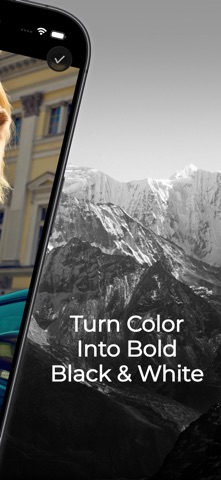
Turn everyday photos into expressive black-and-white images with B&W Retro Photo Editor.
Start from your camera or photo library, choose a monochrome look, fine-tune the image, and save the finished photo to Photos. The app is designed for quick black-and-white editing, while still giving you useful tools for shaping the final image.
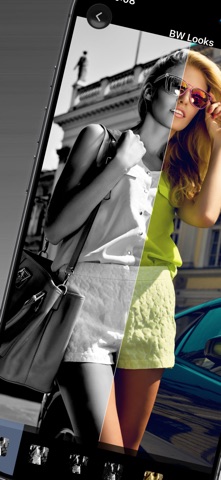
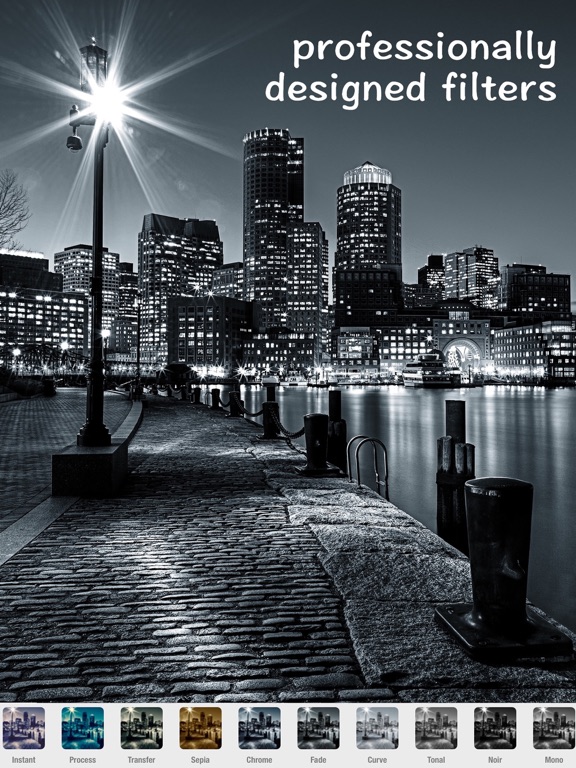
Use one-tap BW Looks to create a range of monochrome styles, from clean black and white to noir, silver, matte, gritty film, warm mono, and cool mono moods. Whether you are editing a portrait, street photo, travel shot, cafe scene, or everyday moment, you can quickly find a look that fits the image.
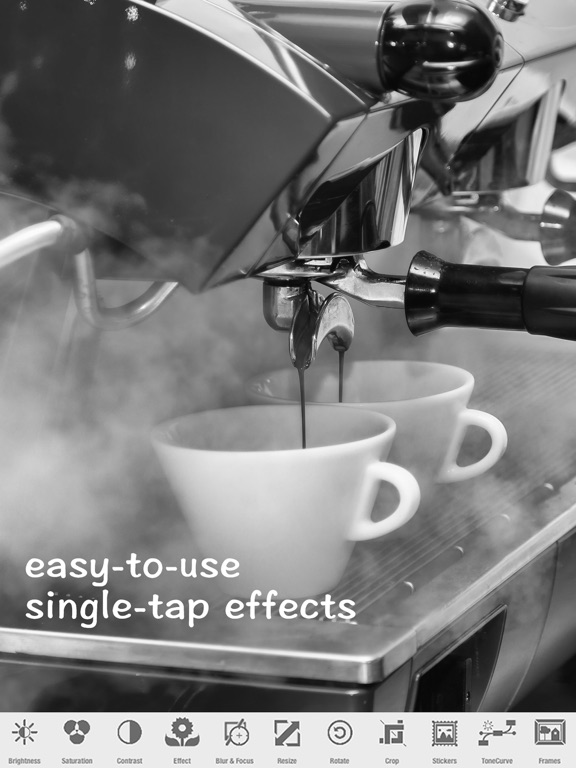
You can also adjust the details after applying a look. Fine-tune brightness, contrast, saturation, and tone. Crop or rotate the photo for a better composition. Use Blur & Focus to draw attention to the subject. Add text, frames, or stickers when you want a more creative finish.
Key features:
- One-tap black-and-white and monochrome looks
- Camera and photo library support
- Noir, silver, matte, film-style, warm mono, and cool mono moods
- Brightness, contrast, saturation, and tone adjustments
- Crop, rotate, blur, focus, text, frames, and stickers
- Save edited photos to your photo library
B&W Retro Photo Editor is made for people who want a simple, focused way to create black-and-white photos without a complicated editing workflow. Choose a photo, apply a mood, refine the details, and save your finished image.