Funk Drummer

Funk Drummer Summary
Funk Drummer is a with in-app purchases iOS app in Music And Audio by Lumbeat. Released in Dec 2015 (10 years ago). It has 571 ratings with a 4.78★ (excellent) average. Based on AppGoblin estimates, it reaches roughly 1.5K monthly active users and generates around $<10K monthly revenue (100% IAP / 0% ads). Store metadata: updated Mar 13, 2024.
Store info: Last updated on App Store on Mar 13, 2024 .
4.78★
Ratings: 571
Screenshots

App Description
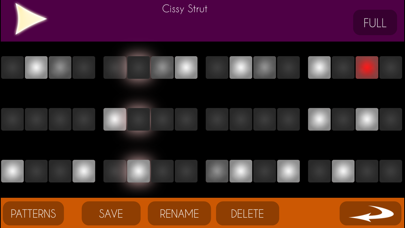
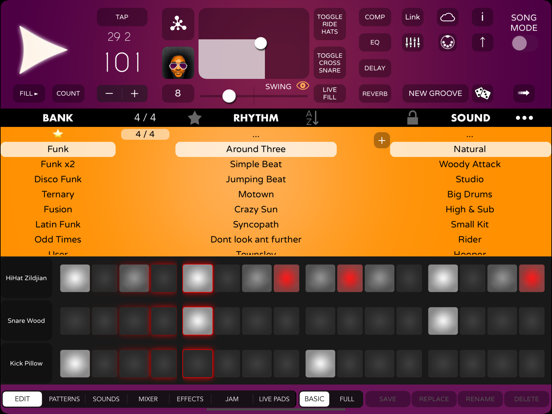
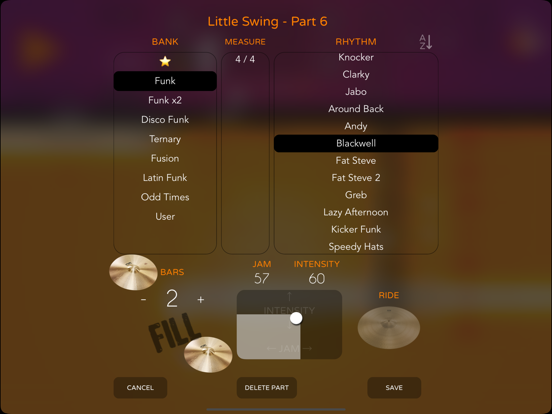
Funk Drummer is the grooviest drum machine with the ability to improvise like a proper human drummer. Now with even more possibilities with the new 2d control for Jam / Intensity parameters.
The new Live Pads lets to play live sessions on the way with 8 assignable pads and buttons for fills, intro, end with midi controls. And now, you can synchronize with any app easily with Ableton Link.
New Audio - Midi Export feature. Get Multi-Track or Full Mix in seconds. (from iOS 12 )
- The best jamming tool improvise like a human drummer. Set the improvisation level with a simple slider. From 0 (totally stable rhythms) to 100 (creative drummer took too much coffee)
- More than 150 funk grooves divided into banks: Fusion, Odd Times, Disco Funk, Ternary rhythms and more.
- 35(+6) multilayer sounds with 3 different hits (ghost note, accented note and special) x 3 RoundRobin alternating samples.
- Round Robin alternating samples, combining 3 layer samples of each stroke makes a extremely natural sound.
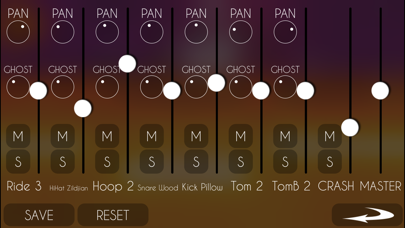
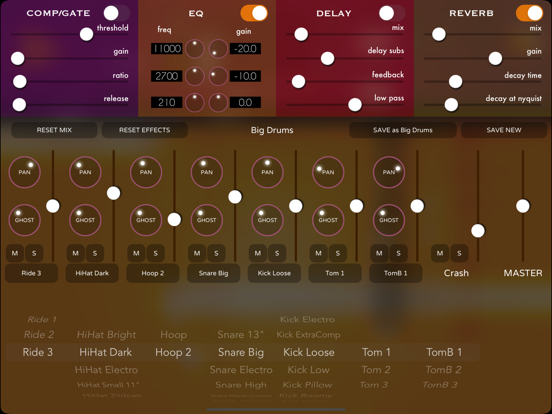
- 4 Effects to combine, including Compressor/Gate, Equalizer, Delay and Reverb.
- Several Random generators to get creative ideas instantly.
- Song Mode. Extra fast tool to create rhythmic structures for your song in seconds.
- Ableton Link Sync
- Inter-App Audio
- Midi Out
--- MIDI CONTROLS ---
Assignable Controls MIDI Mapping
Default Controls :
Play : G2
LivePads : C1 - G2
Fill + Play/Stop : A2
Fill : C2
Fill + Toggle Hats/Ride D2
Toggle Hats/Ride Db2
Fill with LivePad Change E2
Load Live Pad C3
Preview LivePad Db3
Next Live Pad D3
Select Live Pad Set Eb3
Tap Tempo Bb2
Crash Cymbal B2
Next Song Ab2
Previous Song Gb2
Jam CC 1
Intensity CC 2
Master Volume CC 7
Swing CC 11
Reverb Level CC 91
Bank CC 32
Rhythm CC 0
Soundset PC