zFuse - Media Player

zFuse - Media Player Summary
zFuse - Media Player is a free, ad-supported, with in-app purchases iOS app in Entertainment by s-joys Co., Ltd.. Released in Dec 2015 (10 years ago). It has 65K ratings with a 4.69★ (excellent) average. Based on AppGoblin estimates, it reaches roughly 134K monthly active users and generates around $10K+ monthly revenue (33% IAP / 67% ads). Store last updated Sep 12, 2026
Recent activity: 116 new ratings this week View trends →
SDK intelligence: AppGoblin detected 4 ad networks(e.g. Google) integrated into zFuse - Media Player. View full SDK list →
zFuse - Media Player SDKs Summary
zFuse - Media Player was last scanned for SDKs on 2026-06-13. Below is the overview of third-party companies detected in the app. The full list of SDKs, permissions and unknowns is available here.
 Google
 KuaiShou
 Baidu
Baidu4.69★
Ratings: 65K
Screenshots


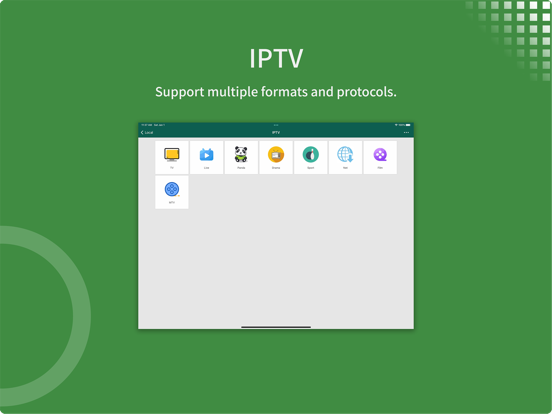
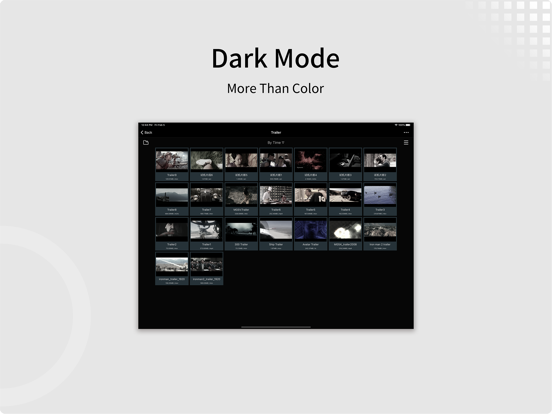
App Description
- zFuse can play all video formats and encodings, allowing you to play video files on your mobile device without the need to convert to MP4.
- zFuse supports ASS/SSA/SUP effect subtitles, enabling you to experience full subtitle effects just like on your PC/Mac.
- zFuse features powerful networking technologies that allow you to play media from your PC or NAS directly, without occupying any space on your limited device storage and without needing to download anything.
- zFuse also allows you to easily download files or directories directly from your PC or NAS, making it the perfect companion for your trips.
- zFuse supports a variety of gestures - simply move your fingers to adjust playback position, font size, volume, and brightness.
- zFuse carefully protects your privacy with folder encryption, so you no longer need to worry about privacy issues.
- zFuse's detailed features include:
* SMB/CIFS playback and discovery (easily play media files from your PC).
* Download media files or directories from SAMBA/DLNA/WebDAV/FTP directly.
* UPnP/DLNA playback and discovery.
* Emby and Jellyfin media server support.
* AirPlay playback.
* Picture-in-Picture mode support.
* iPad split-screen multitasking support.
* Hardware acceleration.
* HDR Tone Mapping support on non-HDR displays.
* Subtitle effects support.
* 0.5x-3.0x playback speed control.
* 0.5x-5.0x screen zoom.
* Media preview while seeking.
* Built-in audio enhancement.
* Multi-soundtrack selection.
* Embedded/external subtitle track selection.
* Subtitle synchronization.
* Audio synchronization.
* External subtitle font selection support.
* Playlist file preview before playback.
* Blu-ray directory playback.
* Real-time playlist management and editing.
* Screen mirroring.
* File Management:
- Delete, move, rename, create folders.
- Wi-Fi file transfer support without USB cable connection.
- Streaming media playlist creation support.
- File decompression support: 7z, zip, rar, tar, bz, bz2, etc.
* Gesture Controls:
- Horizontal drag: adjust playback position.
- Vertical drag on left side: adjust volume.
- Vertical drag on right side: adjust brightness.
- Pinch to zoom: adjust screen size.
- Double-tap: play/pause.
-