EduCalc

EduCalc Summary
EduCalc is a mobile iOS app in Education by William Jockusch. Released in Apr 2016 (10 years ago). It has 45 ratings with a 4.67★ (excellent) average. Based on AppGoblin estimates, it reaches roughly 24 monthly active users . Store last updated Jan 21, 2020
EduCalc SDKs Summary
App not yet scanned for SDKs.
4.67★
Ratings: 45
Screenshots


App Description
Edu Graphing Calculator is written for students, teachers, and lifelong learners.
-- All screens have portrait and landscape
-- Polynomial solver up to 10th degree
-- Wide range of settings for font sizes and graph line widths
-- Additional matrix/systems of equations material in reference, with more coming
-- Copy/Paste works in many places
-- Updates to this version will be more frequent, going forward
-- Please report bugs to the email address inside the app
Features:
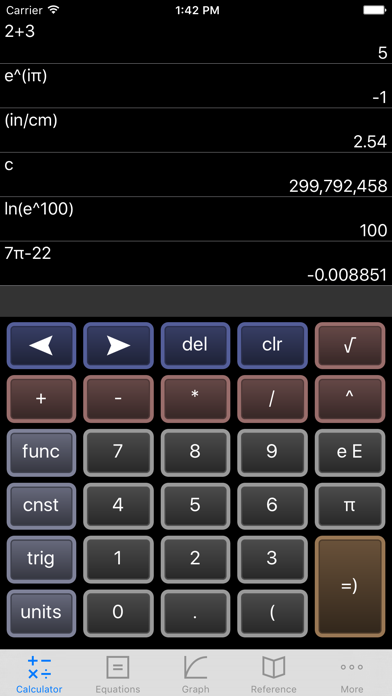
1) Scientific Calculator. Simple to grasp and easy to use, but powerful features are available when you need them. Available functions include the following:
• the usual arithmetic functions and exponentiation.
• square root, cube root, nth root, natural log, log base 10, log of arbitrary base, absolute value, factorial, permutations (nPr), combinations (nCr), modulus, random integer, bell curve, cumulative normal distribution, decimal to fraction.
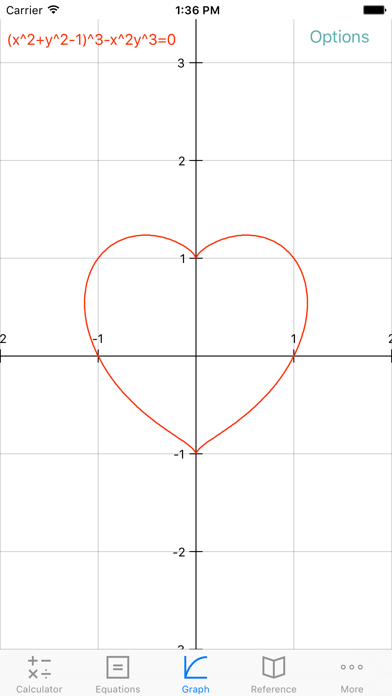
2) Graphing. Capabilities:
• Graph up to four equations at once.
• Graphs are labeled.
• You can drag the graph or pinch to zoom in or out.
• Calculator can find roots and intersections.
• Graph in polar coordinates.
• Graph parametric equations
• Can graph implicit functions, such as x^2+y^2-4=0. Most calculator apps can't do this!
3) A unit converter. With a tap, you can enter the result of your conversion into the calculator. Currently converts different units of the following: acceleration, angle, area, density, distance, energy, force, mass, power, pressure, speed, temperature, time, and volume. Great for doing physics homework!
4) Constants for scientific calculations -- speed of light, strength of gravity at Earth's surface, etc. etc. etc. Tapping on a constant will insert it into your calculation -- i.e, you don't have to key in the value. Again, great for doing physics homework!
5) It can make a table of the values of any function you care to enter. You can choose the starting x value of the table, as well as how much x increases for each successive row.
6) Help screens linked directly to many of the available functions and constants. Tap the disclosure arrow to see the definition.
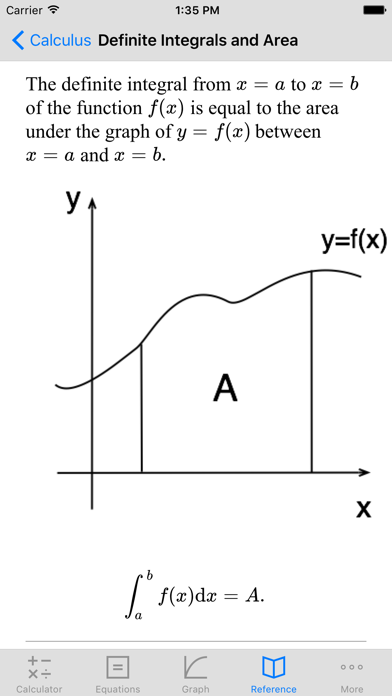
7) Forgot the quadratic formula? Or the double-angle formulas for sine and cosine? The math/science reference hits the high points of various subjects. Currently includes algebra, differential and integral calc