AutoDrive — Mileage Tracker

AutoDrive — Mileage Tracker Summary
AutoDrive — Mileage Tracker is a free, with in-app purchases iOS app in Finance by Wrights Creative Services, L.L.C.. Released in Mar 2016 (10 years ago). It has 6.00 ratings with a 2.67★ (poor) average. Based on AppGoblin estimates, it reaches roughly 84 monthly active users and generates around $<10K monthly revenue (100% IAP / 0% ads). Store last updated May 24, 2026
AutoDrive — Mileage Tracker SDKs Summary
App not yet scanned for SDKs.
2.67★
Ratings: 6.00
Screenshots
App Description
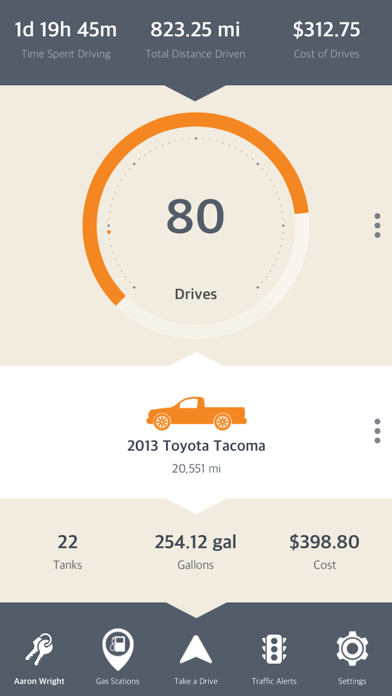
AutoDrive turns every trip you take into a clean, audit-ready mileage log — automatically.
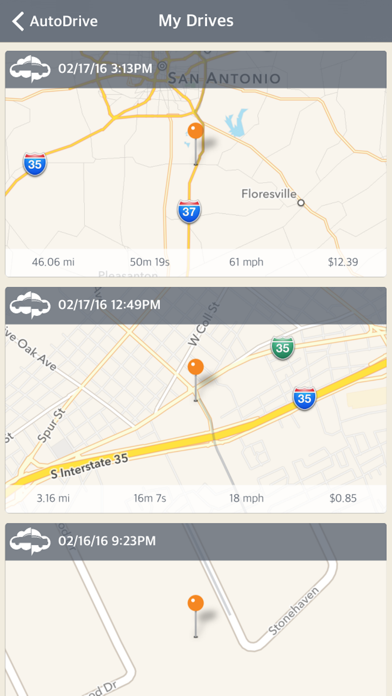
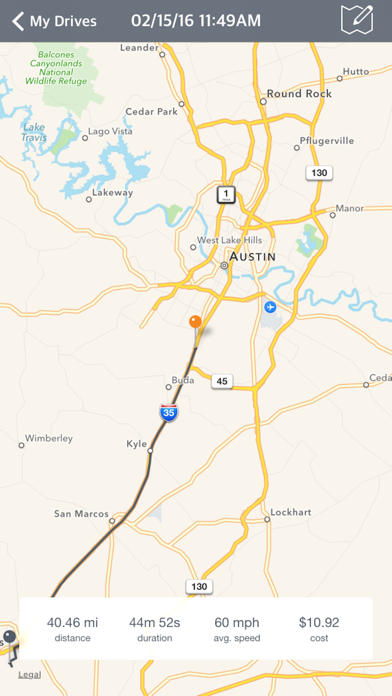
Drop the paper notebook. AutoDrive detects when you start driving, logs the distance, route, duration, and fuel or charging costs, and files every drive under the right vehicle and driver. Everything syncs across the mobile app, the AutoDrive Online Mac app, and Online website so your records are with you wherever you land.
WHAT YOU GET
• Automatic drive tracking — AutoDrive wakes up when it detects you're in a vehicle, records the trip from start to stop, and pauses when you're done.
• IRS-ready reports — every generated mileage log stamps a taxpayer header with your business name, tax ID, occupation, and address, matching IRS Pub. 463 / Form 2106 / Schedule C substantiation requirements. Generate a PDF in seconds when you need it.
• Fuel logs — track fill-ups, gallons, cost per gallon, and MPG over time. Supports unleaded, premium, diesel, and more.
• EV charging logs — record kWh, cost, and charging network for every session. Mixed fleets get the Fuel and Charging surfaces side-by-side; single-fuel users see only what applies.
• Vehicle manager — store every car you drive, with VIN decode, nickname, mileage, fuel type, and type-specific icons. Assign a primary driver to each.
• Driver profiles — keep a roster of drivers (family, employees, contractors) with optional taxpayer details for IRS-compliance reports.
• Account Groups — share vehicles, drivers, and reports with your household or fleet. One admin, many members, one combined mileage record.
• Report Builder — drag-and-drop report sections with ready-made templates for Drive Summary, Monthly Mileage, Fuel Summary, Charging Summary, and three IRS-compliance layouts (Mileage Log, Business Mileage, Vehicle Expenses). Save your own layouts for reuse.
• Data import — bring drivers, vehicles, drives, fuel logs, and charging logs in from CSV or TXT if you're switching from another tracker.
• Search everything — jump to any drive, vehicle, driver, or log in two keystrokes from the top bar.
• Cross-platform sync — your data moves with you across devices. Sign in on a new phone or browser and everything's there.
AUTOCARE — YOUR FULL-SERVICE AUTO MAINTENANCE MANAGER
Keep your vehicles healthy in one place: log service visits, set maintenance reminders, check open NHTS