Refreshinator - Auto Refresh

Refreshinator - Auto Refresh Summary
Refreshinator - Auto Refresh is a mobile iOS app in Tools by BatLabs LTD. Released in Jan 2016 (10 years ago). It has 40 ratings with a 4.30★ (good) average. Based on AppGoblin estimates, it reaches roughly 121 monthly active users . Store metadata: updated Apr 23, 2025.
Store info: Last updated on App Store on Apr 23, 2025 .
4.3★
Ratings: 40
Screenshots

App Description
Attention all web surfers! Have you ever found yourself stuck on a website, constantly refreshing the page in hopes of landing that elusive ticket or product? Look no further, because the Refreshinator is here to revolutionize your online shopping experience.
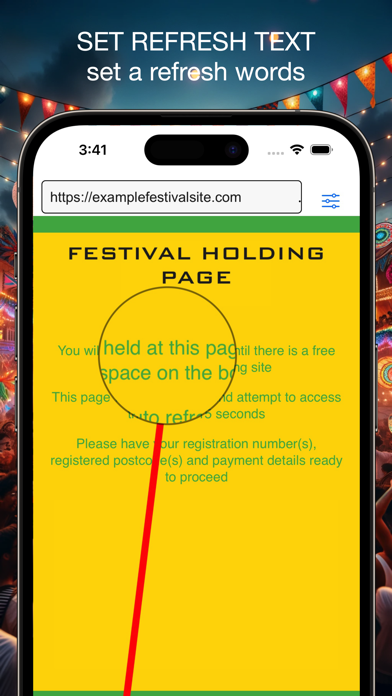
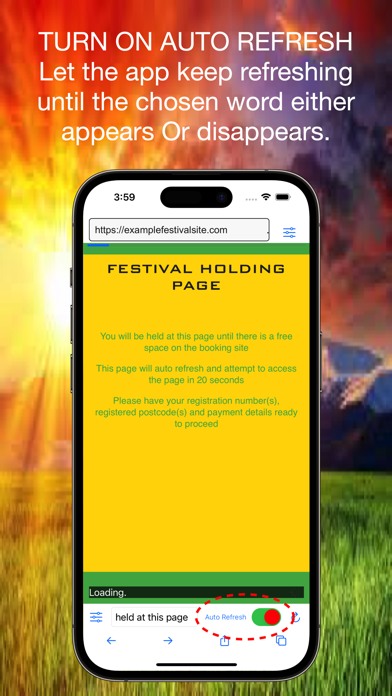
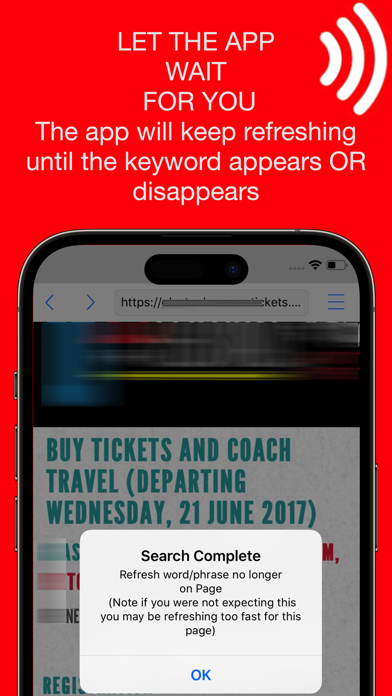
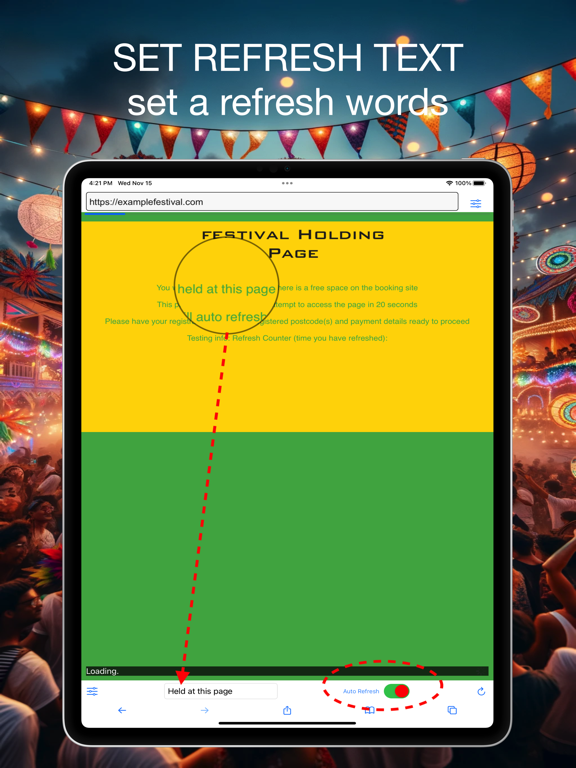
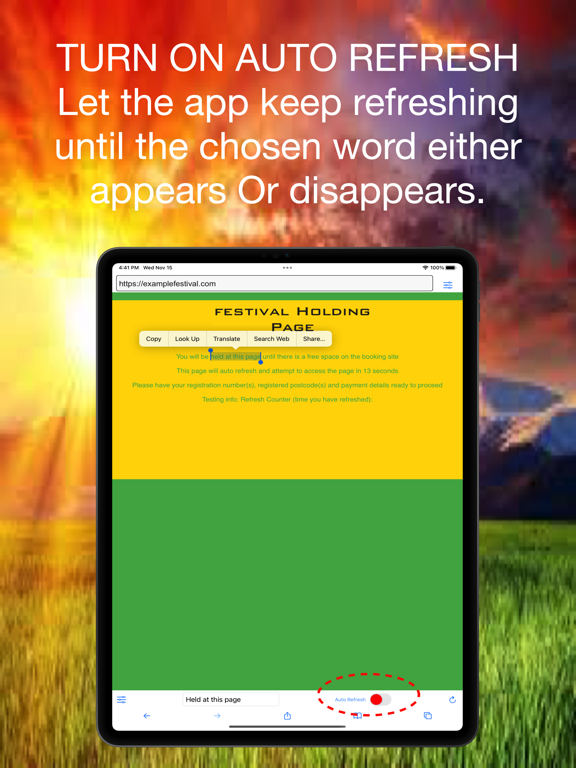
The Refreshinator is a powerful browser that allows you to automatically refresh web pages based on a chosen keyword or phrase. Select the word or phrase you want to change on the web page, and when it disappears or changes, the browser will stop refreshing and sound an alarm.
**Two monitoring modes (choose in Settings)**
1. **Refresh Mode** – reloads the page at your chosen interval and checks if the target word or phrase appears or disappears.
2. **Page Watch Mode** – monitors the current page *without reloading*, ideal for queue systems; avoids unnecessary reloads that can disrupt your session.
• Advanced stealth: Random User Agent rotates your browser ID automatically.
- Two search methods: "Refresh until the word appears" and "Refresh until the word disappears/changes."
- Adjust the refresh speed for optimal results.
- Implement auto-detection for page loading failures.
- Keep the iPhone or iPad from entering sleep mode.
- Set up an alarm for detecting page changes.
- Enable Incognito/privacy mode to prevent sites from tracking you with cookies.
.
- Introduce the Multi-tab refresh feature to refresh multiple tabs at once.
• Plan access with Redirect Scheduler: open a URL exactly when a sale starts.
Now with Multi-Tab Refreshing, the new version of Refreshinator elevates your monitoring game. Open multiple tabs within the app, each refreshing independently based on the specified keyword or phrase. Not only can you track different pages, but you can also monitor the same page across multiple tabs simultaneously. Clone a tab with the exact setup onto a new tab using the Duplicate Tab Function, and revel in the consistency across your monitoring tasks.
Prepare for high-stakes online purchases with the Quick Fill function. Preload your details like name and payment information in the Quick Fill section, and when it's crunch time, hit the "Copy" button to transfer this data to your clipboard. Breeze through form filling and stay ahead in the race, even on websites with restrictions against traditional auto-fill.
. This tool is invaluable for keeping track of various sale