spacedesk - USB Display for PC
spacedesk - USB Display for PC Summary
spacedesk - USB Display for PC is a with in-app purchases iOS app in Productivity by datronicsoft Technology GmbH. Released in Jan 2018 (8 years ago). It has 11.7K ratings with a 4.65★ (excellent) average. Based on AppGoblin estimates, it reaches roughly 32.5K monthly active users and generates around $<10K monthly revenue (100% IAP / 0% ads). Store metadata: updated May 12, 2026.
Recent activity: 16 new ratings this week View trends →
Data tracking: SDKs and third-party integrations were last analyzed on Feb 11, 2025.
Store info: Last updated on App Store on May 12, 2026 .
4.65★
Ratings: 11.7K
Screenshots
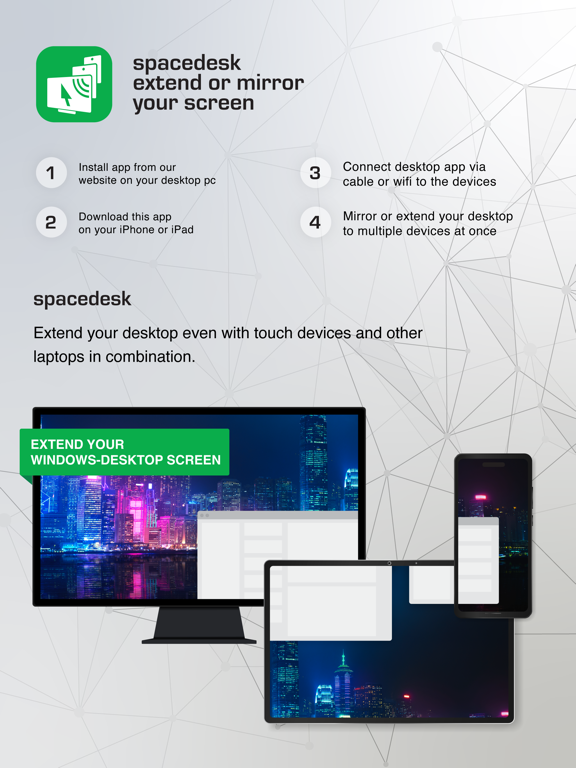
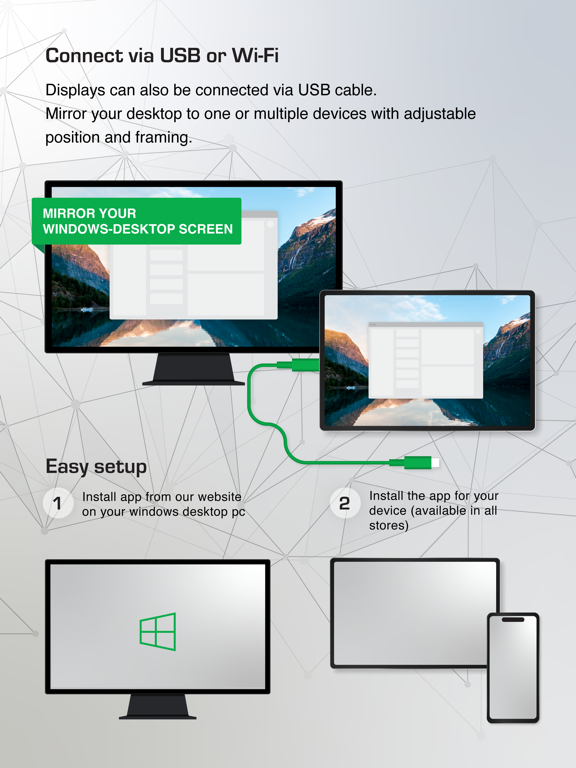
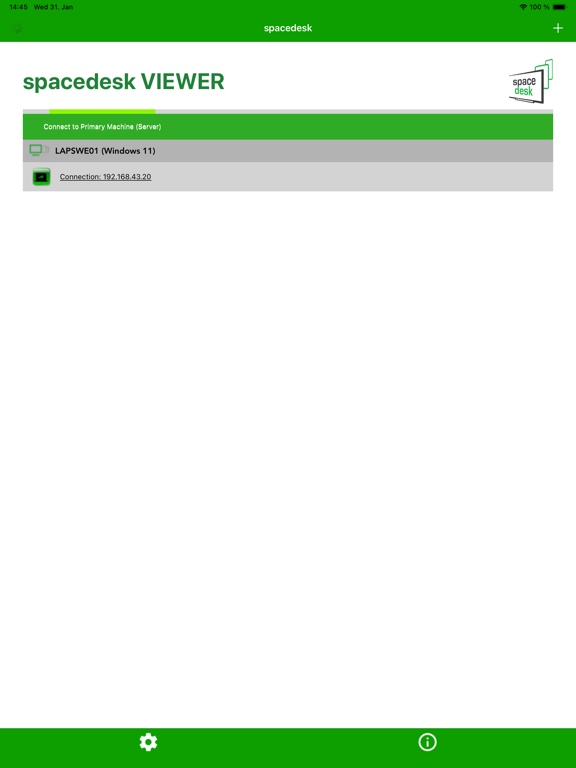
App Description
Windows computer desktop extension, mirroring and remoting tool for WiFi, USB or LAN. Supports applications like:
- Screen Cast (to television, tablet or smart phone)
- Desktop Remoting Viewer (over USB and Local Area Network)
- Drawing Tablet (drawing and painting with digitizer pen)
- Wireless Display Monitor (similar to Miracast, RDP, AirPlay and Sidecar)
- USB Display Monitor (similar to DisplayLink)
- Remote Access (over USB link, WiFi and LAN)
- Remote Control (wireless and wired)
- Screen Streaming (including audio)
- Screen Mirroring (over the air and via cable)
- Screen Cloning
- Extension Screen
- Windows Desktop Workspace Extension
- Windows Desktop Duplication (clone)
- Windows Desktop Streaming
- Personal Computer Desktop Presenter
- Virtual Monitor for Desktop PC
- Second Display On The Go
- TV, mobile or tablet screen as Side by Side Display
- Alternative to Miracast, AirPlay and Sidecar
- Portable Multimonitor Screen for Travel
- Access main computer from mobile device
- Software KVM-Switch (Keyboard Video Mouse)
- Software Display Hub
- Software Display Switch
- Projector Screen Viewer
- Input Console
- Input Terminal
- Tablet Input Device
- Windows Graphics Tablet App
- Windows Tablet as sketchbook for drawing artwork
- Creative Video Wall App
- Video Wall w. Any Angle Rotation
Instruction manual, documentation and detailed setup:
https://manual.spacedesk.net
Quick Guide:
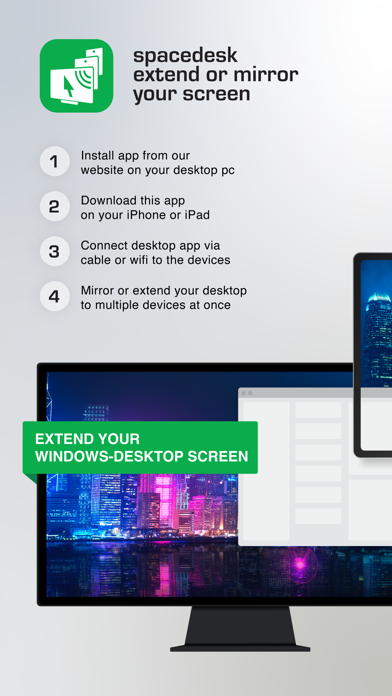
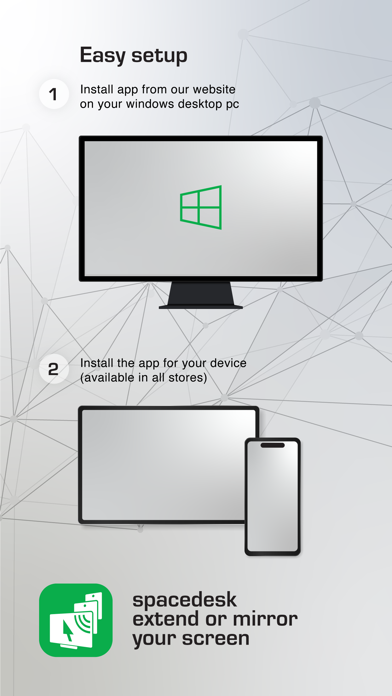
1. Install spacedesk DRIVER software for Windows Primary PC.
Download from: https://www.spacedesk.net
2. Install this spacedesk Viewer app for iOS.
3. Open this spacedesk Viewer app and connect to Windows Primary PC.
Connection: USB or LAN (Local Area Network).
LAN: Driver and Viewer must be on the same network
- via Mobile Hotspot
Note: Does NOT need internet connection!
The Windows Primary Machine running spacedesk Driver...
...supports Windows 11, Windows 10 or Windows 8.1. Apple Macs are not supported.
Dual monitor and multi monitor configurations are supported.
Needs spacedesk drivers installed. Download: https://www.spacedesk.net
The Secondary Machine or Device (iOS network display client)...
...is an iPad, iPhone or device running the spacedesk iOS app.
The wireless and wired cable connection...
...connects Windows Primary Machine to Secondary Machine or Device over USB, LAN (Local Area Network e.g. Ethernet) and/or WLAN (Wireless Local Area Network).
Loca