XGimp Image Editor Paint Tool

XGimp Image Editor Paint Tool Summary
XGimp Image Editor Paint Tool is a with in-app purchases iOS app in Productivity by SSA. Released in Jan 2016 (10 years ago). It has 903 ratings with a 1.42★ (poor) average. Based on AppGoblin estimates, it reaches roughly 78 monthly active users and generates around $<10K monthly revenue (100% IAP / 0% ads). Store metadata: updated Oct 11, 2021.
Store info: Last updated on App Store on Oct 11, 2021 .
1.42★
Ratings: 903
Screenshots

App Description
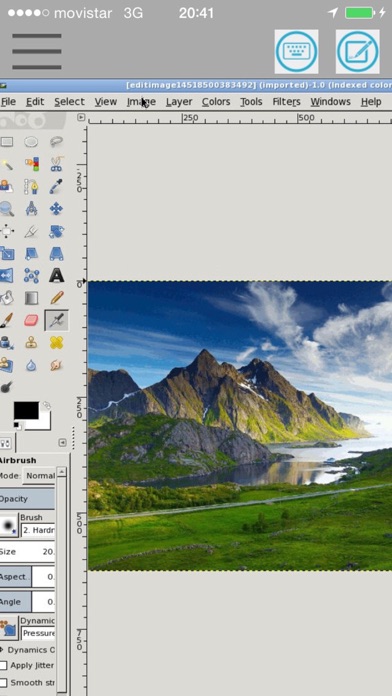
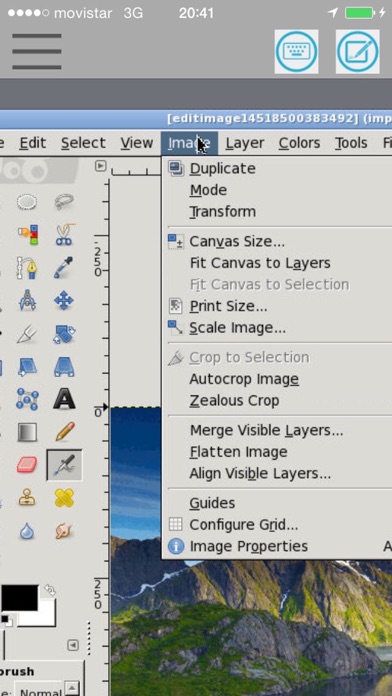
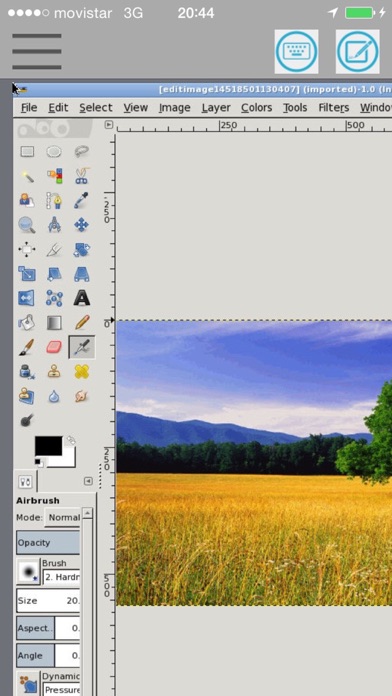
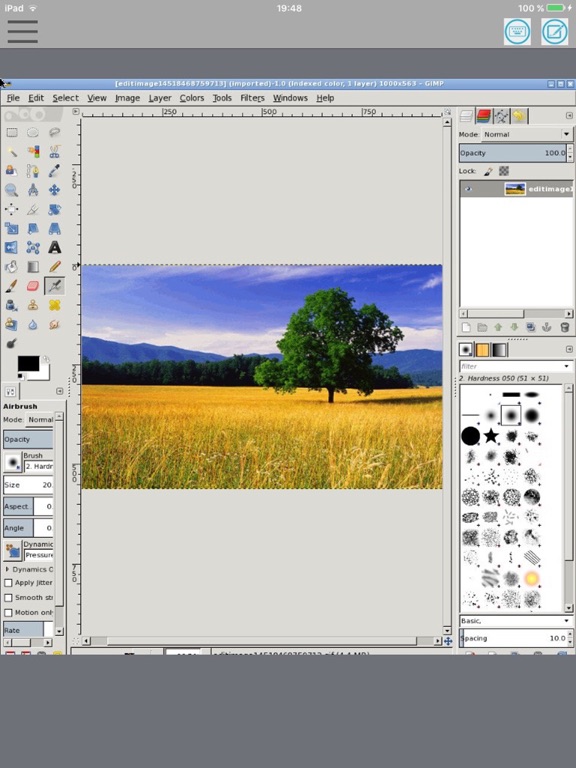
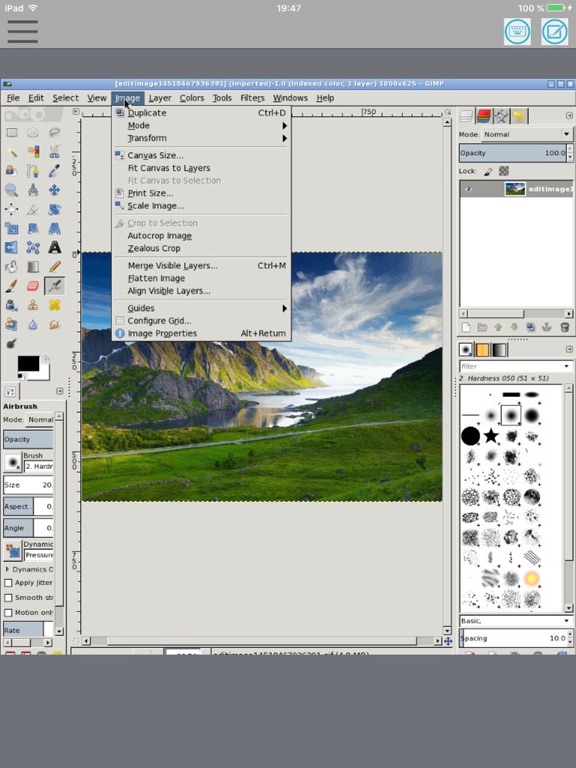
XGimp is an adaptation for iPhone and iPad of the app GIMP (GNU Image Manipulation), which is a freely distributed program for tasks as photo retouching, image composition and image authoring. As a result of that, the app XGimp provides many capabilities. It can be used as a simple paint program, image editor, an expert quality photo retouching program, an image renderer, or an image format converter.
XGimp is the app GIMP that runs remotely, so it has the same features:
- Suite of painting tools including Brush, Pencil, Airbrush, Clone, etc.
- Image editor.
- Sub-pixel sampling for all paint tools for high quality anti-aliasing.
- Extremely powerful gradient editor and blend tool.
- Supports custom brushes and patterns.
- Full alpha channel support.
- Layers and channels.
- Multiple Undo/Redo.
- Editable text layers.
- Transformation tools including rotate, scale, shear and flip.
A guide about how to use this app can be found at http://www.gimp.org/tutorials/
XGimp is the app GIMP that is run remotely.
The subscription inside the app consists on the following:
- The length of the subscription is 1 month
- The price of the subscription is $0.99
- The subscription will be auto-renewed every month so that you can continue enjoying the app without ads.
- Payment will be charged to iTunes Account at confirmation of purchase
- Subscription automatically renews unless auto-renew is turned off at least 24-hours before the end of the current period
- Account will be charged for renewal within 24-hours prior to the end of the current period, and identify the cost of the renewal
- Subscriptions may be managed by the user and auto-renewal may be turned off by going to the user's Account Settings after purchase
- The privacy policy and terms of use of our apps are in https://www.offidocs.com/index.php/mobile-apps-policy