Sidecar MIDI Controller

Sidecar MIDI Controller Summary
Sidecar MIDI Controller is a mobile iOS app in Music And Audio by Secret Base Design. Released in Jan 2016 (10 years ago). It has 16 ratings with a 4.62★ (excellent) average. Based on AppGoblin estimates, it reaches roughly 46 monthly active users . Store last updated Feb 24, 2026
Sidecar MIDI Controller SDKs Summary
App not yet scanned for SDKs.
4.62★
Ratings: 16
Screenshots

App Description
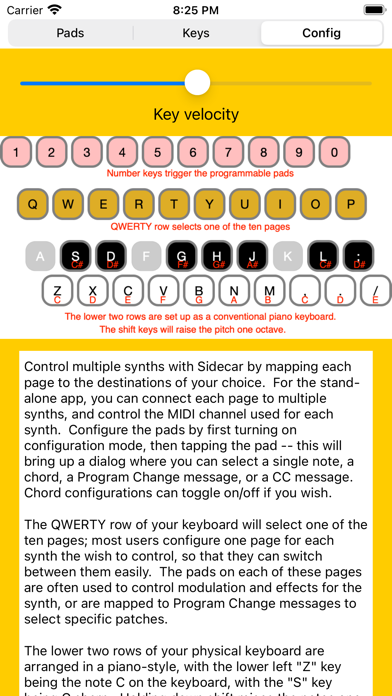
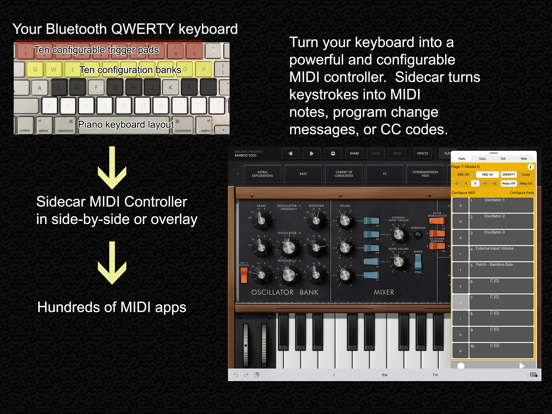
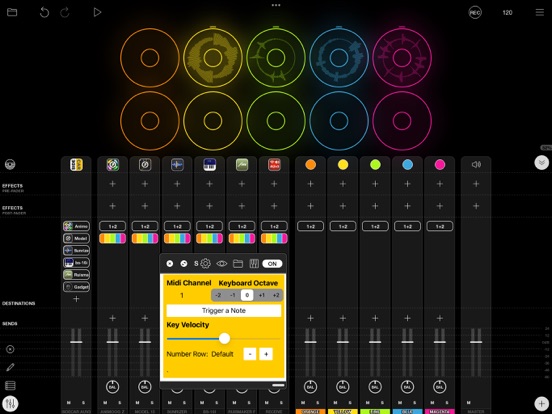
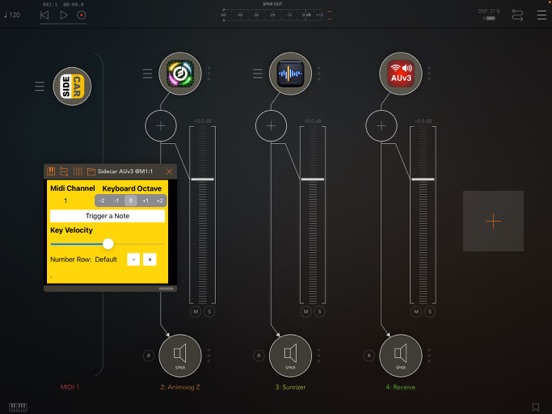
There are hundreds of great iOS synth apps, but playing them with on-screen keyboards can be a challenge. Sidecar turns your ordinary QWERTY keyboard into a powerful MIDI controller. The lower part of the keyboard is mapped piano-style, letting you play melodies with the physical keys -- much easier to keep your fingers in the right place, and to get the notes you want. The app is configurable; you can have ten different set-ups, and switch between them quickly with a tap on the "QWERTY" row. There are also ten configureable pads for each set-up, which you can trigger with the number keys. Each pad can play a specific note, a chord, generate a program change message, or send a control code. Because Sidecar operates in slide-over and side-by-side mode on the iPad, you can use your physical keyboard with any MIDI app, even if the other app is running in the background.
On screen, you have access to each of the pads -- map the knobs and sliders of your synth apps to MIDI CC messages, and then use Sidecar to adjust these sliders as you play.
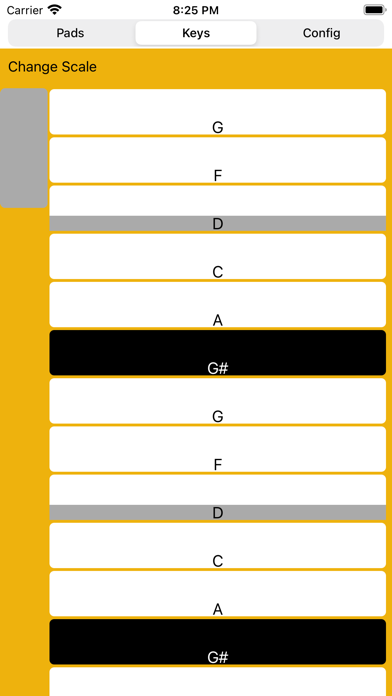
Sidecar also provides a scale-configurable virtual keyboard. Pick the scale you want, and then you can't hit a wrong note.
In addition to external keyboards, Sidecar also supports many game controllers. The app is now universal; while the iPhone doesn't support slide-over, you can still take advantage of the configuration options of the app.
* Easy MIDI Configuration
With ten separately configurable MIDI destinations you can quickly set up a set of assignments for each of the MIDI apps that you use. Have a set of chords for Animoog, choose different presets for ToneStack, or assign pads to different samples for DM1. Each MIDI destination has ten configurable pads, which can be assigned to chords, single notes, a program change message, or a controller change message. For notes and chords, the touch position controls note velocity. For controller change messages, the location of a touch on screen can be used to determine the controller value.
* QWERTY Keyboard Support
Toggle on support for the external keyboard, and you can switch between the ten MIDI destinations quickly (using the keys in the QWERTY row). Toggle on or off any of the ten pads by pressing the number keys. The two lowest rows of keys are mapped as a standard piano keyboard, providing a musical play surface with an ordinary text keyboard.