nPlayer Lite

nPlayer Lite Summary
nPlayer Lite is a free, ad-supported iOS app in Entertainment by Newin Inc.. Released in Feb 2016 (10 years ago). It has 25K ratings with a 4.33★ (good) average. Based on AppGoblin estimates, it reaches roughly 52K monthly active users and generates around $<10K monthly revenue (0% IAP / 100% ads). Store last updated Feb 12, 2025
Recent activity: 1.00 new ratings this week View trends →
SDK intelligence: AppGoblin detected 3 ad networks(e.g. Google) integrated into nPlayer Lite. View full SDK list →
nPlayer Lite SDKs Summary
nPlayer Lite was last scanned for SDKs on 2026-05-07. Below is the overview of third-party companies detected in the app. The full list of SDKs, permissions and unknowns is available here.
 Google
 Facebook
 AppLovin
4.33★
Ratings: 25K
Screenshots
App Description
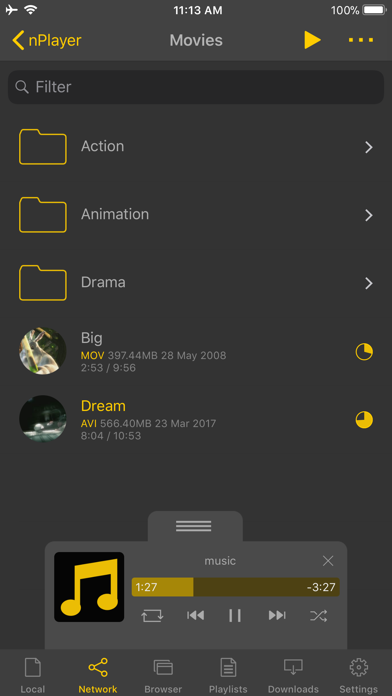
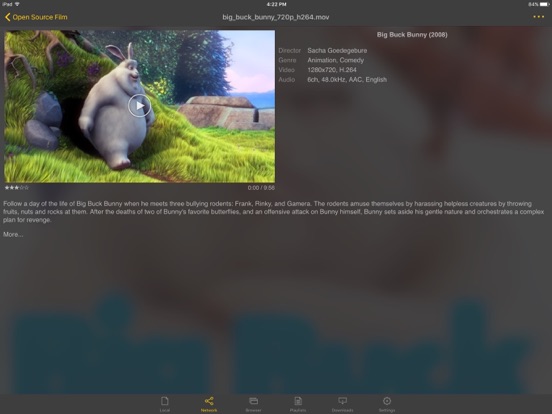
- You don't need to convert video files to MP4 to play them in your mobile device. nPlayer enable you to play all kinds of video formats and codecs without file converting efforts.
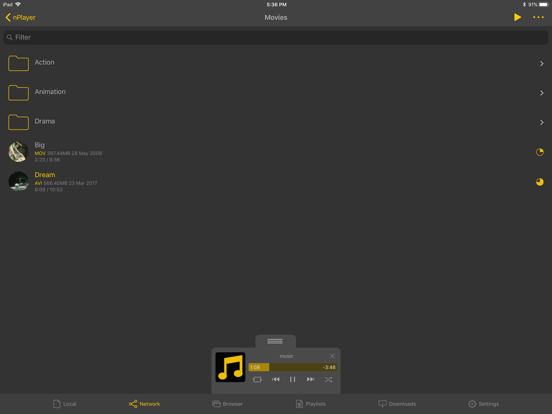
- You don't need to store video files in your device with limited storage space. nPlayer's powerful and various network technologies will help you to stream them from remote devices.
- With your finger tip, you can adjust playback position, move to previous and next subtitle position, adjust location and font size of subtitles, control volume and brightness.
- Experience nPlayer, thousands of users recommendations.
* This version of nPlayer contains advertisements.
* Features
- Supports iXpand Flash Drive
- Supports HDMI output
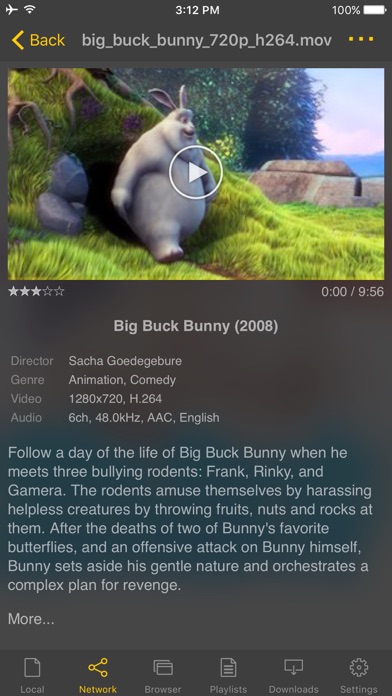
- Supports video files : MP4, MOV, MKV, AVI, WMV, ASF, FLV, OGV, RMVB, TP etc.
- Supports audio files : MP3, WAV, WMA, FLAC, APE etc.
- Supports subtitle files : SMI, SRT, SSA, IDX, SUB, LRC, SUP, MLP2 etc.
- Supports image files : JPG, PNG, BMP, GIF, TIFF etc.
- Supports playlist files : CUE, M3U, PLS
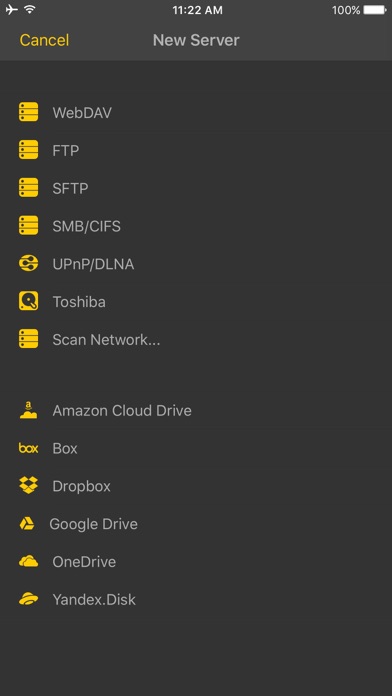
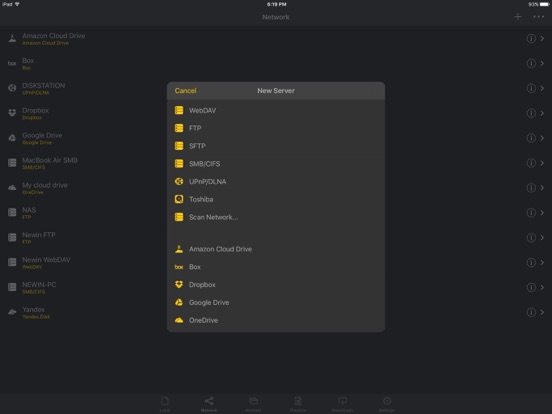
- Supports WebDAV, FTP, SFTP, HTTP, SMB/CIFS, NFS
- Supports UPnP/DLNA (supports subtitles if DLNA server provides subtitles information.)
- Supports cloud service (Box, Dropbox, OneDrive, Yandex.Disk)
- Supports in-app web browser
- Supports iTunes video/audio play (except for DRM contents)
- Supports videos and pictures in Album
- Playback speed control : 0.5x ~ 4.0x
- Resume playback
- AB repeat(specific section repetition)
- Screen lock
- Supports AV1/HEVC/H.264/MPEG4 Hardware acceleration
- Supports 3D video mode
- Screen flip horizontally, vertically. brightness and saturation control
- Aspect ratio : Default, 1:1, 3:2, 4:3, 5:3, 16:9, 1.85:1 etc
- Supports multi-track audio
- Supports audio boost
- Supports audio sync
- Supports lyrics display
- Supports embedded subtitles
- Supports multi-track subtitles
- Supports user’s selection of subtitle files
- Supports addition of optional subtitle files while playback
- Supports subtitles font, color, shadow, outline customization
- Supports subtitles sync
- Supports external subtitle fonts
- Supports SAMI(SMI) tag
- Supports SSA/ASS with full styling, embedded subtitles
- File management : Delete, Move, Rename, Create a folder
- Playlist management : Add, Delete, Modify
- Supports recently played list
- Folder lock
- Supports Open-in
- Supports UI theme
* Gesture Features
- Tap : Menu