Photo Editor crop video editor

Photo Editor crop video editor Summary
Photo Editor crop video editor is a ad-supported, with in-app purchases iOS app in Photo And Video by 国文 李. Released in Feb 2016 (10 years ago). It has 164 ratings with a 4.43★ (good) average. Based on AppGoblin estimates, it reaches roughly 87 monthly active users and generates around $<10K monthly revenue (24% IAP / 76% ads). Store metadata: updated Apr 7, 2024.
Store info: Last updated on App Store on Apr 7, 2024 .
4.43★
Ratings: 164
Screenshots


App Description
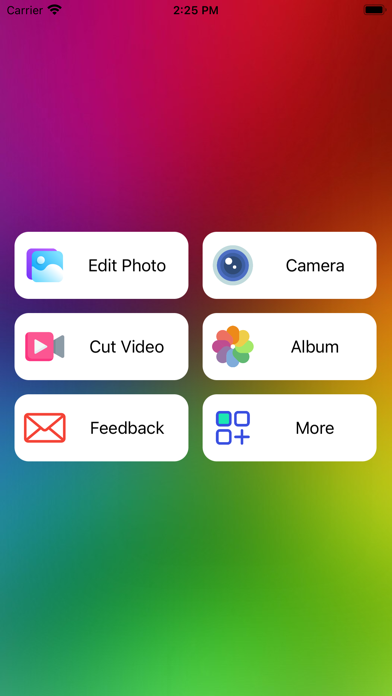
Our goal is just to make the funny and easy to use this editing & cutting app for everyone.
We will go on to improve it with your reviews, feedbacks, supports.
We will be so happy if you and someone you know who both enjoy using it, thank you so much!
Main features such as:
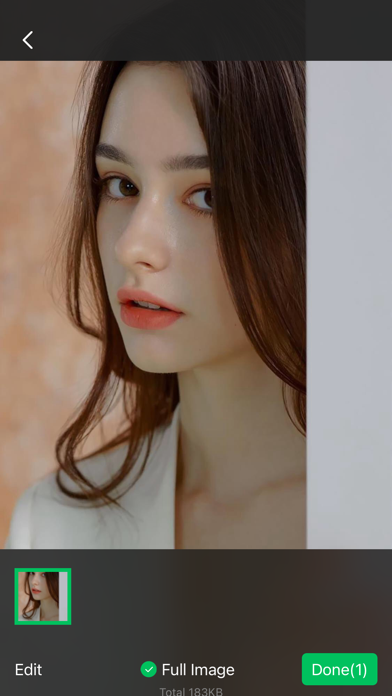
Preview selection (Support drag and drop).
Library selection (Support sliding selection).
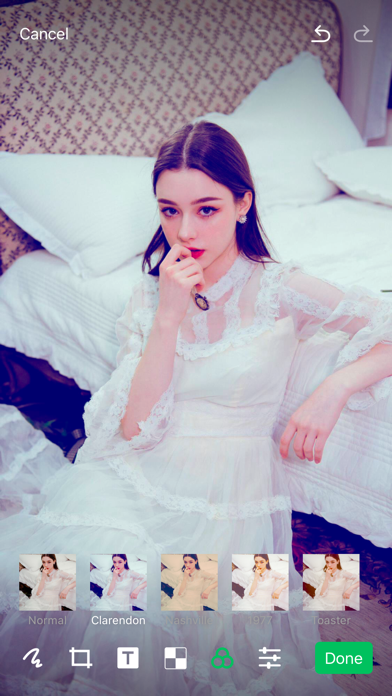
Edit Lab (Draw/Crop/Text sticker/Mosaic/Filter/Adjust(Brightness, Contrast and Saturation)), (Draw/Text color can be customized; Crop ratio can be customized; Filter effect can be customized; You can choose the editing tools what you want).
You can draw something and add any text with color what you like on your photo.
You can choose filters, effects for your pictures to change the style of them.
You can adjust your images to make them look like more professional.
Mosaic can help you blue your photo some parts what you don't want other people to see.
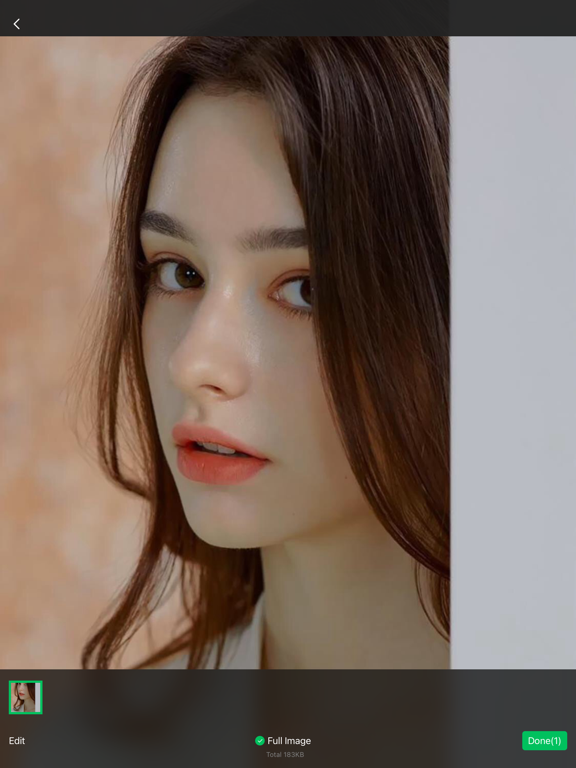
The selected photos are displayed at the bottom of the big picture interface, which can be dragged and sorted.
The camera's internal photo cell can displays the captured images of the camera.
You can edit videos in the album and cut them within 30 seconds.
You can also share them to TikTok, Instagram, Facebook, X, Message, Email....
Please rate this app to support me to do better and for so more people can find, download, use and enjoy it.
Please share it with your friends and family members to help for getting the word out.
Please send me email and let me know how you to use it, send me your drawings, questions, concerns and feedbacks.