micro:bit

micro:bit Summary
micro:bit is a free iOS app in Education by Micro:bit Educational Foundation. Released in Mar 2016 (10 years ago). It has 268 ratings with a 3.55★ (average) average. Based on AppGoblin estimates, it reaches roughly 313 monthly active users . Store last updated Feb 13, 2025
Recent activity: 2.00 new ratings this week View trends →
micro:bit SDKs Summary
micro:bit was last scanned for SDKs on 2025-02-26. No known SDKs were detected. Check the raw list of SDK parts detected here and feel free to request unknown SDKs be added to AppGoblin.
3.55★
Ratings: 268
Screenshots
App Description
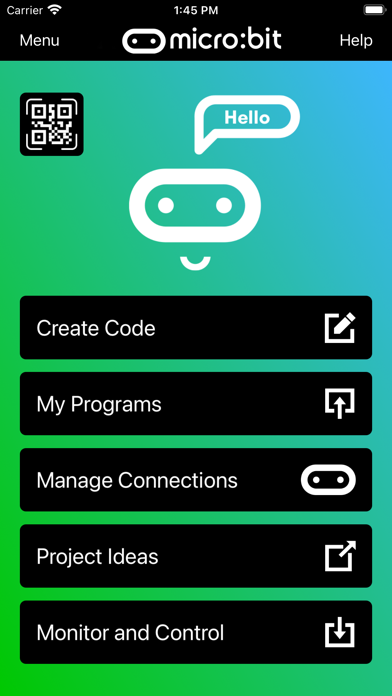
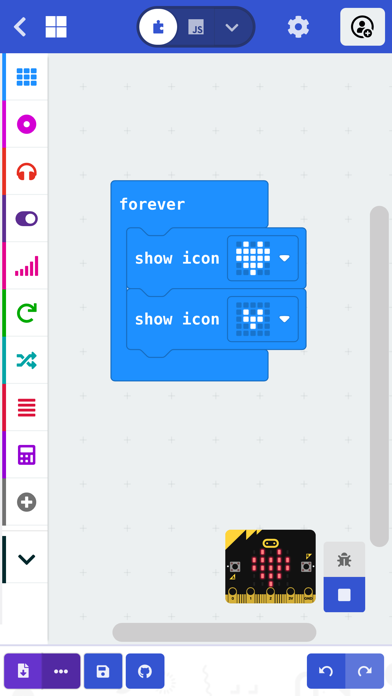
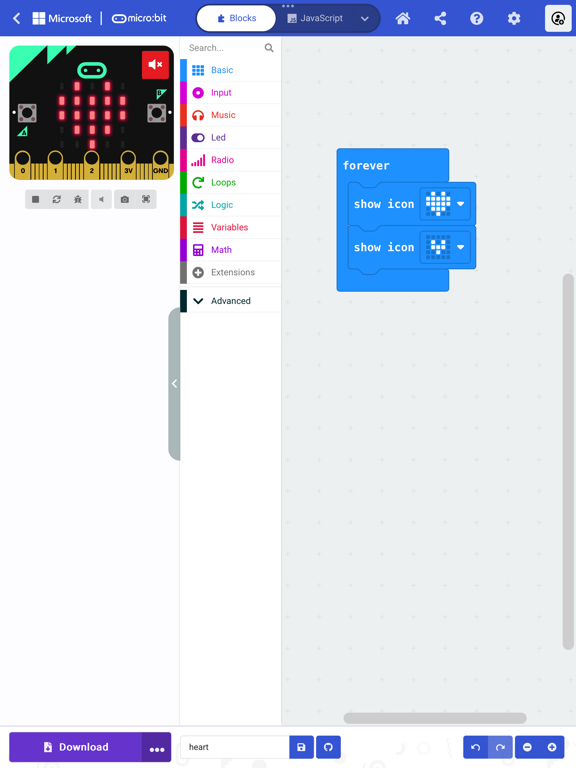
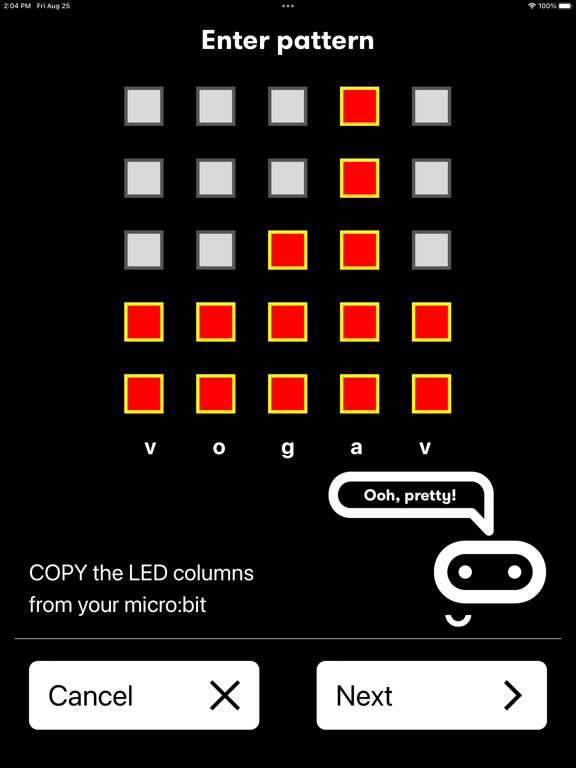
The micro:bit app is the essential companion to the BBC micro:bit, the pocket sized programmable computer. The app allows you to flash any micro:bit hex file to your device, as well as including online access to the Microsoft MakeCode editor for simple block-based programming. When your program is ready, the app beams it to the micro:bit via Bluetooth wirelessly. Easy-to-follow screens lead you through the process of pairing your iPad (or iPhone) to the micro:bit and then transferring your program code.
Compared with previous versions, the micro:bit app Version 3.1 contains these additional features:
• A simpler pairing and micro:bit discovery flow
• The micro:bit V2 can be put into pairing mode by triple-tapping the reset button
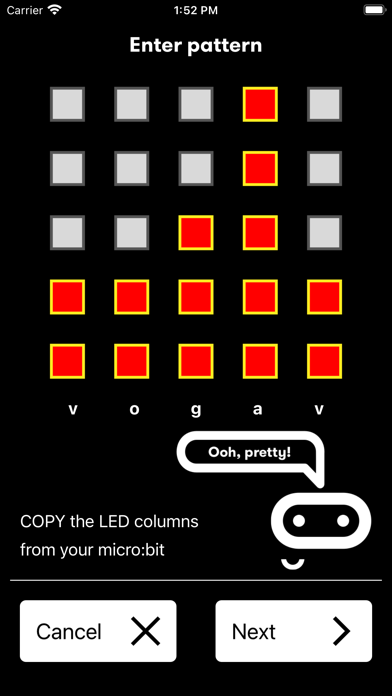
• Retrieval of the micro:bit data log files from off your micro:bit
• Pair with any number of micro:bits
• Choose which micro:bit is currently connected
• Store HEX files in the app
• Choose a HEX file for flashing
• Export and delete HEX files
• Import stored HEX files directly into JavaScript Blocks editor
• Rapid download from JavaScript Blocks editor
• Monitor data detected by micro:bit sensors
• Use the range of micro:bit Bluetooth services in real time
• Display messages on the micro:bit LEDs
• Send control commands to the micro:bit buttons and pins
• De-bug your program code while it is running in the micro:bit
• Use a simulated gamepad to send commands to the micro:bit
• View camera images ready for taking photos or video
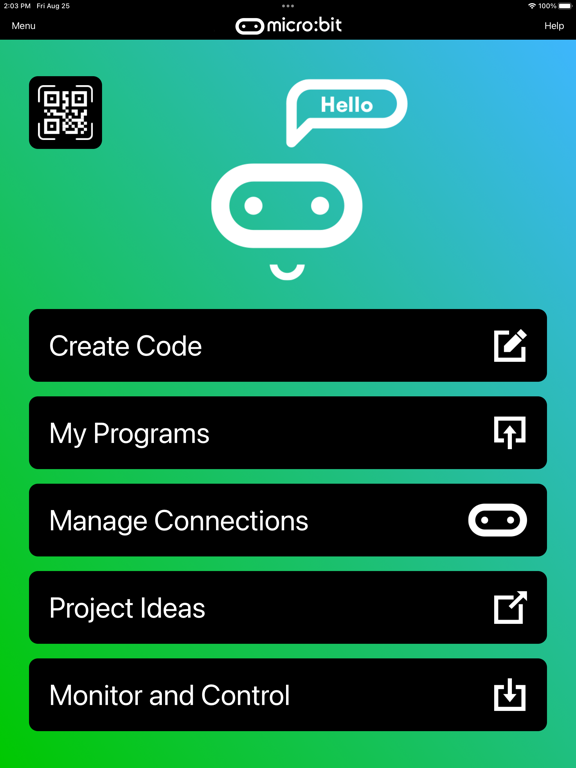
As well as providing more flexible handling of your program scripts and HEX files, a major addition in Version 3 is the Monitor and Control page. This lets you observe real-time data from the micro:bit sensors, send messages directly to the LEDs and control the micro:bit buttons and pins from your iPad or iPhone. Monitor is ideal for exploiting Bluetooth services in real time, and for de-bugging your program code while it is running in the micro:bit.
The MakeCode code editor now requires iOS 13 or later.