Censor Image Editor: Pixel Me

Censor Image Editor: Pixel Me Summary
Censor Image Editor: Pixel Me is a free, with in-app purchases iOS app in Photo And Video by Pocket Art Studio. Released in Mar 2016 (10 years ago). Store last updated Apr 7, 2025
Censor Image Editor: Pixel Me SDKs Summary
App not yet scanned for SDKs.
0★
Ratings:
Screenshots


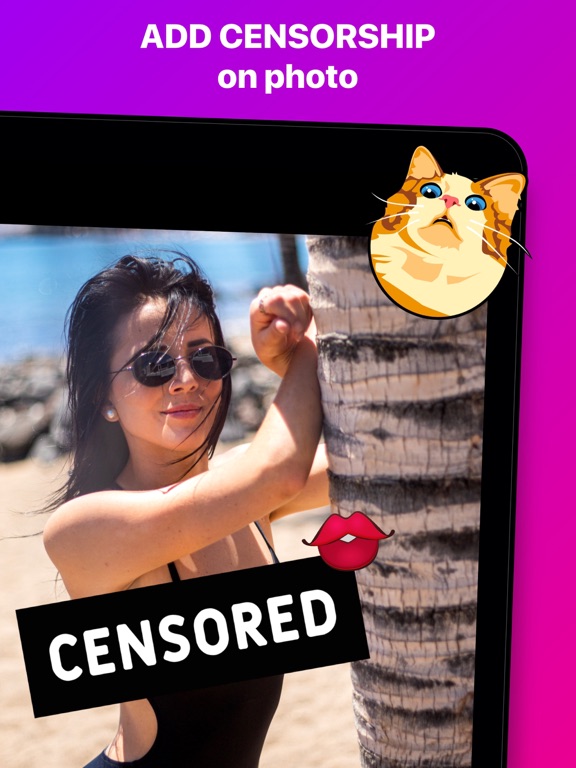
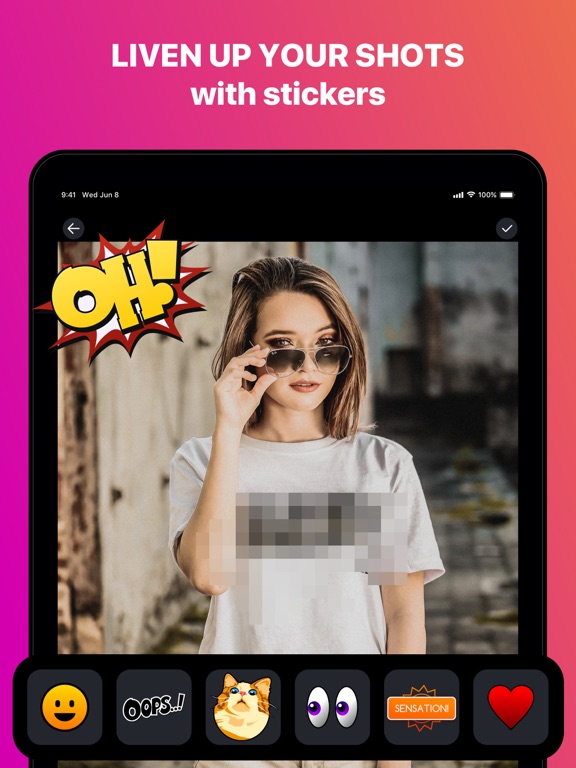
App Description
Are you looking for ways to diversify your photo feed online?
Liven up your photos with a blurring effect, add cool stickers, or even place yourself on the cover of a magazine!
How to use our app:
– Choose a photo –
Choose from the gallery or make a new one
– Censor features with a paint brush –
Use a pipette to choose an appropriate shade
– Make the photo look like it was censored –
Cover needed areas with pixels or stickers
– Put the photo onto a magazine cover –
Add some text to make it funnier
The more creative you are the funnier are the photos.
Use our app for endless laughter!
Inside you will find:
- Hilarious magazine cover
- Cool filters to hide parts of the photos
- Responsive and quick manipulation
------------------------------------------------------
PLEASE NOTE: Certain functionalities may only be available with a subscription. The FREE version grants you the use of photo editing tools, filters, but restricts the number of stickers and frames available. With a SUBSCRIPTION, however, you gain full access to all stickers, frames, and AI-powered photo editing features.
Privacy Policy: http://pocketart.studio/privacy
Terms of use: http://pocketart.studio/tos