Grial UIKit

Grial UIKit Summary
Grial UIKit is a mobile iOS app in Shopping by UXDivers LTDA. Released in Apr 2016 (10 years ago). It has 13 ratings with a 4.38★ (good) average. Based on AppGoblin estimates, it reaches roughly 63 monthly active users . Store metadata: updated May 11, 2025.
Store info: Last updated on App Store on May 11, 2025 .
4.38★
Ratings: 13
Screenshots

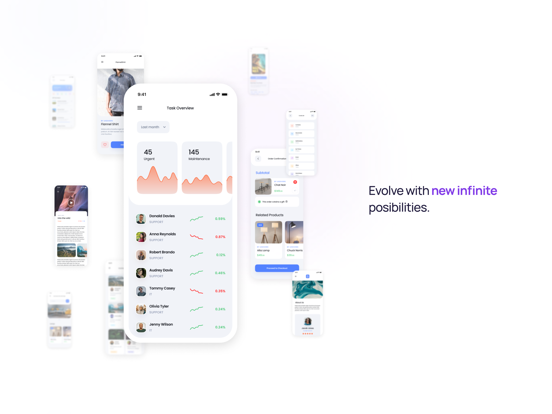
App Description
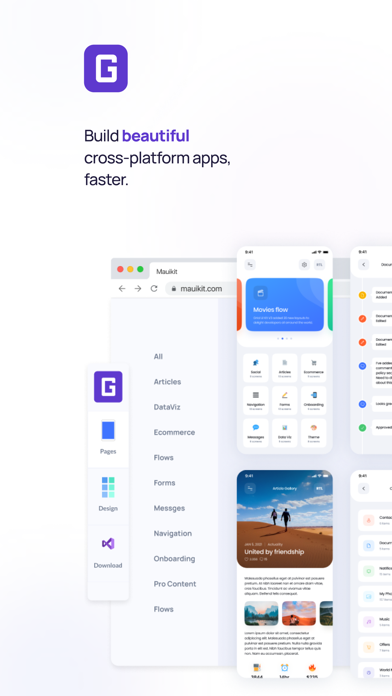
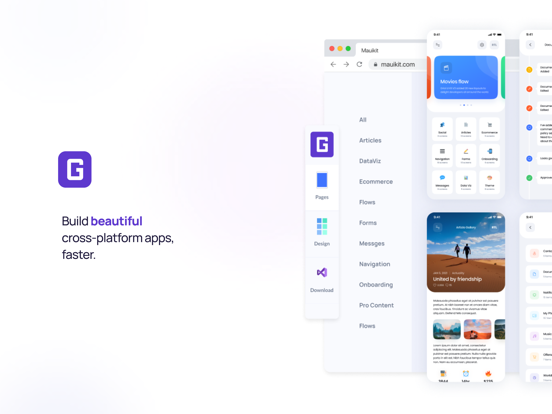
Grial UI Kit gives you everything you need to build beautiful, professional apps with .NET MAUI, fast. Designed with the MVVM pattern in mind, Grial ensures a clean separation between your app’s logic and a carefully crafted UI.
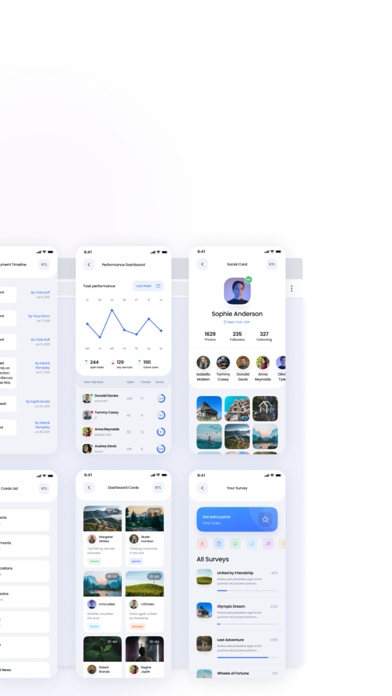
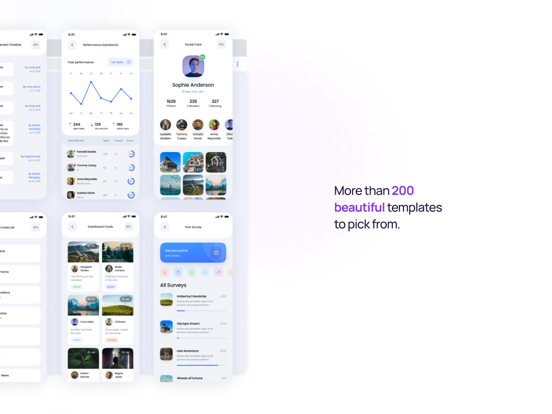
With over 300+ ready-to-use XAML templates, you can focus on building great apps instead of reinventing the wheel.
Key Features:
- Made for .NET Developers: Grial UI Kit offers a complete collection of fully customizable UI screens and resources. Easily change colors, elements, sizes, layouts, and themes — everything you need to get the exact look and feel you want.
- Grial Web Admin: Set up your project in minutes! Pick your pages, styles, themes, and app icon through our easy-to-use Web Admin. Download the project and start building right away.
- Stunning Themes: Choose from 6 beautiful themes to match your brand or project style.
- Tablet and Phone Support: Deliver a great user experience across different devices and orientations.
- Full RTL/LTR Support: Build apps for both left-to-right and right-to-left languages with minimal effort. Seamlessly switch layouts at runtime.
- Calendar Control: Add a beautiful, customizable calendar to your app with just a few lines of XAML. Supports day, week, and month views, with full control over styling, events, and interactions. Easily highlight dates, manage selections, and create rich scheduling experiences.
- Chart Controls: Visualize your data beautifully with Grial’s wide range of charts — including bar, line, pie, radial, and more. Fully customizable and designed for mobile, our charts help you build interactive, high-performance dashboards and data-driven screens with ease.
- Swipeable Layout Control: The perfect option whether you want to showcase a few items in an engaging loop with smooth animations or implement a simple binary choice interface (like yes/no, true/false).
- Stepper Control: Easily guide users through a series of steps or forms with the Stepper control. Perfect for onboarding, checkouts, or multi-step processes, it's fully customizable and works with horizontal or vertical layouts. Add icons, titles, descriptions, and track user progress with style.
- Drawer Control: Add extra layers of content without overwhelming users. Our Drawer control features smooth open/close animations for an elegant experience.
- DataGrid Control: Display tabular data beautifully wi