DB Train Simulator
DB Train Simulator Summary
DB Train Simulator is a free iOS app in Simulation by Deutsche Bahn. Released in May 2016 (10 years ago). Store last updated Aug 19, 2020
DB Train Simulator SDKs Summary
App not yet scanned for SDKs.
0★
Ratings:
Screenshots
App Description
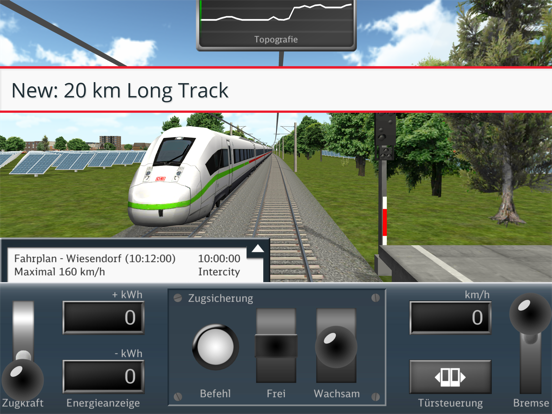
Join and test our DB Train Simulator with new features like integrated timetables and
topography maps on all ten lines as well as a tutorial explaining the new features in the
game! Check out your last 10 train rides in the new statistics menu. Your objective as train
conductor: arrive on time by driving efficiently while saving as much energy as possible!
Features:
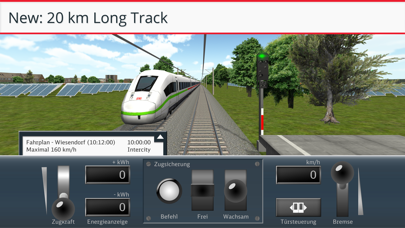
- a total of 10 different lines including tutorial
- different track lengths and topography with different degrees of difficulty and levels
- 4 different train types (ICE, IC, RB, RE)
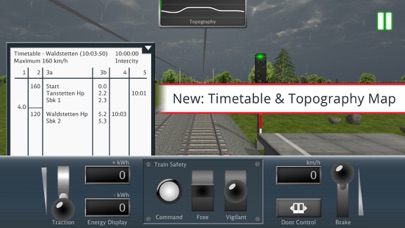
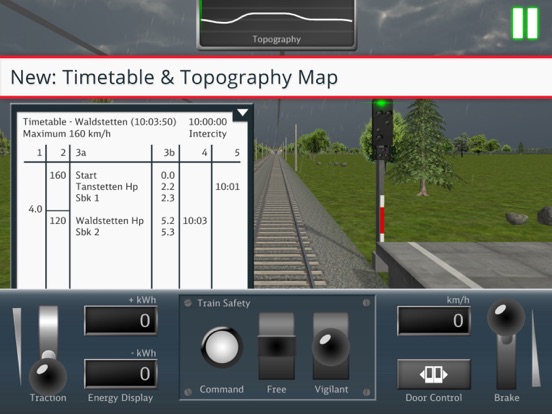
- integrated timetable and topography map
- timetable and topography map
- transferable player profiles to use the app on several mobile devices
- individual statistics menu with graphic evaluation of the last 10 trips
- Signs and instructions for speed changes
- highscores and scoring system to compete with other players
- improved graphics with varied landscapes, changing weather conditions and different
time of day
- more stations and interim stops
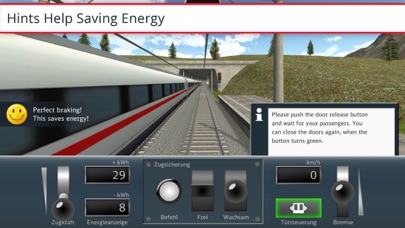
Energy-efficient driving in a nutshell:
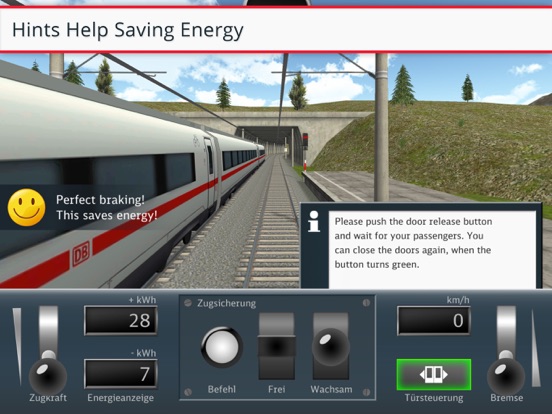
- Accelerate quickly to allow the train to coast as far as possible.
- Let the train coast downhill or into stations to save energy.
- You automatically save energy back into the grid when braking.
- The energy saving is displayed at the end of a journey.
Lines:
- There are ten lines with different lengths, topographies and difficulties. The amount of
stops on the ride varies and you have to take care of your passengers, letting them
enter and exit the train when needed.
Train types:
- All train types (ICE, IC, RB, RE) are based on real train characteristics.
Signals:
- The pre-signal indicates an upcoming stop.
- While driving you will get hints on how to use the train safety buttons (Order, Free,
Vigilant) in the cockpit.
- The current track kilometer can be found on the white hectometer signs on the right of
the track.
Timetables and topography map:
- On the fold-out timetable, you can see the arrival and departure times and stops
along the ride as well as information on the speed limits.
- The topography map gives an overview of the route guidance and shows where
mountain and valley rides are on the route. This allows for predictive braking and
acceleration.
Level and scoring system:
- In the end of your journey you will see how much energy you were able to save in
comparison to an inefficient train ride.
- You will receive energy and time points for every successful ride. This way you can
compare your performance to the best possible train ride on that track. You can also
compare your score to other players' sc