iFiles 2

iFiles 2 Summary
iFiles 2 is a mobile iOS app in Productivity by Imagam.com. Released in Jul 2016 (9 years ago). It has 74 ratings with a 2.39★ (poor) average. Based on AppGoblin estimates, it reaches roughly 123 monthly active users . Store metadata: updated Nov 16, 2020.
Store info: Last updated on App Store on Nov 16, 2020 .
2.39★
Ratings: 74
Screenshots


App Description
Most intuitive, feature loaded and dependable file manager in the App Store!
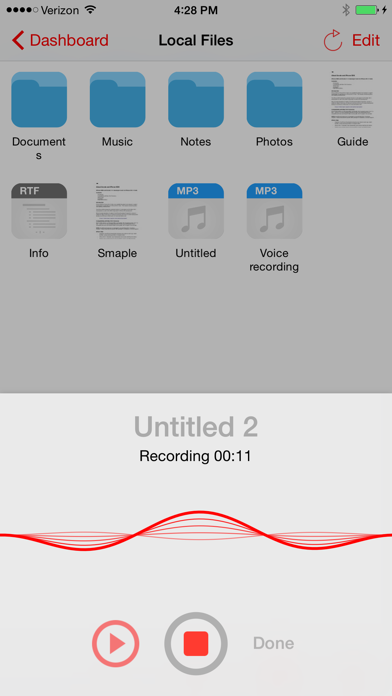
Whether you are looking for just a PDF Viewer with annotations and search, connectivity to many file cloud services, sharing file between your computer, voice recorder, web downloader or text editor, iFiles 2 is the only file manager you will ever need.
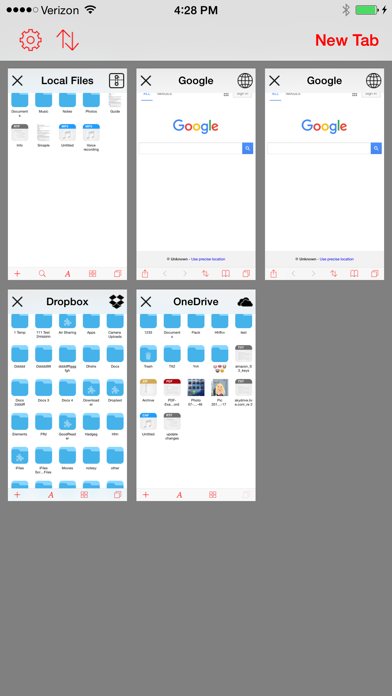
• Supported Online Cloud Services and Protocols:
Dropbox, Google Drive, iCloud, Box.net, OneDrive, SMB/CIFS, SugarSync, AFP (Mac), FTP/FTPS, SFTP, Flickr, Google Photos, Facebook, Rackspace CloudFiles, CloudApp, PogoPlug, WebDav, Amazon S3, ownCloud, 4Shared, also using Amazon S3: DreamObjects and UltiCloud.
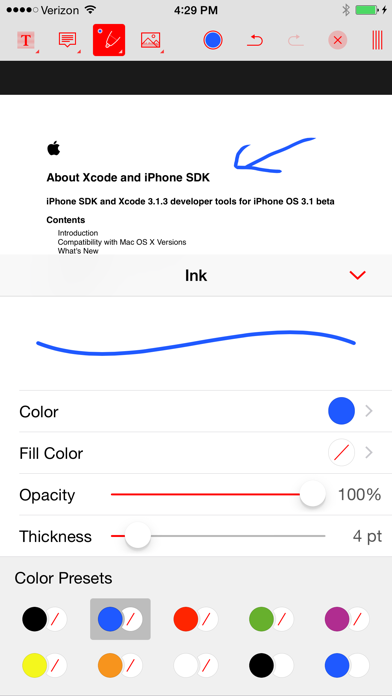
• PDF Reader with annotations, exceptional speed, search, and customizable!
- The most advanced PDF reading engine with search
- Support for all common annotation types: drawings, highlights, notes, stamps, free text, images, sound recordings, and so much more
- Saving directly to a cloud service with offline support
• File Sharing
- Easily transfer files between your computer and iFiles using (SMB or HTTP) sharing or upload files over USB using iTunes.
- Export/import files to/from another app using extensions support
- Open In support to and from iFiles
- Email file or links for supported services
• New audio player/engine:
- Streaming - FLAC support - Inter-app audio, flexible audio bar,
- Equalizer build into audio bar for easy access
- Background audio
• File Manager
Intuitive and feature loaded; just tap and hold on a file for quick file operations, edit mode for multiple file operations,
easily change between icon and list view, convenient and powerful sort options, use two finger pinch to change thumbnails size in icon mode, support for iPad split screen mode.
- Unarchive common formats: Zip, RAR, 7-zip, Tar, Gzip, and Bzip2
- Create zip files
- File operations: move, copy, upload, download, rename, delete, email, compress, share, batch rename, share, export, open in
- Thumbnails: image, video, PDF, and all supported by given service
- Popup menu - Tap and hold on file to display context popup menu with file operations
- Edit mode for multiple file operation
- Properties - view and change folder and files properties: color label, icon, and rename. For services with supported API you can edit: comments, description, tags/keywords, privacy, copy/generate links
- Convenient add menu: new fol