Sigma Planner

Sigma Planner Summary
Sigma Planner is a mobile iOS app in Education by Shao-Chi Liang. Released in Sep 2016 (9 years ago). It has 721 ratings with a 4.82★ (excellent) average. Based on AppGoblin estimates, it reaches roughly 457 monthly active users . Store metadata: updated Feb 27, 2022.
Recent activity: 1.00 new ratings this week View trends →
Store info: Last updated on App Store on Feb 27, 2022 .
4.82★
Ratings: 721
Screenshots
App Description
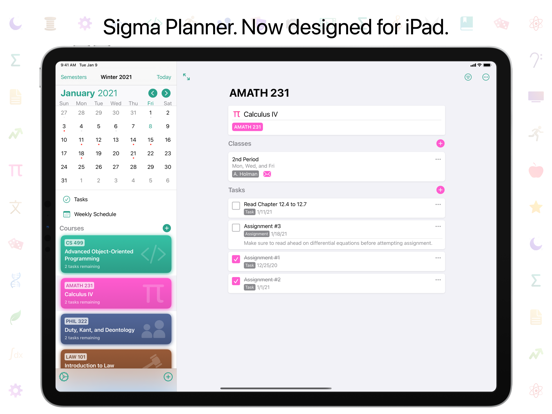
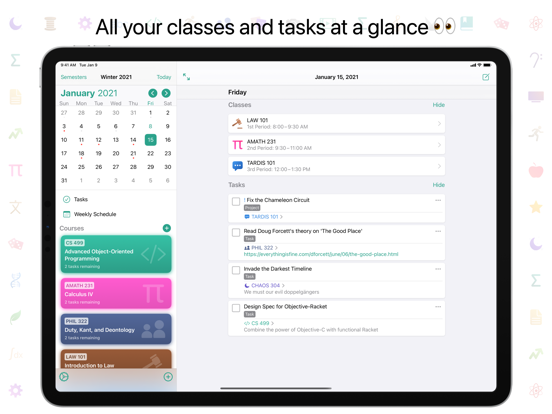
Sigma Planner is the perfect companion app for your academics that will help you track your classes and tasks with ease. It features a wide range of features to help you stay organized, as well as a beautiful design that is smooth, customizable, and adaptive for every device. With Sigma Planner, you will never need to carry your school planner anymore; all your planner and school information is available on your iPhone, iPad, and Mac.
ORGANIZATION
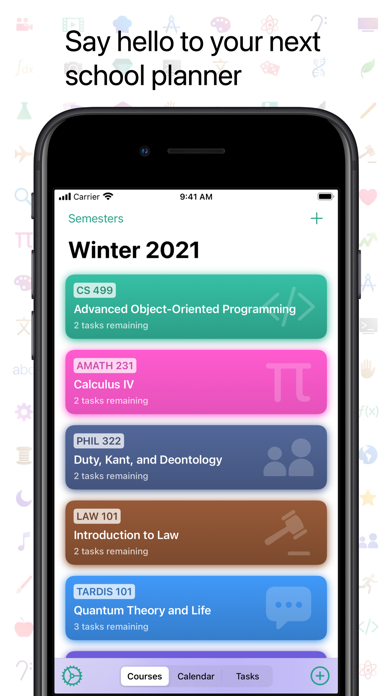
Sigma Planner offers a wide variety of features to organize your academic life. You should not need to clear or clutter your timetable every time you move onto the next semester. Sigma Planner offers the ability to organize your courses by semesters, which will allow you to retain records of all your past classes and assignments without having to delete them.
TASKS
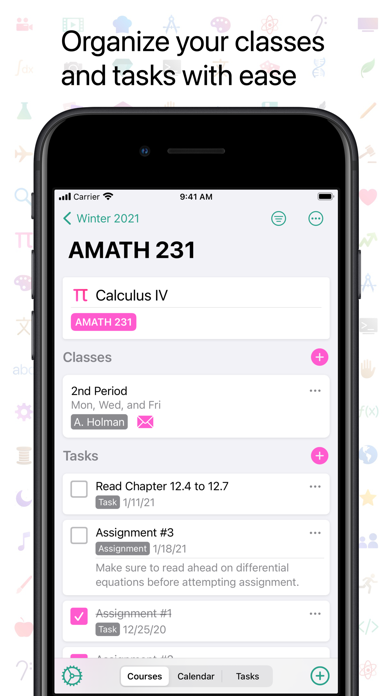
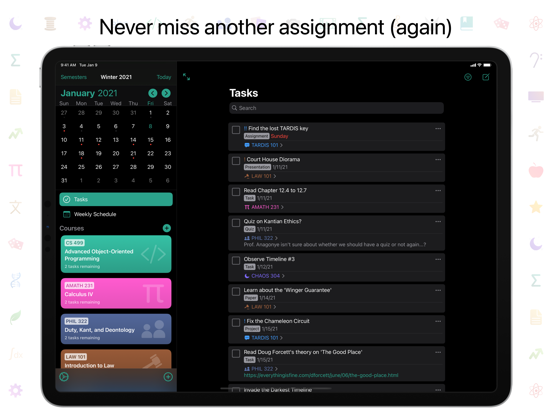
Tasks are the core of any type of planner. In Sigma Planner, tasks can be created for a course, on a date, with a different task type, priority, and more. Tasks should always be easy to find; with the built-in search and filter features, you will never lose a task.
CLASS SCHEDULES
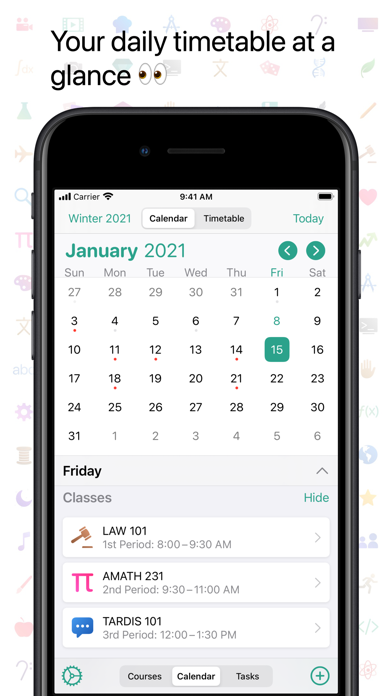
Sigma Planner is fully equipped to handle the many different schedule types around the world. The app is very flexible supports time-based, period-based, and block-based schedules, as well as supporting biweekly schedules, and late start or early end dates for specific classes. You can also enable class notifications to receive alerts before your classes occur.
WIDGETS
On iOS 14, Sigma Planner offers three kinds of home screen widgets which allow you to quickly glance at your planner data. You can quickly view your up next classes and tasks, focus on a specific course, or display your current week's timetable right from your home screen. Each widget also contain customization options to display just the information you want.
iCLOUD SYNC
Your data is always up to date across your devices through iCloud. You can edit a task on your iPhone, and you will immediately see them on iPad or Mac as soon as you hit save. There are no logins; no external accounts; it just works.
FLEXIBILITY
There are many built-in customizations available in Sigma Planner, including: dark mode, custom accent colours, display styles for tasks and courses, notification customizations, and more. The app also includes a handful of custom app icons to really spice up your home screen!
DESIGN
The app h