Sketch My Pic

Sketch My Pic Summary
Sketch My Pic is a with in-app purchases iOS app in Photo And Video by Danny Pajevic. Released in Apr 2016 (10 years ago). It has 950 ratings with a 4.68★ (excellent) average. Based on AppGoblin estimates, it reaches roughly 484 monthly active users and generates around $<10K monthly revenue (100% IAP / 0% ads). Store metadata: updated Jan 9, 2018.
Store info: Last updated on App Store on Jan 9, 2018 .
4.68★
Ratings: 950
Screenshots




App Description
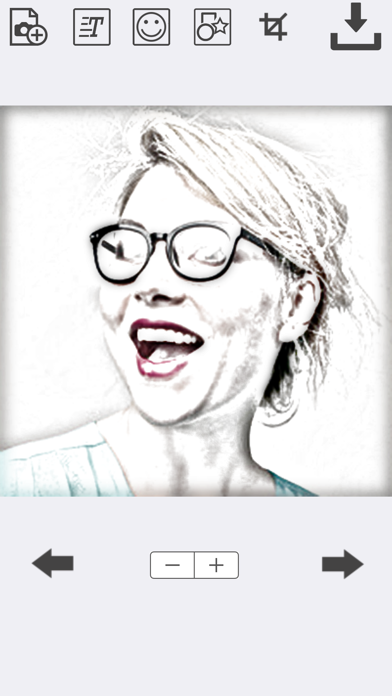
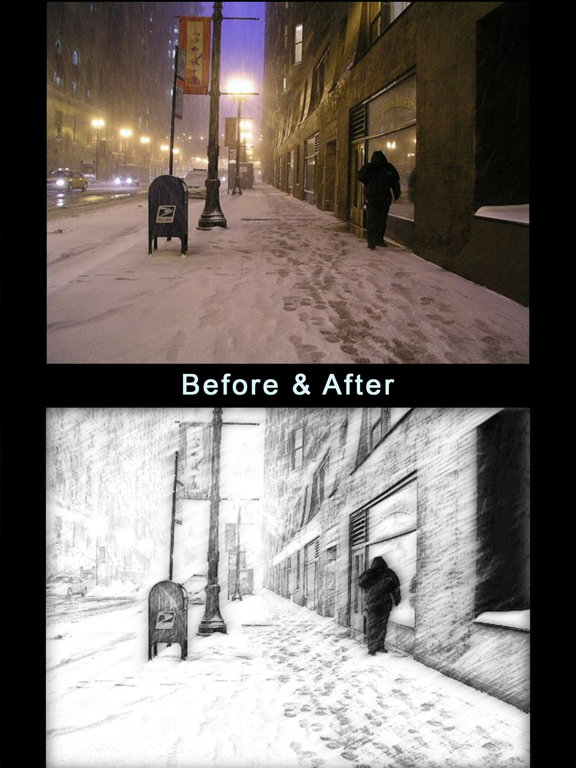
The Sketch My Pic app lets you turn your photo into a colored or black and white sketch. There are 7 sketch effects to choose from. The effects are realistic and professional looking. No internet connection is required!
Step 1:
To convert your image to a sketch, simply tap the "Add a Photo". You will be presented with the option of choosing a photo from your photo library or taking a picture with your camera!
Step 2:
Tap the "Apply Sketch Effect" button.
Step 3:
Save your sketch to your photo library or share it to Facebook, Twitter, Instagram, Pinterest, Google+, VK or any other social network, forum or site and set the picture as a profile picture, cover photo etc.
As of version 2.2, Sketch My Pic allows you to do a lot more with your photos! The effects are endless because you can mix and combine the features and effects.
You can now add stickers to your photos before or after turning them into sketches! This means you can also turn the stickers into sketches for more realistic effects!
You can also add text to your photos before or after applying the sketch effect! Add the text before applying the sketch effect if you want the text to turn into a sketch as well!
You can also crop your photos into various shapes. Choose from a circle, flag, heart, star, square or rectangle.