Timestamp Camera: Photo Date

Timestamp Camera: Photo Date Summary
Timestamp Camera: Photo Date is a free, ad-supported, with in-app purchases iOS app in Photo And Video by Artify Inc.. Released in May 2016 (10 years ago). It has 175K ratings with a 4.79★ (excellent) average. Based on AppGoblin estimates, it reaches roughly 80K monthly active users and generates around $<10K monthly revenue (33% IAP / 67% ads). Store last updated Jul 17, 2026
Recent activity: 1.00 new ratings this week View trends →
SDK intelligence: AppGoblin detected 9 ad networks(e.g. Google), 2 development tools,and 1 analytics: product integrated into Timestamp Camera: Photo Date. View full SDK list →
Timestamp Camera: Photo Date SDKs Summary
Timestamp Camera: Photo Date was last scanned for SDKs on 2026-10-23. Below is the overview of third-party companies detected in the app. The full list of SDKs, permissions and unknowns is available here.
 Google
 Facebook
 AppLovin
 Unity
Unity nanopb
 Firebase
4.79★
Ratings: 175K
Screenshots

App Description
Know exactly when every photo was taken.
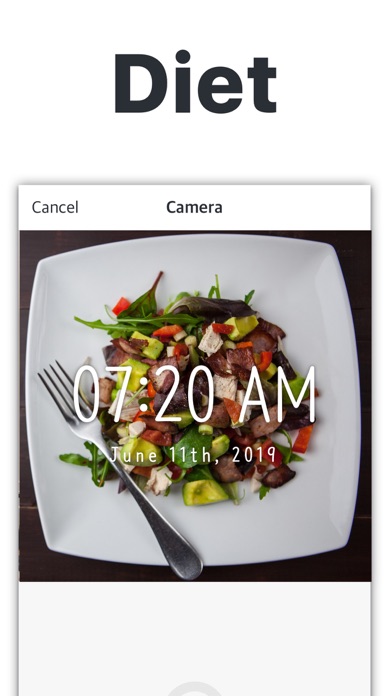
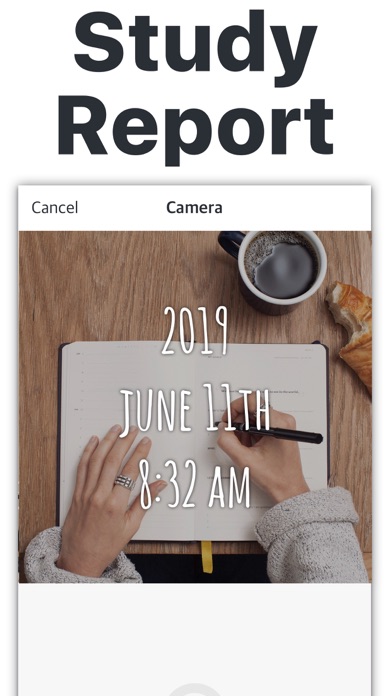
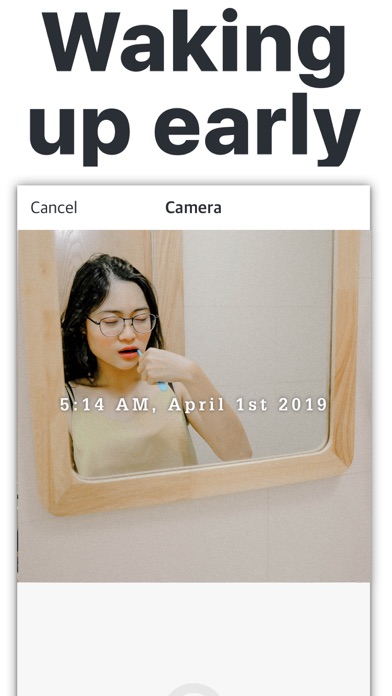
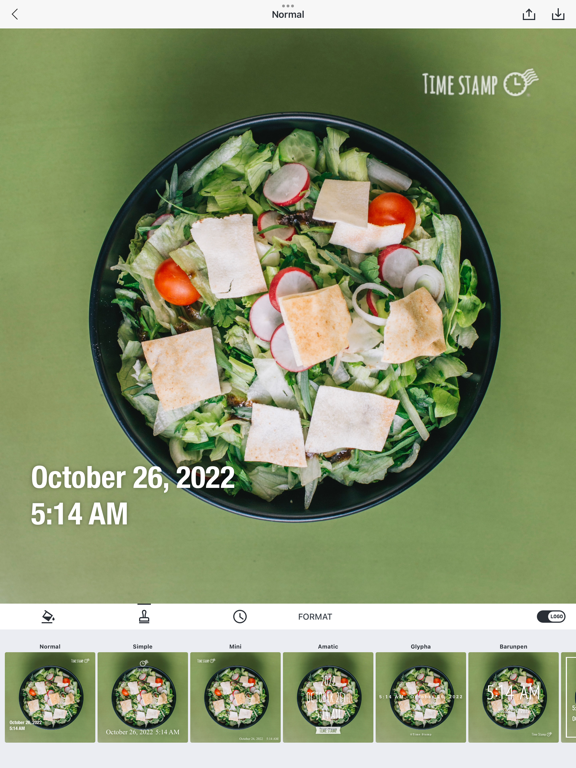
Timestamp Camera adds a clear date and time watermark to new photos or images from your gallery — so your memories never get mixed up.
Whether you're tracking your diet, workouts, study routine, baby's growth, or project progress, a simple timestamp makes every photo easier to remember and compare. Perfect for meal tracking, body transformation, parenting milestones, construction updates, and daily journaling.
KEY FEATURES
• Add date & time stamps anywhere on your photos
• Choose from 26+ premium timestamp styles (Normal, Simple, Slim, Digital, Woowahan & more)
• Customize font color to match your photo
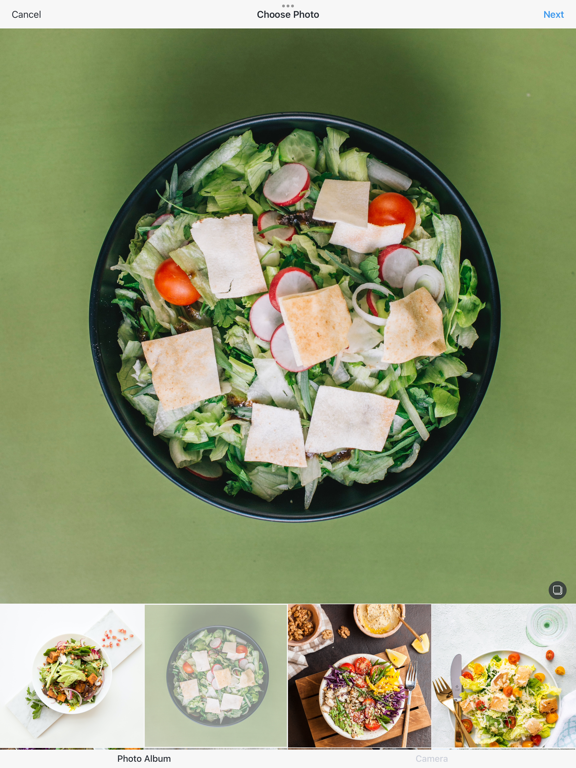
• Import photos from your gallery and add stamps
• Save directly to Camera Roll and share to Instagram, WhatsApp & social media
• Protect your photos with a passcode lock
HOW TO USE
1. Take a photo or choose from your gallery
2. Pick your favorite timestamp style (26+ styles)
3. Adjust color and position
4. Save to your Camera Roll
5. Share on social media if you'd like
WHY YOU NEED TIMESTAMPS
When you move or back up photos, file dates can change. A photo taken in 2022 might show as 2026. With Timestamp Camera, the date and time are written directly on the photo — so you always know when that moment happened.
WHO USES TIMESTAMP CAMERA
• Diet & Fitness — Track body changes, workouts, and meals over time. Perfect for weight loss, muscle gain, and healthy eating habits
• Parents & Moms — Document baby growth and create a timeline of memories. Record first steps, milestones, and everyday moments
• Students — Mark daily study sessions or notes for easier review. Track study progress and exam preparation
• Events & Projects — Document events, construction, or project stages and share with clients. Perfect for builders, event planners, and freelancers
• Photographers & Travelers — Show how the same place looks across different seasons or times. Create before/after comparisons
CAMERA FEATURES
• Clear, bright photos using front or rear camera
• High-resolution zoom for detailed shots
• Flash support for low-light conditions
• White balance control for better colors
• HD quality photos with no quality loss
PREMIUM TIMESTAMP STYLES
Access 26+ beautiful timestamp designs:
• 7 free styles (Normal, Simple, Mini, Amatic, Glypha, Barunpen, Box)
• 19 premium styles including Sli