Chordana Play

Chordana Play Summary
Chordana Play is a free iOS app in Music And Audio by CASIO COMPUTER CO., LTD.. Released in Mar 2017 (9 years ago). It has 309 ratings with a 2.91★ (poor) average. Based on AppGoblin estimates, it reaches roughly 803 monthly active users . Store last updated May 8, 2022
Chordana Play SDKs Summary
App not yet scanned for SDKs.
2.91★
Ratings: 309
Screenshots
App Description
●This App was featured as "New apps we love" on the App Store of more 90 countries and regions, including USA, China and Japan! !
●This App won the first place in the free iPad app music category of the App Store of 65 countries and regions, including Japan, Saudi Arabia, Ukraine and UAE! !
Learn your favorite songs.
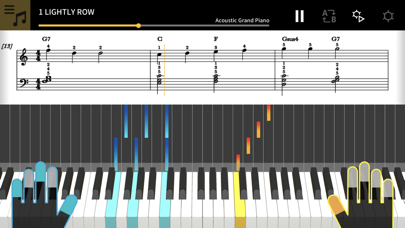
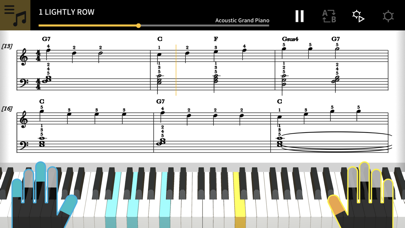
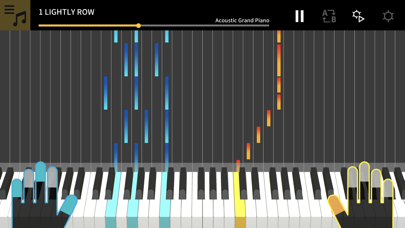
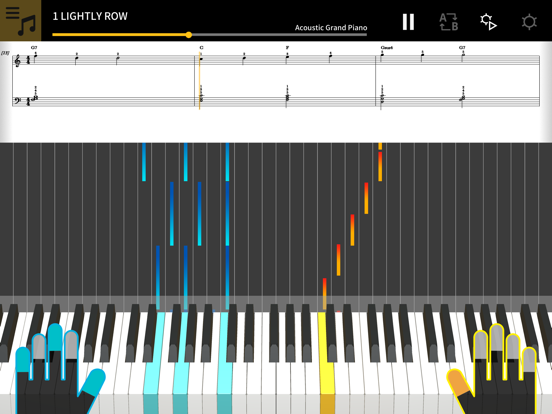
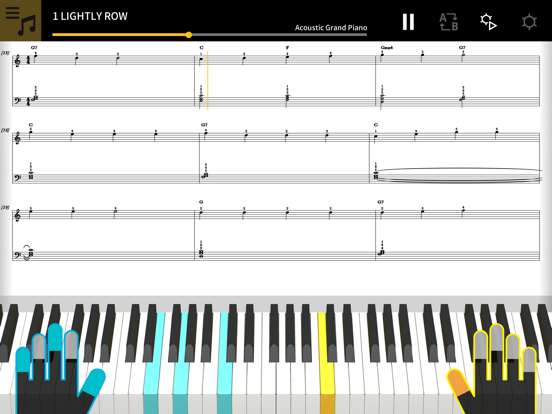
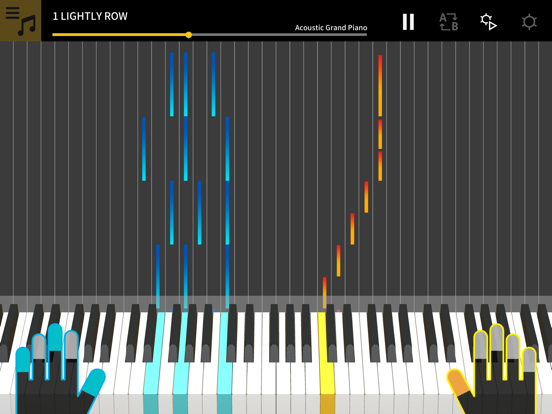
1. Music score and piano roll notation make it fun and easy to learn!
Chordana Play displays the music score and piano roll notation for built-in songs and MIDI files. With MIDI files, you can select which tracks to play with your left and right hands, or you can assign the melody to the right hand and chords generated by the app to your left hand. Slow the tempo, transpose the score into a key that is easier to play, and with the AB repeat function, take lessons (practice) at your own pace.
You can take three-step lessons using the virtual on-screen keyboard. Select from 128 kinds of tone quality. Plus, a scoring system lets you keep track of your improving skills.
2. Use the 50 built-in songs or import standard MIDI files
Play one of the 50 songs included in Chordana Play, or add MIDI files.
Chordana Play can generate a music score from the MIDI file and detect chords, too, making it easy to learn to play two-handed piano pieces. You can search for and download MIDI files using the browser on your smartphone or tablet, then import them directly into Chordana Play. You can also import MIDI files from your computer to Chordana Play.
3. Lesson Mode
Using either the app's keyboard or a USB-connected musical instrument keyboard, you can take a three-step lesson while following the music score and piano roll. The scoring feature makes mastering a song even more fun.
4. Audio Mode
Play back audio on your device with musical tools such as key shift and tempo change, looping, and melody cancel.
5. Connecting your smart device to a musical instrument via a wireless adapter
● Supported CASIO Keyboard models
CT-S1, CT-S400, CT-S410, LK-S450
● What is needed for connecting and the connection method used
See here for more details on connections.
https://web.casio.com/app/en/play/support/connect.html
・Using a wireless adapter keeps the area around your keyboard neat and tidy and makes Lesson mode or Audio mode even more enjoyable.
・Do not connect the Wireless MIDI & audio adaptor (WU-BT10), a USB cable and an audio cable to the smart d