ReSound Smart 3D

ReSound Smart 3D Summary
ReSound Smart 3D is a free iOS app in Medical by ReSound. Released in Apr 2017 (9 years ago). It has 133K ratings with a 4.61★ (excellent) average. Based on AppGoblin estimates, it reaches roughly 333K monthly active users . Store last updated Apr 9, 2026
Recent activity: 334 new ratings this week View trends →
SDK intelligence: AppGoblin detected 2 development tools(e.g. Google),and 1 analytics: product integrated into ReSound Smart 3D. View full SDK list →
ReSound Smart 3D SDKs Summary
ReSound Smart 3D was last scanned for SDKs on 2026-10-23. Below is the overview of third-party companies detected in the app. The full list of SDKs, permissions and unknowns is available here.
 Google
 nanopb
 Firebase
4.61★
Ratings: 133K
Screenshots
App Description
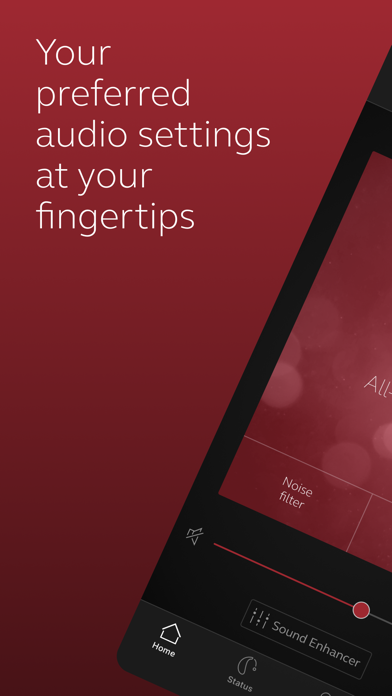
The ReSound Smart 3D app lets you control your hearing aids directly from your mobile device. You can change programs, and make simple or more advanced sound adjustments and save them as favorites. The app helps you learn what you can do and how to do it. It can even help you find your hearing aids if you lose them. Last, but not least, you can have your hearing care professional update your hearing aid programs and send you new hearing aid software without taking a trip to the clinic.
Notes: Please contact your local ReSound representative for product and feature availability in your market. We recommend that the hearing aids run the latest software version. If in doubt, please contact your hearing care professional.
ReSound Smart 3D mobile device compatibility:
Please consult the ReSound app website for up-to-date compatibility information: www.resound.com/compatibility.
Use the ReSound Smart 3D app to:
• Enjoy optimization anywhere with ReSound Assist: Request help with your hearing aid settings from your hearing care professional and receive new settings and software updates.
And use these direct control and personalization options:
• Adjust volume settings on your hearing aids
• Mute your hearing aids
• Adjust volume of your optionally acquired ReSound streaming accessories
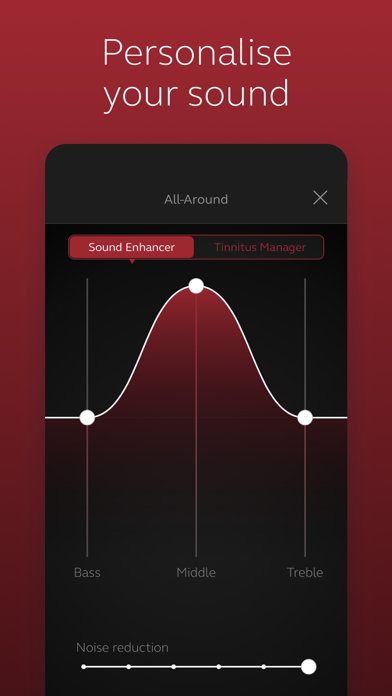
• Adjust speech focus as well as noise and wind-noise levels with Sound Enhancer (feature availability depends on your hearing aid model and the fitting by your hearing care professional)
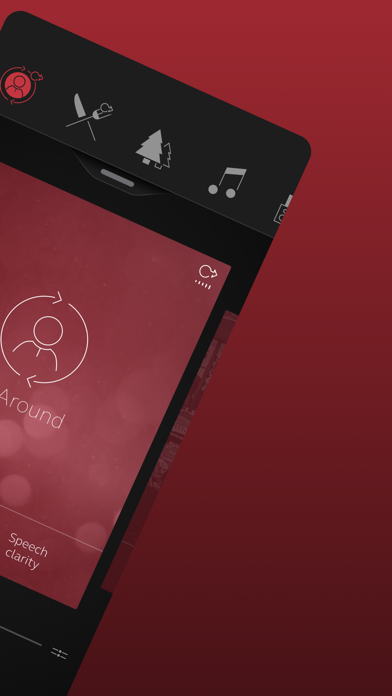
• Change manual and streamer programs
• Edit and personalize program names
• Adjust treble, middle and bass tones to your preferences
• Save your preferred settings as a Favorite – you can even tag to a location
• Monitor the battery status of your rechargeable hearing aids
• Help locate lost or misplaced hearing aids
• Tinnitus manager: Adjust sound variation and frequency of the Tinnitus Sound Generator. Select Nature Sounds (feature availability depends on your hearing aid model and the fitting by your hearing care professional)
For more information please visit www.resound.com/smart3Dapp or the support site via the link in the app store.