Remote KeyPad and NumPad

Remote KeyPad and NumPad Summary
Remote KeyPad and NumPad is a free, ad-supported, with in-app purchases iOS app in Tools by Remote Sunrise LTD. Released in Jul 2016 (10 years ago). It has 956 ratings with a 4.39★ (good) average. Based on AppGoblin estimates, it reaches roughly 1.8K monthly active users and generates around $<10K monthly revenue (23% IAP / 77% ads). Store last updated Jul 25, 2026
Remote KeyPad and NumPad SDKs Summary
App not yet scanned for SDKs.
4.39★
Ratings: 956
Screenshots


App Description
Turn your iPhone or iPad into a powerful and elegant keyboard extension with numbers and navigation pads.
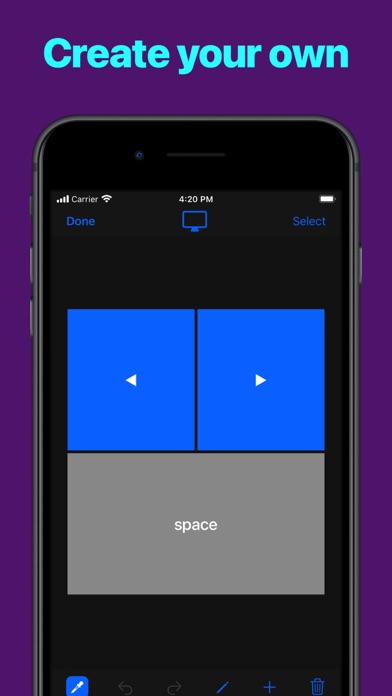
Create custom keypads for your professional tools to boost productivity.
Move freely and control your computer from across the room. No line of sight is required - the app uses WiFi to connect to your computer.
Setup is both quick and easy, just download the helper app from my website and install it on your computer and that's it.
The app exists since 2016 and has been downloaded more than 300,000 times and received very positive reviews both from users and from the press. It's actively maintained and receives frequent updates with new and exciting features.
MAIN FEATURES
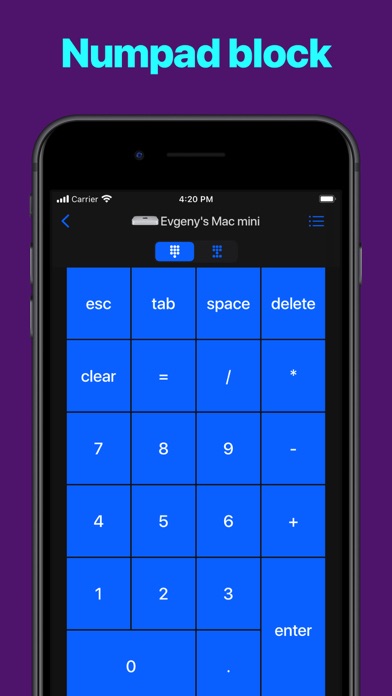
- Numbers block
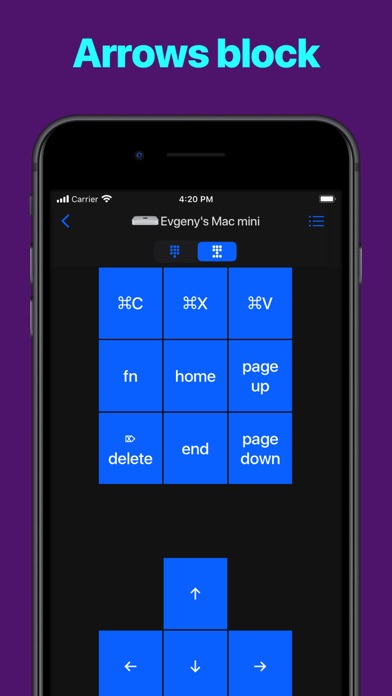
- Navigation block
ADVANCED FEATURES
- Create custom keypads to control apps and websites
- High customization of the app interface
- History of connected devices for quicker re-connection
- Wake On LAN
REQUIREMENTS
- Mac with macOS 10.10 or newer
- PC with Windows 7 SP1 or newer
- Free helper app, available at https://cherpake.com/get
- Shared network connection, WiFi or Personal Hotspot, see https://cherpake.com/connect