Wild Jack: Card Gobang

Wild Jack: Card Gobang Summary
Wild Jack: Card Gobang is a free, ad-supported iOS app in Card by 春晖 姚. Released in Aug 2016 (10 years ago). It has 24K ratings with a 4.65★ (excellent) average. Based on AppGoblin estimates, it reaches roughly 28K monthly active users and generates around $<10K monthly revenue (0% IAP / 100% ads). Store last updated Aug 13, 2026
Recent activity: 12 new ratings this week View trends →
SDK intelligence: AppGoblin detected 3 ad networks(e.g. Google), 3 development tools,and 1 analytics: product integrated into Wild Jack: Card Gobang. View full SDK list →
Wild Jack: Card Gobang SDKs Summary
Wild Jack: Card Gobang was last scanned for SDKs on 2026-09-23. Below is the overview of third-party companies detected in the app. The full list of SDKs, permissions and unknowns is available here.
 Google
 Facebook
 AppLovin
 Unity
Unity nanopb
 Firebase
4.65★
Ratings: 24K
Screenshots


App Description
The classic board game comes to your iPhone/iPad now!
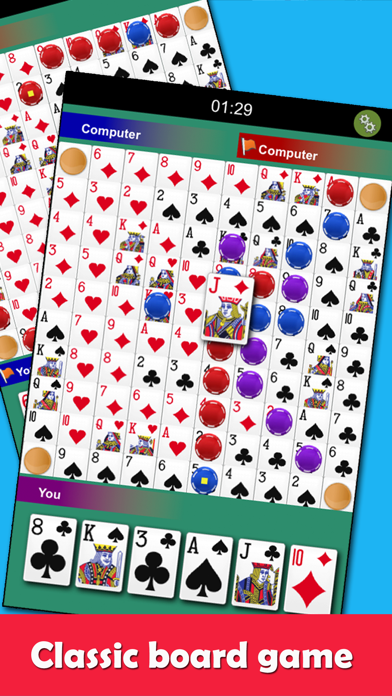
Known to others as "Sequence", "One Eyed Jack", "Jack Foolery", "Wild Jacks" or "Crazy Jacks". Try to make sequences of five with your cards.
How to Play:
- Game modes: 2 players (1v1) and 3 players (1v1v1).
- Each player selects one from six cards in hands and places a chip on the matching card on the game board.
- Two Eyed Jacks (Clubs/Diamonds) can be placed anywhere on the board
- One Eyed Jacks (Spades/Hearts) can remove any of your opponent's chips unless that chip is already a part of a sequence.
- The 4 corners are wild and belong to all players and can be used as a chip in a sequence.
- The goal is to create a sequence of 5 chips either horizontally, vertically, or diagonally. One sequence is required for 2 players, while two sequences for 3 players.
Features:
- HD Graphics / sound effects
- Smooth animation
- Online mode / Practise mode
- Automatically match opponents
- 2 or 3 players supported
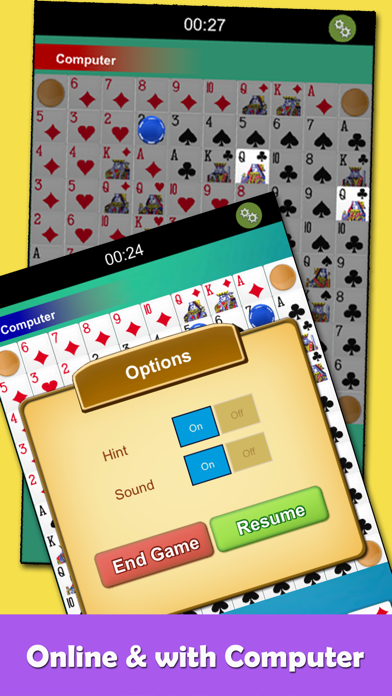
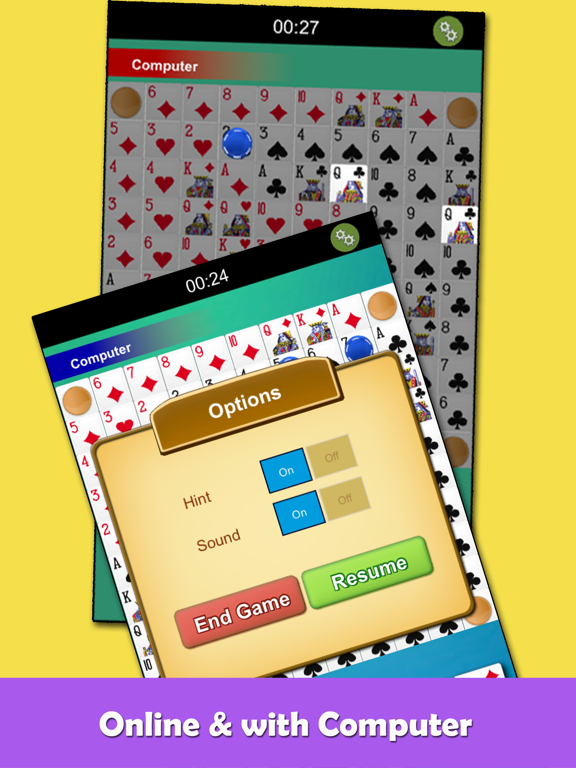
- Hints
You can play online with your friends now!
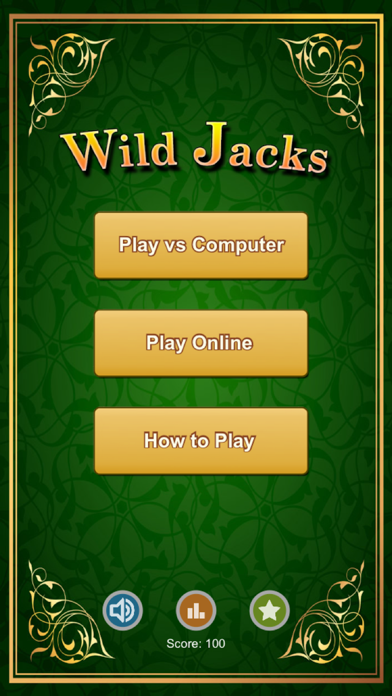
1. Click the "With Friends" button in the title screen to play in friend mode.
2. Input a room password and your name, and then click "Join Room".
3. Share the password to your friends.
4. Your friend enters the the same password to join in your room.
5. Start to play!
Both modes of 2 players (1v1) and 3 players (1v1v1) are supported. Enjoy!