Yam Pad Mini - Drawing Tablet

Yam Pad Mini - Drawing Tablet Summary
Yam Pad Mini - Drawing Tablet is a free iOS app in Productivity by Yamstu Inc.. Released in Sep 2016 (9 years ago). It has 334 ratings with a 4.26★ (good) average. Based on AppGoblin estimates, it reaches roughly 602 monthly active users . Store last updated Jun 20, 2020
Yam Pad Mini - Drawing Tablet SDKs Summary
App not yet scanned for SDKs.
4.26★
Ratings: 334
Screenshots
App Description
# Mini version of Yam Pad for iPhone #
# Requires a Mac for Drawing #
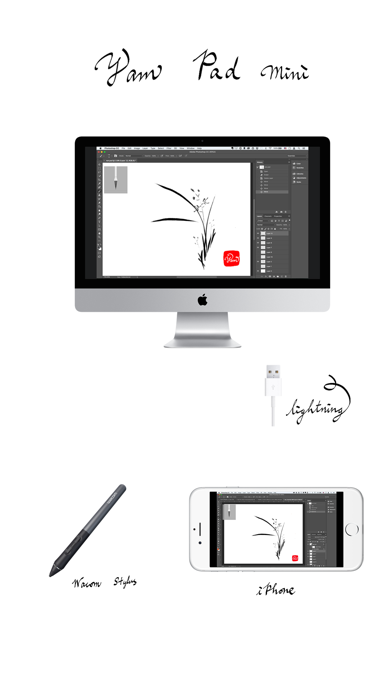
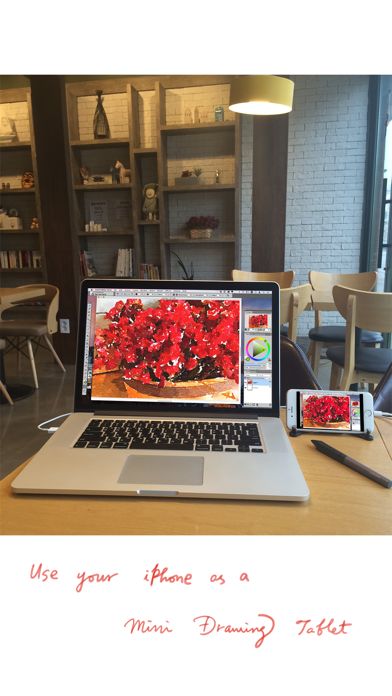
iPhone as a mini Drawing Tablet for Mac via USB!
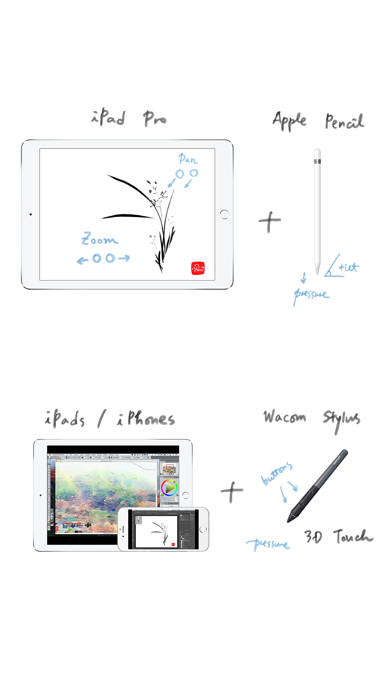
Support Wacom stylus and 3D Touch for various Mac apps for drawing.
Zoom or pan canvas by finger gestures on your iPhone while mirroring the whole screen.
Fast and simple USB connection will let you focus on your creative expression.
Key Features:
- Wacom stylus & 3D Touch
- Touch Gestures: Zoom/Scroll/Undo/Redo
- Fast and secure USB connection
- Mirror full screen with Retina resolution
- Bluetooth keyboard input from iOS device
- Touch Bar Simulation (for any Mac with macOS 10.12.2+)
Mac Apps compatible:
- Photoshop
- Affinity Photo
- Illustrator
- SketchBook
- Corel Painter
- Lightroom
- Toon Boom Harmony
- MediBang Paint
- Clip Studio Paint
- ZBrush
- MarginNote 3
- and more... (let us know your favorite)
Stylus supported:
- Wacom (pressure sensitivity, buttons)
System Requirements:
- iPhones/iPods with iOS 8.0 or later
- Macs with OS X 10.9 or later (with USB port)
Download app for Mac from: yamdisplay.com/yampad (free)
For any questions or suggestions: help@yamdisplay.com